


Choosing a baby monitor is rarely just a camera decision. The room layout, the way you want to check in and whether you want sleep or breathing insights all affect which setup makes sense.
Nanit is built around that wider decision. The brand combines smart video monitoring with app features, optional displays, flexible mounts and Breathing Wear. That gives families more ways to build a nursery setup, but it also means there are a few choices to make before adding items to a basket.
We have organized this guide around those choices. Start with where the camera will live, then decide whether a dedicated screen matters, and finally consider whether Nanit’s breathing-wear products fit your routine.
Some links in this article are affiliate links: if you make a purchase through them, we may receive a small commission.
Before you read on: For most first-time buyers, the Smart Baby Monitor + Flex Stand is the sensible starting point because it leaves room to adapt the camera position. Add the Home 8″ Display if you want a dedicated screen, and choose the right Breathing Wear piece only after checking the fit and care information for your baby.
Which Nanit setup should you choose first?
The best starting point is the product that solves your most immediate nursery problem. A fixed wall position may be right for a settled crib, while a stand is more practical if you are renting, rearranging furniture or moving the monitor between rooms. Nanit’s range lets you make that choice without abandoning the wider app experience.
- Changing room layout: begin with the Smart Baby Monitor + Flex Stand, which pairs the monitor with a movable stand.
- One-screen household: add the Home 8″ Display when you want a dedicated view without reaching for a phone.
- Breathing insights: look at the Breathing Wear Swaddle or Breathing Wear Sleeping Bag after confirming the relevant size and stage.
- Multiple sleep spaces: compare the monitor options and mounting accessories for the rooms you actually plan to cover.
How should the camera fit your room?
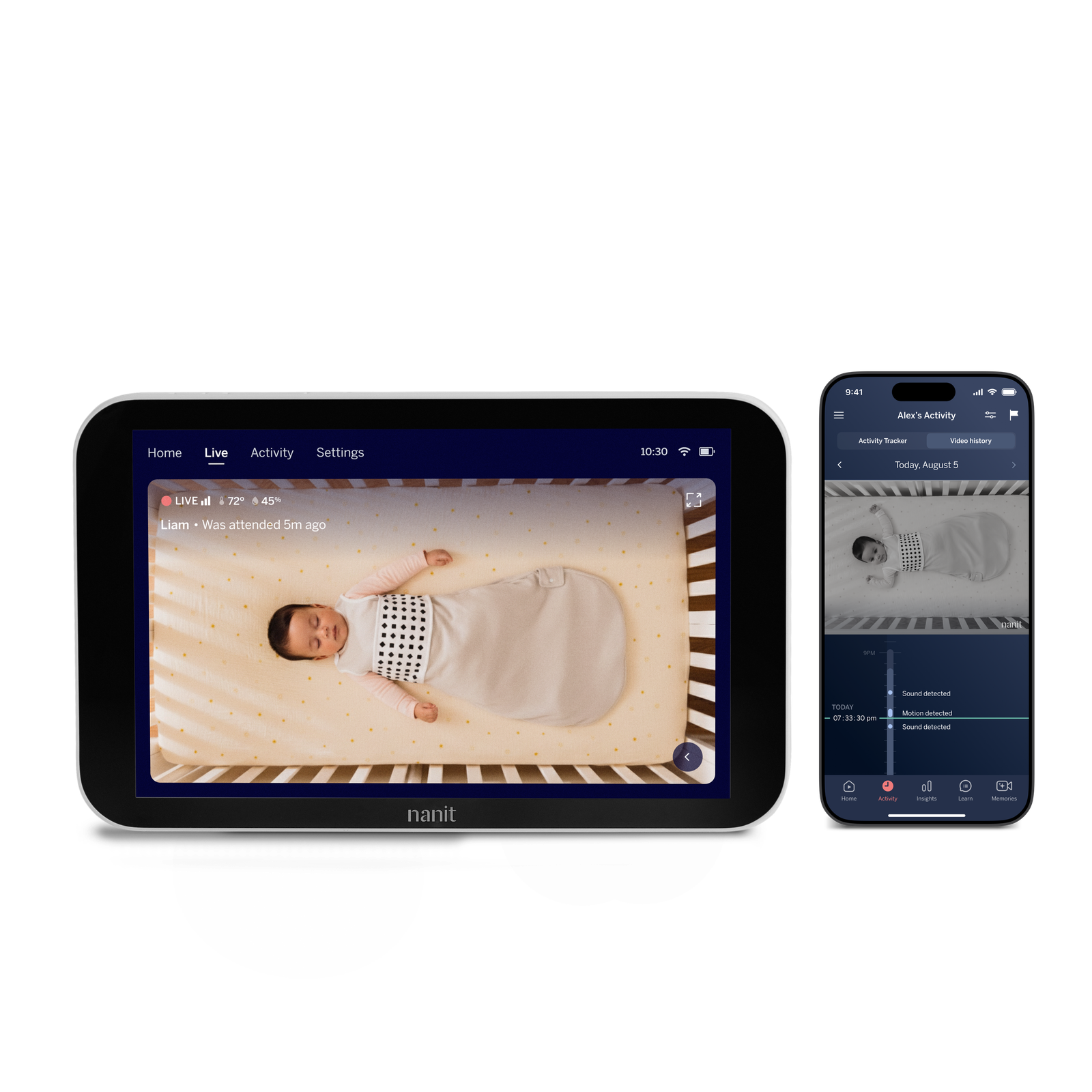
Placement should come before add-ons. Measure the distance from the proposed mount to the crib, check whether furniture will block the view and think about how often the camera may need to move. The Smart Baby Monitor + Flex Stand is the most adaptable route in the current range because the stand is designed for flexible positioning rather than a single permanent installation.
For a nursery that is still changing, the Smart Baby Monitor + Flex Stand can make more sense than committing immediately to a fixed arrangement. You can check the current monitor configuration through the Smart Baby Monitor + Flex Stand listing and confirm what is included before deciding whether you need another stand or display. The monitor details also give you a clear place to review the latest configuration.
Families planning a more permanent setup should still compare the wall and floor-mount routes on the store. A floor stand can be useful where wall drilling is not suitable, but it occupies floor space and needs a stable position away from curious hands. That is a practical tradeoff worth resolving before purchase.
- Mark the crib position and the camera’s likely line of sight.
- Check power access and cable routing before choosing a mount.
- Leave enough clearance to adjust the angle without moving the crib.
- Decide whether portability or a neat permanent installation matters more.
Do you need the Home 8″ Display?
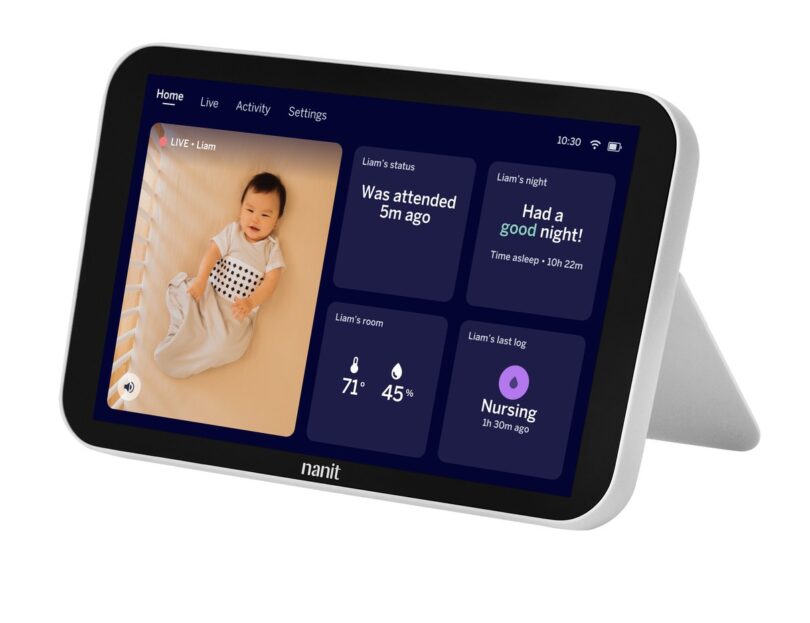
The Home 8″ Display is for households that want a dedicated screen as part of the monitoring routine. It can be a useful choice when one parent wants to keep the video view visible without tying up a phone, or when grandparents and caregivers need a straightforward way to check in. It is an addition to the camera setup, not a replacement for choosing the right camera position.
Consider the display if these statements sound familiar:
- You want a dedicated nursery screen rather than relying on a phone.
- You expect more than one caregiver to use the monitoring setup.
- You prefer a glanceable view during feeds, chores or evening routines.
- You are comfortable paying for a separate display as part of the total setup cost.
The store describes the display as part of the Nanit ecosystem, so we would treat it as a convenience and access decision. Review the current compatibility details on the Home 8″ Display page and compare the listed bundle options with the camera you have selected. If your phone already works well for every check-in, the display may be less essential. You can also review the display configuration before adding it to a broader setup.
Which Breathing Wear option matches your routine?
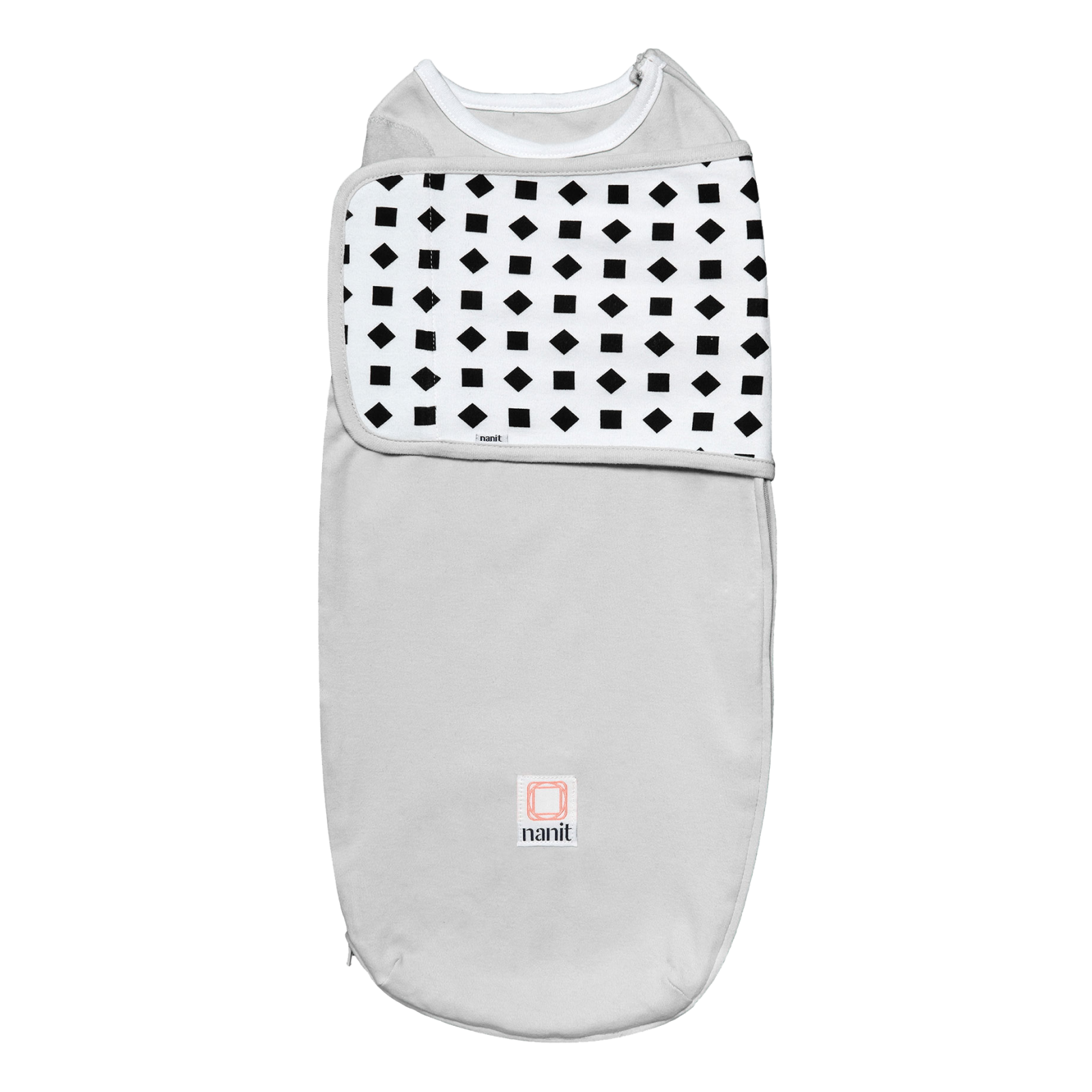
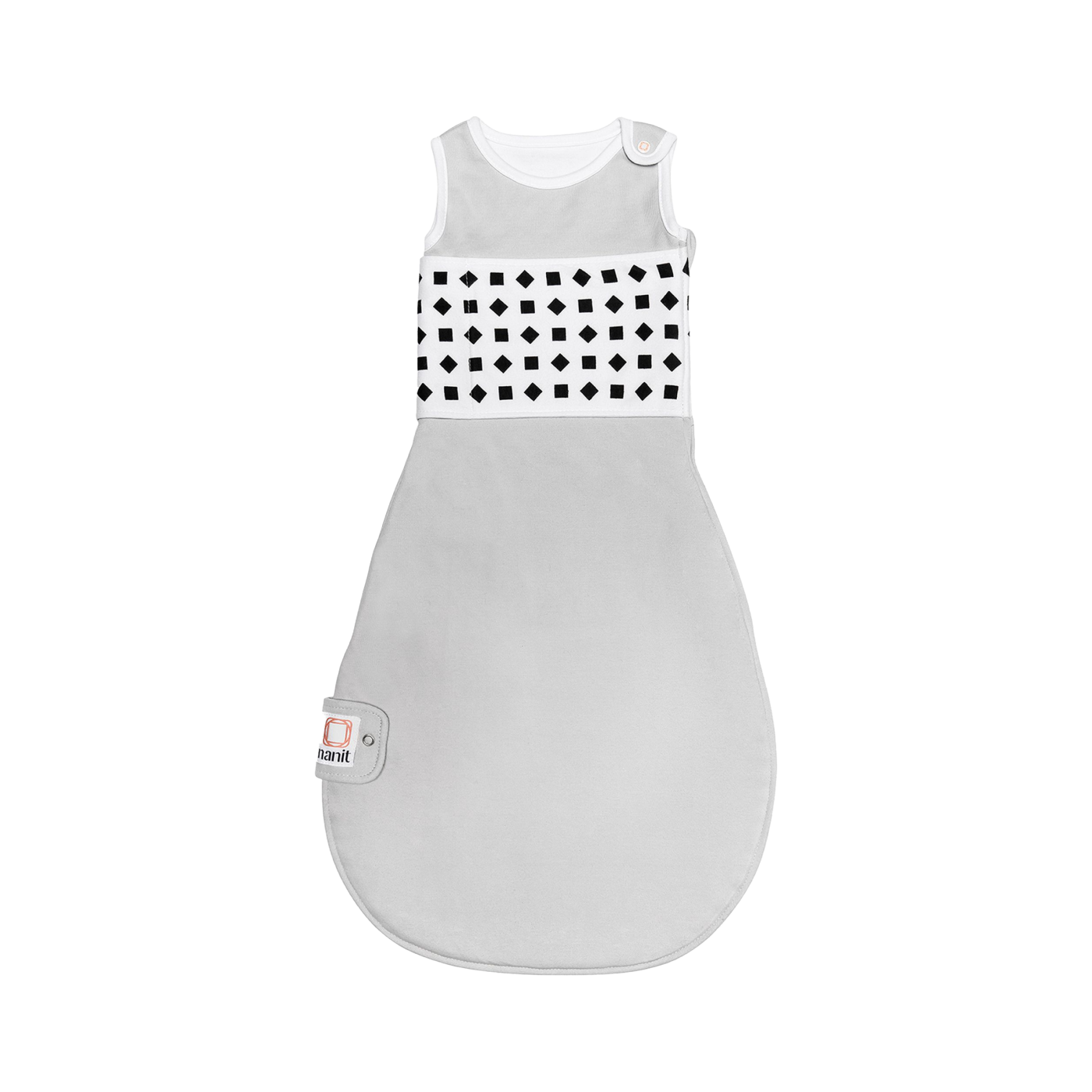
Nanit’s Breathing Wear is designed to work with the brand’s monitoring features, but the right piece depends on your baby’s stage and your existing sleepwear routine. The Breathing Wear Swaddle is the earlier-stage option to investigate, while the Breathing Wear Sleeping Bag is intended for a later stage when a sleep bag makes more sense than a swaddle.
We would not treat either item as a substitute for safe-sleep guidance or clinical care. Read the store’s sizing, usage and care instructions closely, and only choose a wearable that fits your child and your routine. You can review the swaddle details at the Breathing Wear Swaddle page and compare the later-stage option through the Breathing Wear Sleeping Bag page. The swaddle listing and sleeping bag listing are the right places to confirm current details.
- Swaddling stage: check whether the swaddle’s fit and fastening approach suit your baby.
- Later sleep stage: compare the sleeping bag’s sizing and layering guidance.
- Wash-day planning: consider whether you need a spare wearable for regular laundering.
- Feature expectations: confirm how the selected garment works with the Nanit monitoring system.
What should you budget for in a Nanit setup?
Nanit pricing depends on the camera configuration, mounting choice, display, wearables and any extras you add. That makes a simple product price less useful than a setup checklist. Start with the core monitor, then add only the pieces that solve a real need in your nursery.
Before you compare the current store listings, separate the decision into three layers:
- Core monitoring: select the camera and the mounting position.
- Viewing preference: decide whether app access is enough or a Home Display earns its place.
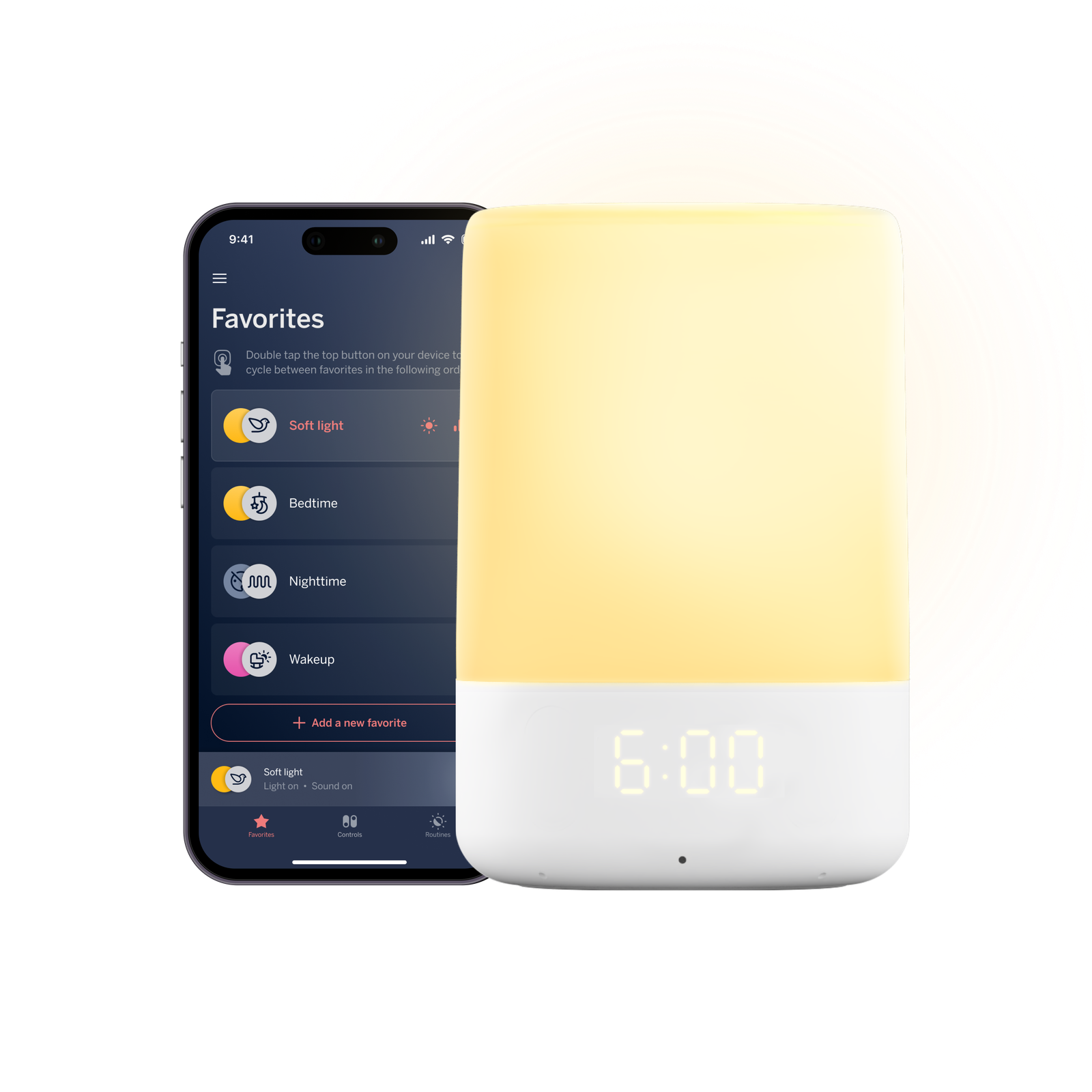
- Wearable and comfort extras: consider Breathing Wear, sound and light products only where they fit your routine.
That order helps prevent an accessory-led purchase. It also makes it easier to compare a flexible starter setup with a fuller bundle. Check the current listings for included components, available colors or sizes, delivery terms and any membership requirements before finalizing the basket.
Which Nanit products are the practical picks?
The table below keeps the decision focused on use case. Each product name opens its specific Nanit page, so you can review the current configuration and store information before choosing.
| Product | Best for | |
|---|---|---|
| Smart Baby Monitor + Flex Stand | Flexible placement and a strong first setup | See price |
| Home 8″ Display | A dedicated screen for daily check-ins | See price |
| Breathing Wear Swaddle | Families reviewing an earlier-stage wearable | See price |
| Breathing Wear Sleeping Bag | A later-stage wearable routine | See price |
The Smart Baby Monitor + Flex Stand is our practical recommendation for most new setups because it keeps the placement decision open. The display is a useful upgrade for households that want a shared, dedicated view, while Breathing Wear makes sense only when the garment’s fit and stage match the baby who will use it.
What should you check before ordering?
A short final check can prevent the most common mismatches. Nanit’s range is modular, so the important question is not whether every product sounds useful. It is whether the pieces work together in your room and your daily routine.
- Confirm the product page is for the United States store and shows the configuration you want.
- Check the mount, stand and display contents rather than assuming a bundle includes every accessory.
- Review wearable sizing, stage guidance and care instructions before selecting Breathing Wear.
- Think about who will monitor the baby and whether app access or a dedicated screen is easier.
- Check current availability, delivery information and the total cost of the selected combination.
Ready to choose your Nanit setup?
For a flexible nursery that may change, start with the Smart Baby Monitor + Flex Stand, then add the Home 8″ Display if a dedicated screen would genuinely improve your routine. Review Breathing Wear separately, matching the swaddle or sleeping bag to your baby’s stage rather than buying both by default.
The honest limitation is that Nanit can become a multi-part purchase once you add a display, mount or wearable. That modularity is useful, but it rewards a measured room plan and a careful compatibility check. Use the official listings to confirm the current price, contents and availability for the exact combination you want.


Leave a Comment