


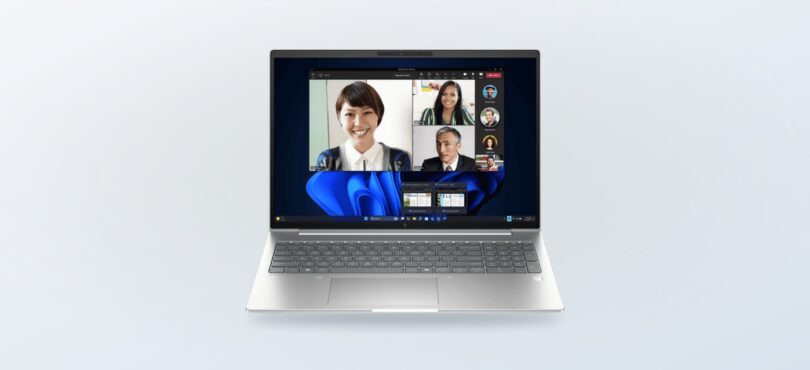
Trying to work out whether the HP store Australia offer is really for a laptop, a desktop, a printer or a complete setup? The useful answer starts with the job the device needs to do, not the banner at the top of the store.
The regional HP store brings together home computing, business machines, gaming equipment, printers, accessories and support paths. That breadth is helpful when you need to compare a few routes in one place, but it also means a quick browse can leave you comparing products built for very different readers.
We have used the Australian store pages to explain what the range covers, which named products make sensible starting points, what affects the final cost and how to check the live listing before you commit.
Some links in this article are affiliate links: if you make a purchase through them, we may receive a small commission.
Before you read on: The HP store Australia offer is best understood as access to a broad regional catalogue rather than one identical deal for every shopper. The right starting point depends on whether you need a shared-screen home computer, a mobile work machine, a compact business desktop or a printer, while the live product page controls the current price, configuration, stock, delivery and any promotion terms.
What does the HP store Australia offer actually include?
HP presents the store as a direct Australian route for computers and related equipment. The main paths include HP laptops, desktops, monitors, printers, ink, gaming products and accessories. There are also routes for business PCs, student devices, employee stores, care services and an Instant Ink subscription.
- Home computing: all-in-one desktops, personal desktops and notebooks for everyday work, study and shared spaces.
- Business computing: EliteBook, Pro and EliteDesk families with a more workplace-focused product mix.
- Printing: HP printers, ink and Smart Tank routes for home and office documents.
- Gaming: OMEN and HyperX products, gaming monitors and related equipment.
- Support and services: delivery, payment options, live expert contact and care-plan information shown across the store.
That structure is the first benefit of the offer. You can move from a device page to a relevant accessory or support route without leaving the regional HP environment. The limitation is that the store is not a single product bundle with one universal eligibility rule. Each listing has its own configuration, stock and terms.
Which HP computer fits a home desk?
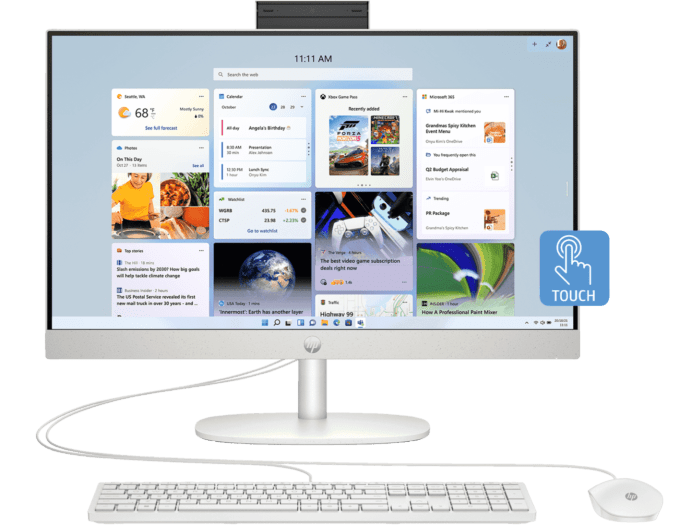
The HP 23.8 inch All-in-One Desktop PC 24-cr0009a is the clearest fit for someone who wants a tidy screen-and-computer setup. HP identifies an AMD Ryzen 5 processor and AMD Radeon graphics on this product page, while the all-in-one format keeps the main computer inside the display. That makes it worth considering for a home office, family desk or study area where a smaller footprint matters.
- Choose this route when the display size and clean setup matter as much as the tower itself.
- Check the live specification for memory, storage, operating system and included peripherals.
- Allow for the fact that an all-in-one is less flexible to upgrade or reposition than a separate monitor and desktop.
We would treat the HP all-in-one collection as a starting point rather than assuming every model shares the same panel, processor or camera specification. The regional product page is the useful evidence. It also tells you whether the exact configuration remains available and what the current listing says about delivery.
Which HP laptop suits mobile professional work?
The HP EliteBook 6 G1i 16 inch Laptop AI PC takes a different approach. HP describes this model with an Intel Core Ultra 7 processor and Intel graphics, and its larger notebook format is aimed at readers who need a substantial working screen without moving to a fixed desktop. It sits on the store’s business-oriented side of the range.
That makes it a sensible product page to inspect for mobile professional work, heavier multitasking and a laptop that can travel between a home office and another workspace. It is not automatically the right answer for someone who mostly wants a light study machine. Weight, battery information, ports, memory and storage should all be checked on the current listing before you decide.
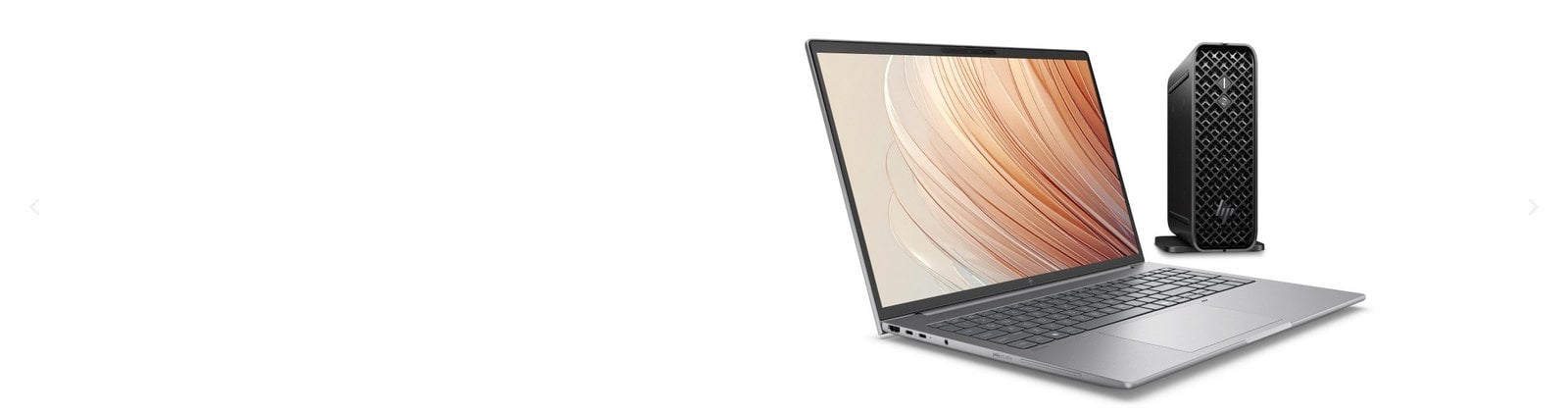
For readers comparing business options, HP’s business laptop section is more useful than relying on a general search. The store groups related ranges and exposes the configurations that are actually being offered in Australia, which can save time when processor family and support needs matter.
When does a compact desktop make more sense?
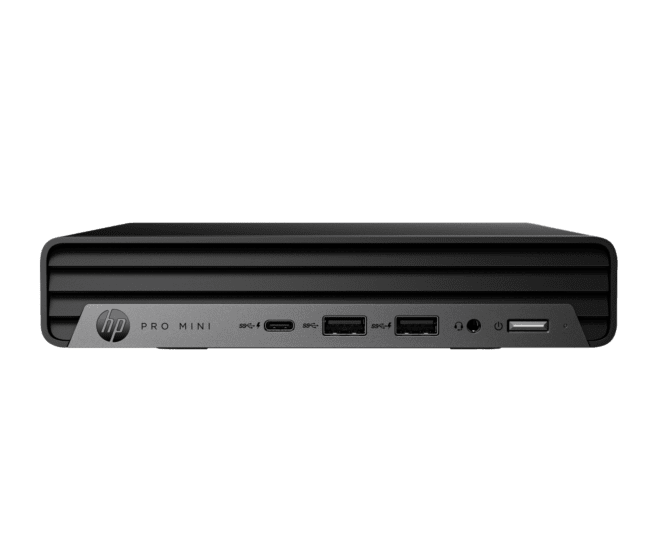
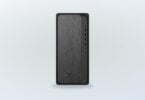
The HP Pro Mini 400 G9 Desktop PC is the practical alternative when a business user wants a small computer rather than a notebook. HP lists an Intel Core i5 14th Generation processor and Intel UHD graphics on the product page. The mini format can be easier to place behind or beside a monitor, but the total desk setup still depends on the display, keyboard, mouse and any docking or mounting accessories you add.
- Best fit: a compact office station with a separate monitor.
- Useful check: confirm the included operating system, memory, storage and port selection.
- Likely extra: budget for the display and peripherals if you do not already have them.
The Pro Mini is also a good reminder that the lowest-looking product price is not the same as the lowest setup cost. Compare the complete equipment list, then use the current HP desktop options to check whether a different form factor offers better value for your workspace.
How should you compare the live HP listings?
The store’s product pages are where the offer becomes specific. Use the headings, specifications and delivery information there rather than treating a campaign image or category label as a promise about every model. Cost is shaped by configuration, including processor, memory, storage, screen size, graphics, warranty and bundled accessories.
- Start with the task: documents, study, business software, creative work, gaming or printing.
- Choose a form factor: laptop, all-in-one, mini desktop or a larger tower.
- Compare the full specification, not just the processor family or headline feature.
- Check the current stock, delivery destination, payment method and return information.
- Look for a named promotion or bundle on the exact product page and read its exclusions.
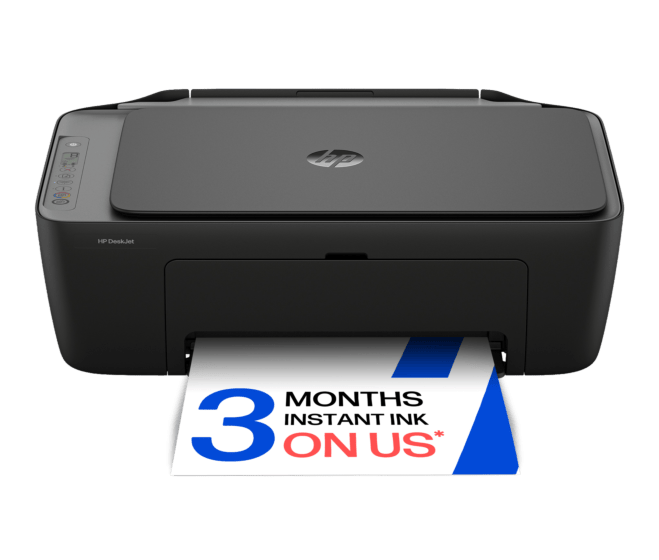
For printing, the HP Smart Tank range is a separate route from the PC recommendations above. It may suit a home or small office that prints regularly, while Instant Ink addresses a different replenishment model. Do not compare a printer subscription with a hardware discount as if they were the same offer.
Which option is the clearest starting point?
This compact comparison keeps the decision tied to the named Australian listings. The linked product pages are the right place to confirm the current configuration and price because those details can change independently of this editorial guide.
| Product | Best for | Key reason | |
|---|---|---|---|
| HP 23.8 inch All-in-One Desktop PC | Home office | Tidy integrated setup | See price |
| HP EliteBook 6 G1i 16 inch | Professional mobility | Work-focused laptop format | See price |
| HP Pro Mini 400 G9 | Compact office | Small desktop footprint | See price |
What restrictions should you check before using the offer?
The main restriction is regional: this guide is for the HP store Australia at the Australian au-en address. Availability, currency, delivery, payment choices, warranty coverage and promotional eligibility can differ on another HP site, so readers should stay on the linked Australian pages.
- Confirm the product is listed for delivery to your Australian address.
- Read configuration notes and exclusions attached to the exact listing.
- Check whether a promotion requires a code, an eligible product or a separate registration step.
- Review delivery, returns, warranty and care-plan terms before placing an order.
- Keep the product page or order confirmation if you need to refer back to the selected configuration.
There is no reason to rush a choice simply because a homepage banner is prominent. If a promotional window is shown on the live store, its stated end date and conditions are the source of truth. If no deadline is shown, treat the range as an ongoing catalogue and check the listing when you are ready.
Ready to compare the HP store Australia range?
Our recommendation is to begin with the work pattern: choose the HP 23.8 inch All-in-One for a tidy home desk, the EliteBook 6 G1i 16 inch for a more mobile professional setup, or the Pro Mini 400 G9 when you want a compact desktop and already have, or plan to choose, a separate monitor.
The honest limitation is that no editorial guide can keep a product price, stock position or promotion terms current forever. Use the regional product page for the final check, and remember that accessories, support and printing may change the total cost of the setup.

Leave a Comment