


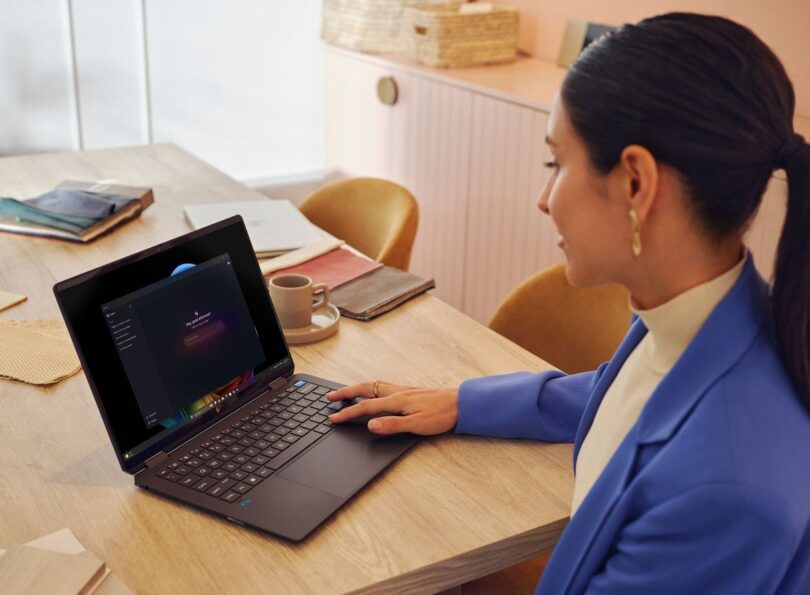
Choosing a laptop from the HP store Australia range is less about finding one universally best machine and more about deciding which compromise you can live with: lower cost, a larger touch screen, or more headroom for demanding work.
The store puts everyday laptops, 2-in-1 designs and premium AI PCs beside one another, but the differences are easy to miss in a quick browse. We have compared three specific models by screen, portability, flexibility and likely workload, then checked where a conventional desktop or printer-first setup may make more sense.
That gives us a practical answer to the question buyers actually ask: which HP laptop is enough, which one earns its extra cost, and when should you choose another type of computer instead?
Some links in this article are affiliate links: if you make a purchase through them, we may receive a small commission.
Before you read on: the HP 15.6 inch Laptop is the sensible starting point for everyday work, the OmniBook X Flip is the flexible choice for touch and tablet-style use, and the OmniBook Ultra is aimed at people who will actually use its premium display and higher specification. Check the live listing because configuration, stock and price can change.
What are you really comparing in the HP store Australia range?
HP store Australia covers more than one kind of buyer. Its catalogue includes home and student laptops, business notebooks, gaming systems, desktops, monitors, printers and accessories. That breadth is useful, but it also means a lower listed price is not automatically a better value: a larger display, touch hardware, memory, storage and operating-system tier all change the job a machine can handle. Browse the AU store range alongside the current laptop listings before narrowing down.
For this comparison, we focused on three current product pages. The HP 15.6 inch Laptop 15-fc0831AU represents conventional everyday computing. The HP OmniBook X Flip 16 brings a 2-in-1 hinge and touch display. The HP OmniBook Ultra 14 takes the premium route with a sharper OLED screen and more memory.
- Screen: size and panel type affect both comfort and portability.
- Input: a touch panel and folding hinge help creative or presentation work.
- Headroom: processor, memory and storage matter when browser tabs become applications, files and media projects.
- Ownership: stock, delivery messaging, support and included extras belong in the decision too.
Those are also the points we would use when comparing the range with a typical Windows laptop from another maker. The brand advantage is the ability to move from a familiar entry model to an AI-focused premium machine within one AU storefront, while the limitation is that the catalogue still requires careful configuration checking. The store support options and accessory range can also affect the final setup.
Is the HP 15.6 inch Laptop enough for everyday work?
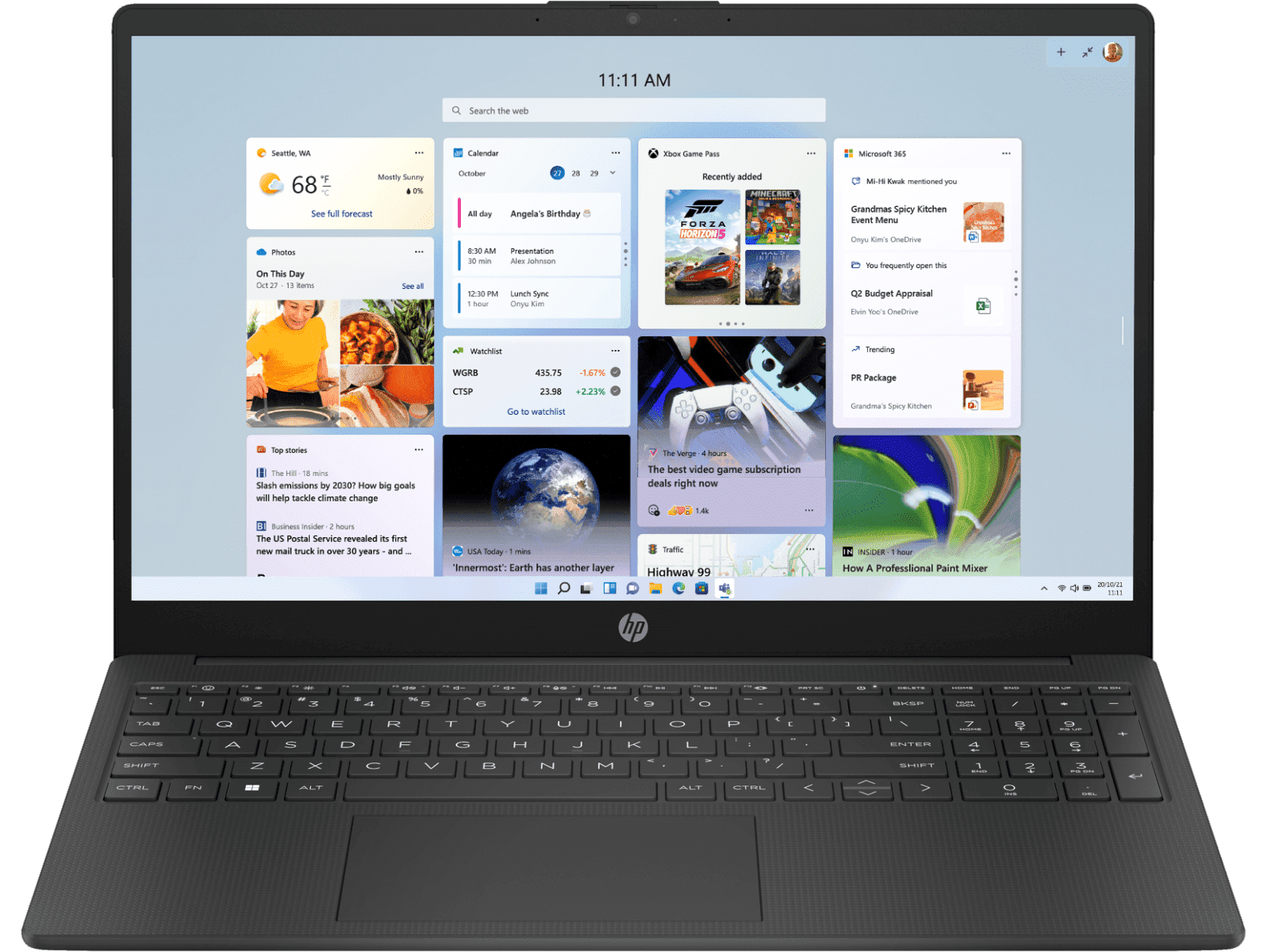
For many readers, yes. The HP 15.6 inch Laptop 15-fc0831AU is built around a familiar formula: a full-size screen, a conventional clamshell design and a specification positioned for normal home, study and office tasks. The store describes it as reliable computing in a simple package, which is a more useful signal here than trying to make it sound like a workstation.
The page lists a 15.6-inch display and Windows 11 Home, with an everyday processor configuration. That makes the model a reasonable fit for documents, video calls, web research, streaming and light creative work. The larger panel is also easier to share than a compact premium laptop, although the trade-off is more bulk in a backpack. Check the model specifications and availability details together.
- Best match: home administration, study, email and general office work.
- Why it works: a familiar layout and roomy screen keep the learning curve low.
- Limit: it is not the choice for people who need a folding tablet mode or a high-end OLED display.
If this is the model that fits your brief, see the exact configuration on the HP 15.6 inch Laptop product page. We would compare its included memory, storage and ports with similarly priced alternatives before checkout, because those details determine how long the laptop will feel comfortable.
Does the HP OmniBook X Flip justify choosing a 2-in-1?
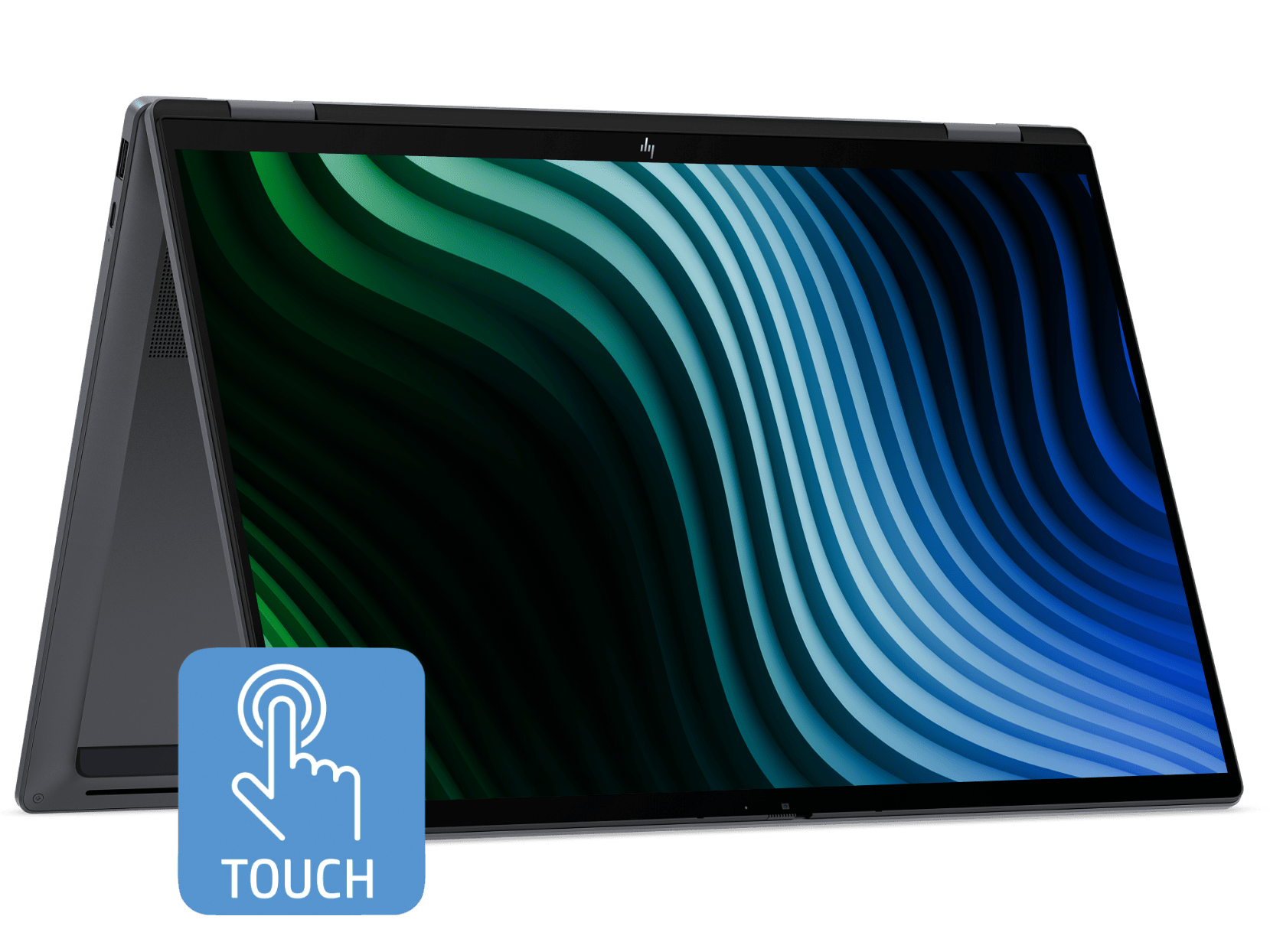
The HP OmniBook X Flip 2-in-1 16 inch Laptop earns its place when flexibility is part of the brief, rather than a feature that sounds nice in a specification list. Its 16-inch 2K touch display gives you more room than a compact notebook, and the hinge lets the machine move between laptop, tent and tablet-like positions.
That changes how the computer suits a household. One person can type at a desk, another can use touch controls for a presentation, and a student can fold the screen back for reading or sketching. The store lists an Intel Core Ultra 5 processor, Windows 11 Home and Intel graphics for this configuration. Those details suggest a versatile general-purpose system, not a dedicated gaming or workstation replacement.
The compromise is physical. A larger 2-in-1 has more hinge and screen hardware to carry, and touch capability only pays back when you use it. If your day is almost entirely keyboard, browser and spreadsheet work, the regular HP laptop may be the cleaner value. If your work moves between typing, viewing and sharing, check the OmniBook X Flip product page and its current configuration before deciding.
- Choose it for screen flexibility, touch input and shared viewing.
- Choose the conventional laptop when you want a simpler, lighter-feeling setup.
- Choose a gaming model instead when dedicated graphics and cooling matter more than folding modes.
When is the HP OmniBook Ultra the better buy?
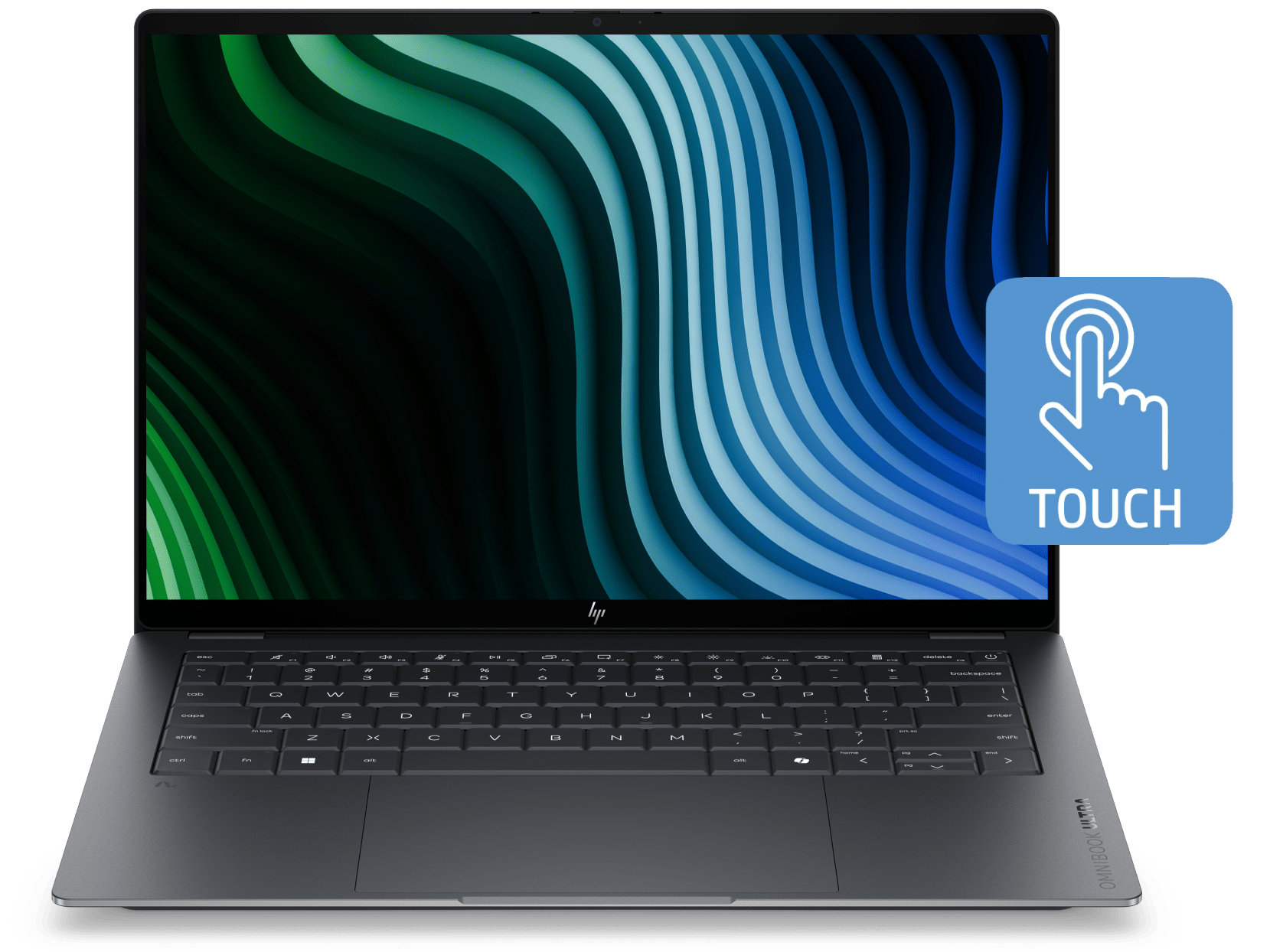
The HP OmniBook Ultra 14 inch Laptop 14-kd0065TU is the premium option here, and its case rests on concrete hardware rather than branding alone. The AU-store page lists an Intel Core Ultra 7 processor, Windows 11 Pro, a 14-inch 3K OLED touch display, 32GB of LPDDR5X memory and a 1TB SSD.
That combination is aimed at a reader who keeps demanding applications open, works with large files, values a high-contrast display or expects to keep the laptop for demanding mobile work. The smaller screen is easier to carry than the 16-inch Flip, while the OLED and high memory ceiling make it materially different from the entry configuration. Compare the Ultra display specification with the Flip screen details if screen size is your deciding factor.
There is an honest limit: not everyone will see a useful return from premium specifications. For email, documents and streaming, the extra display quality and memory may be hard to notice. It also remains a laptop with integrated Intel graphics, so dedicated gaming hardware is a better fit for current high-end games. Review the OmniBook Ultra product page for the live specification before deciding that its tier matches your workflow.
- Best match: mobile professionals, creators and heavy multitaskers.
- Standout evidence: 3K OLED touch display, 32GB memory and 1TB storage.
- Limit: premium hardware is wasteful if your applications are light.
How do the three laptop choices compare on the points buyers notice?
The short answer is that each model wins a different decision. The regular laptop is the least complicated route into a large-screen Windows setup. The Flip makes its case through touch and adaptable positioning. The Ultra is for readers who can name the demanding tasks that justify premium hardware.
Use this table as a starting point, then open each current listing. Prices are deliberately not repeated here because the store can change them, vary configurations or show stock-specific information.
| Product | Best for | Key evidence | |
|---|---|---|---|
| HP 15.6 inch Laptop 15-fc0831AU | Everyday home, study and office tasks | 15.6-inch screen, Windows 11 Home | See price |
| HP OmniBook X Flip 16 | Touch, presentations and flexible use | 16-inch 2K touch display, 2-in-1 hinge | See price |
| HP OmniBook Ultra 14 | Premium mobile multitasking | 3K OLED touch, 32GB RAM, 1TB SSD | See price |
Against typical alternatives, the pattern is clear. A standard laptop can be better value than a convertible if you never use touch. A 2-in-1 can replace a separate tablet for some households, but it may be more machine than a keyboard-first buyer needs. A premium notebook can reduce slowdowns in heavier work, but a desktop may still deliver more sustained performance per dollar when portability is irrelevant. The full HP laptop catalogue makes those trade-offs easier to check by category.
Would a desktop or printer-first setup make more sense?
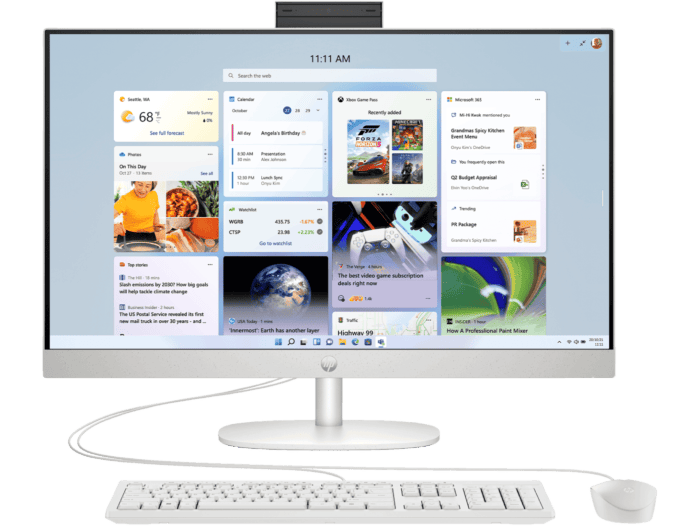
A laptop is not automatically the right centre of every home office. The HP store also lists all-in-one desktops and printers, so the better comparison may be a fixed desk setup. A desktop gives you a larger permanent screen and easier upgrade or accessory planning. An all-in-one reduces cable clutter, while a separate monitor can make long sessions more comfortable. Compare the desktop options with the monitor range if the machine will stay put.
Printing is a separate need rather than a reason to buy a more expensive laptop. The HP DeskJet range is aimed at home printing, while OfficeJet and ink-tank options address different volumes and running-cost priorities. If paperwork is the real problem, add the printer after deciding on the computer instead of letting a bundle dictate the laptop. The printer categories and ink options are worth comparing separately.
- Choose a desktop when the computer will stay in one room.
- Choose a laptop when study, work or travel moves between locations.
- Add a printer based on page volume, colour needs and ink system.
- Check ports and external display support before building a desk around a laptop.
What should you check on the live HP store Australia listing?
Once you have picked a tier, the final decision is practical. Product pages can change availability, delivery messages, included software and configuration details. We would check the exact model code as well as the headline family name, particularly where several OmniBook or HP 15 variants appear together.
- Confirm the processor, memory and storage on the exact product page.
- Check whether the display is touch, OLED or a standard panel.
- Read the ports, wireless details and charger information before planning accessories.
- Review delivery, returns, warranty and optional Care Pack information.
- Compare the live store listing with your use case, not just the family badge.
The store also sells monitors, keyboards, mice, bags and support products, which can be convenient when you want one regional source. That convenience should not remove the comparison step: accessories and support can change the total cost of ownership just as much as the laptop tier. Check the accessories listing and Care Pack information only after the core computer is settled.
Ready to choose your HP store Australia laptop?
Our winner for straightforward everyday work is the HP 15.6 inch Laptop. The OmniBook X Flip wins for readers who will genuinely use touch and the 2-in-1 hinge, while the OmniBook Ultra is the better choice for demanding mobile work that can use its 3K OLED display, 32GB memory and 1TB storage.
The limitation is that no table can choose your workload for you. Specifications and stock can change, and a desktop remains the more sensible alternative for a permanent desk. Use the three product pages to confirm the current configuration before you commit.




Leave a Comment