


Spring is a useful time to look at the desk, not because a new season requires new technology, but because study, hybrid work and home projects often expose what your current setup cannot do.
The Australian HP store covers very different needs under one roof: portable laptops, home desktops, gaming systems and all-in-one computers. The practical question is not which product sounds most advanced. It is which shape, performance level and working style will still make sense once the season gets busy.
We have used the store’s own product pages to build a short route through that choice, with four concrete models and a few honest limits.
Some links in this article are affiliate links: if you make a purchase through them, we may receive a small commission.
Before you read on: For a fixed home desk, start with the HP OmniDesk Desktop PC M02-0014 or the HP 23.8 inch All-in-One Desktop PC AI 24-cr2000a. Choose the HP EliteBook 6 G1i 14 inch Laptop AI PC when portability and business use matter most, and look at the OMEN 16L when gaming performance is the priority. Store pricing and stock can change, so use the product pages to check the current position.
What should a spring computer setup do?
A useful seasonal refresh begins with the activity that will happen most often. A student moving between rooms needs a different compromise from a household that wants a quiet, permanent screen. A creator or gamer may care more about graphics hardware, while a small home office may value a clear upgrade path and a familiar desktop layout.
The HP store Australia catalogue makes that first decision easier by grouping the range around home, student, business and gaming use. Its laptop pages cover portable computers, its desktop pages separate home and gaming families, and the store also carries monitors, printers, keyboards, mice and headsets for a more complete work area. Browse the HP store Australia range when you need to see the wider setup rather than one machine in isolation.
- Choose portable first if the computer will travel between home, campus or meetings.
- Choose a tower if the desk is permanent and you already have, or want to select, a separate monitor.
- Choose an all-in-one if fewer cables and a compact footprint are more important than component flexibility.
- Choose a gaming desktop when the graphics card and gaming workload are central, not occasional extras.
Which HP computer suits the way you work?
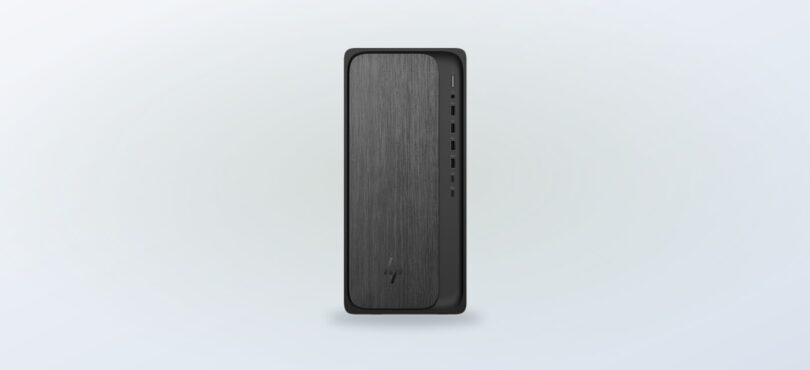
There are four useful starting points here, and each has a different definition of convenience. The store lists the HP OmniDesk Desktop PC M02-0014 with an AMD Ryzen 5 processor and AMD Radeon graphics. That makes it the uncomplicated tower option for everyday tasks, browser-heavy work and a desk that can accommodate a separate screen. The HP OmniDesk Desktop PC M02-0014 is worth checking first if a conventional desktop feels easier to maintain than a laptop.
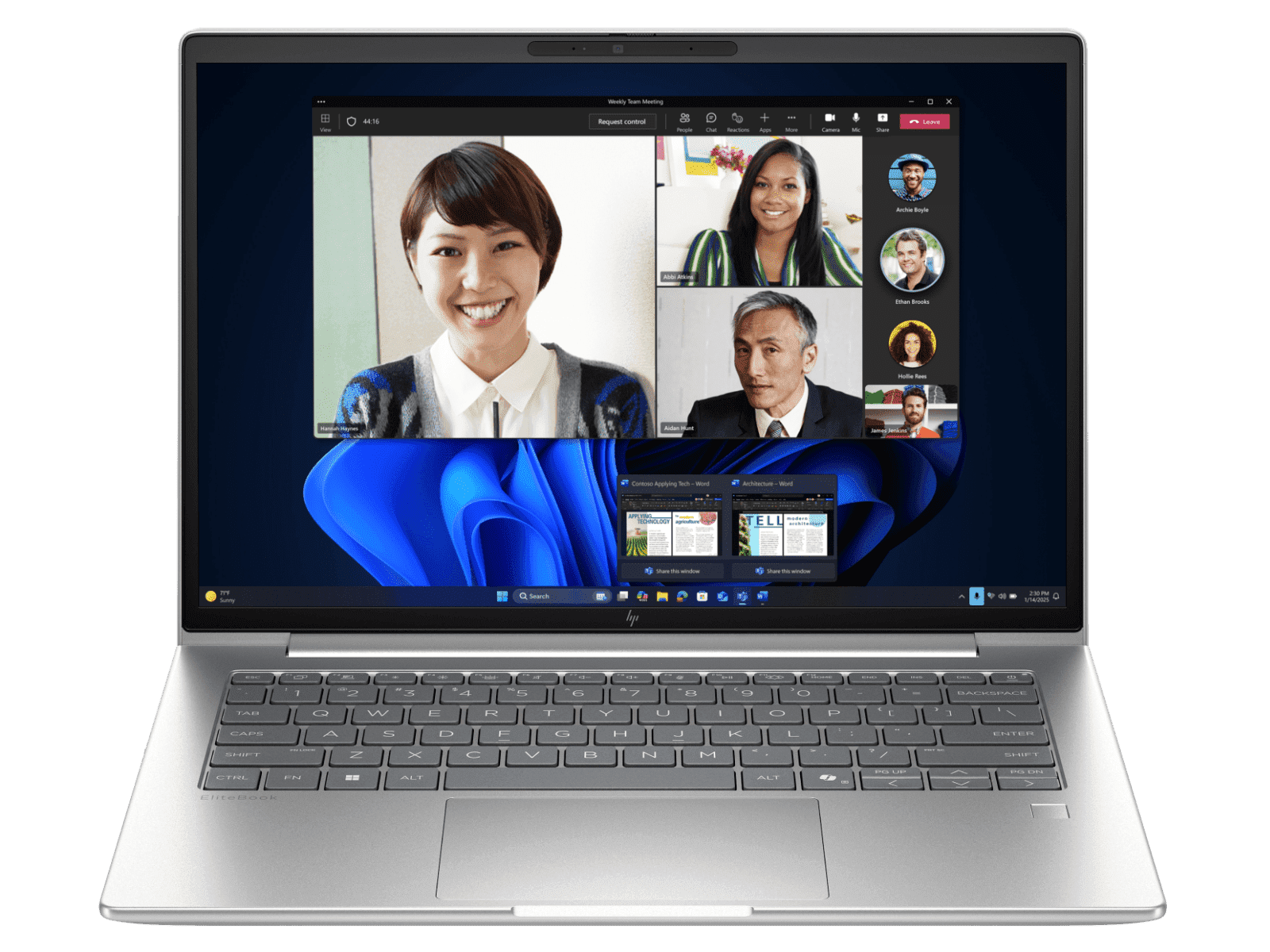
The HP EliteBook 6 G1i 14 inch Laptop AI PC is a more mobile proposition. Its Australian product page lists an Intel Core Ultra 7 processor and Intel Graphics, while the store describes the model as AI-ready for enterprise productivity. That wording points towards office work and travel rather than a gaming-first machine. Check the HP EliteBook 6 G1i 14 inch page if your spring schedule includes meetings, classrooms or more than one regular workspace.
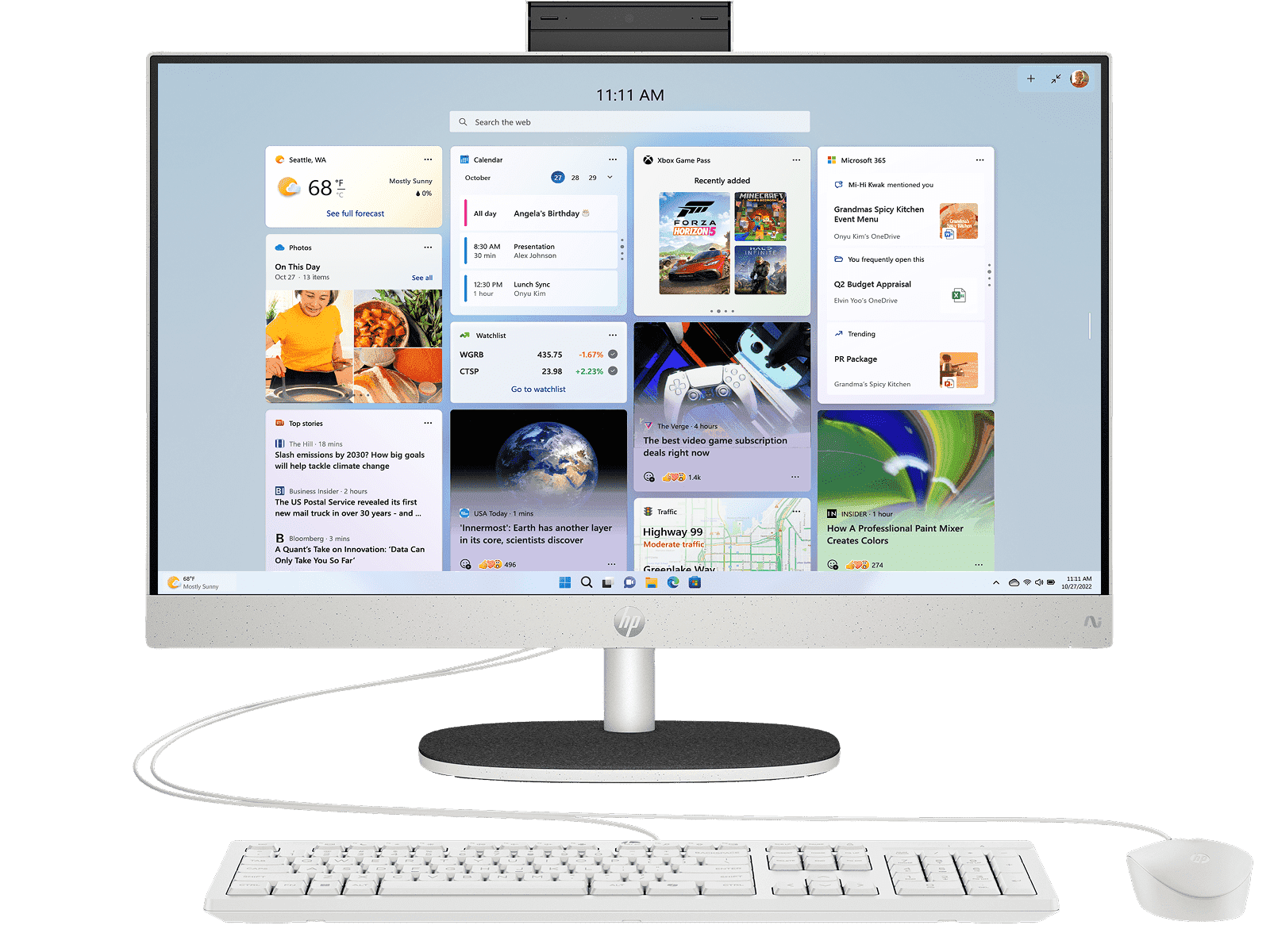
For a single-screen setup, the HP 23.8 inch All-in-One Desktop PC AI 24-cr2000a combines the computer and display in one unit. The store lists an Intel Core Ultra 7 processor and Intel UHD graphics. The appeal is straightforward: a cleaner surface and fewer separate components. The limitation is just as clear: an all-in-one is a more integrated purchase, so it is not the same flexible route as a tower paired with a monitor. See the HP 23.8 inch All-in-One Desktop PC AI 24-cr2000a for the current configuration.
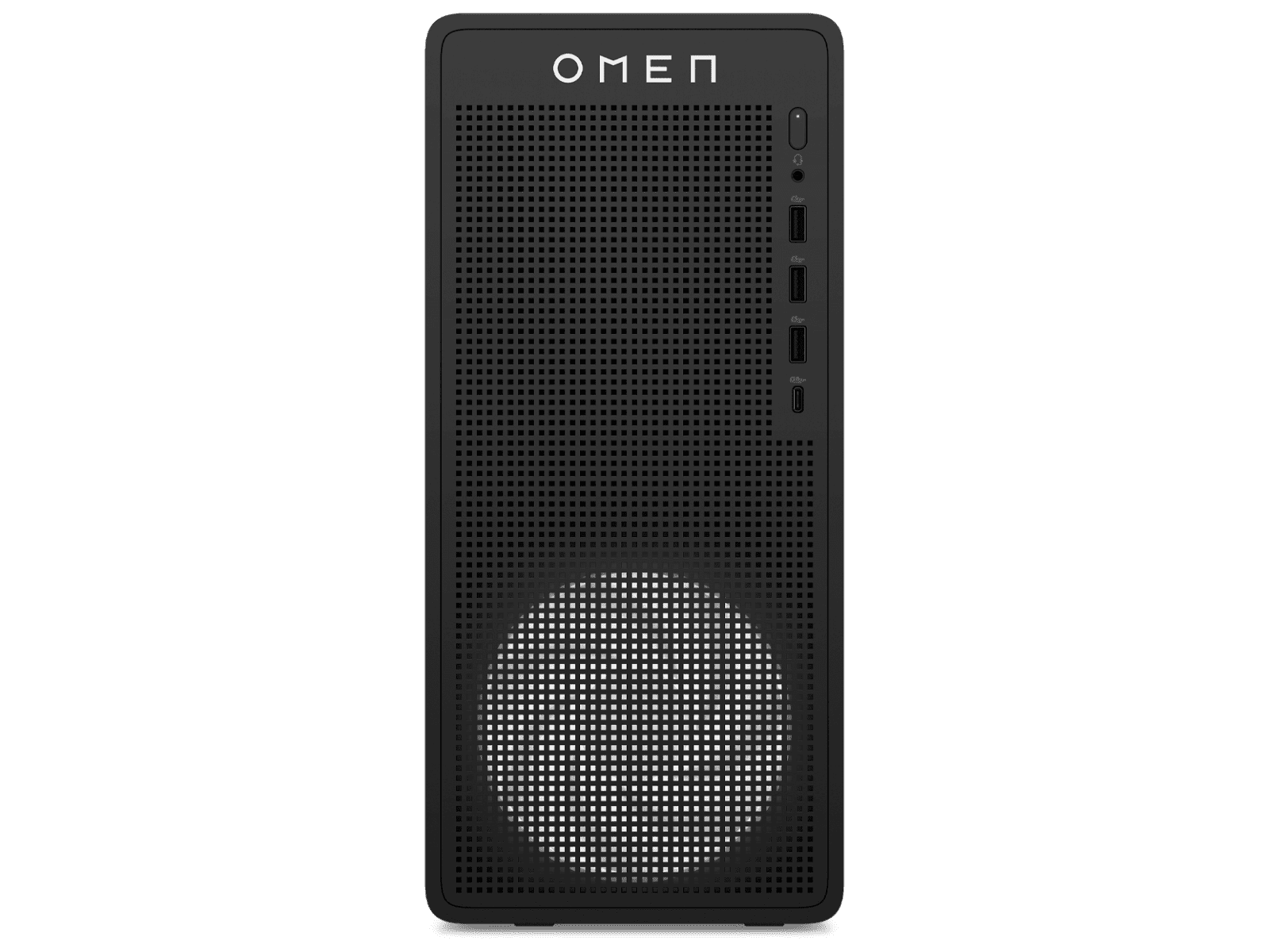
The fourth path is the OMEN 16L Gaming Desktop PC TG03-0057a. Its store listing names an Intel Core i5 14th generation processor and NVIDIA GeForce RTX 5050 graphics. Those are concrete signals that the model is aimed at gaming rather than general family computing. It may be the wrong choice if the machine will mainly handle email and documents, but the better fit for someone who wants gaming capability without starting with a laptop. Review the OMEN 16L Gaming Desktop PC TG03-0057a before deciding how much of the setup should be built around games.
How do the four options differ in daily use?
The short comparison below is about fit, not a universal ranking. Listed processor and graphics details come from the relevant HP store pages. They help narrow the search, but the final decision should also include storage, memory, display needs, ports, operating system requirements and the accessories you already own.
- For a permanent home desk: compare the OmniDesk with the all-in-one and decide whether flexibility or simplicity matters more.
- For a moving workday: start with the EliteBook, then check weight, battery, ports and display configuration on the live page.
- For gaming: begin with the OMEN and confirm the games, monitor and peripherals you plan to use.
- For a mixed household: write down the heaviest regular task rather than buying around the occasional one.
That last point matters in spring, when a single desk can become a study station in the morning, a work station in the afternoon and an entertainment area at night. A desktop may be better shared, a laptop may be easier to put away, and an all-in-one may help a small surface stay orderly. See current HP store Australia options if your needs do not sit neatly in one category.
| Product | Best for | |
|---|---|---|
| HP OmniDesk Desktop PC M02-0014 | Everyday fixed desk | See price |
| HP EliteBook 6 G1i 14 inch | Portable work | See price |
| OMEN 16L Gaming Desktop | Gaming-focused desk | See price |
| HP 23.8 inch All-in-One | Compact shared space | See price |
What else belongs on the desk?
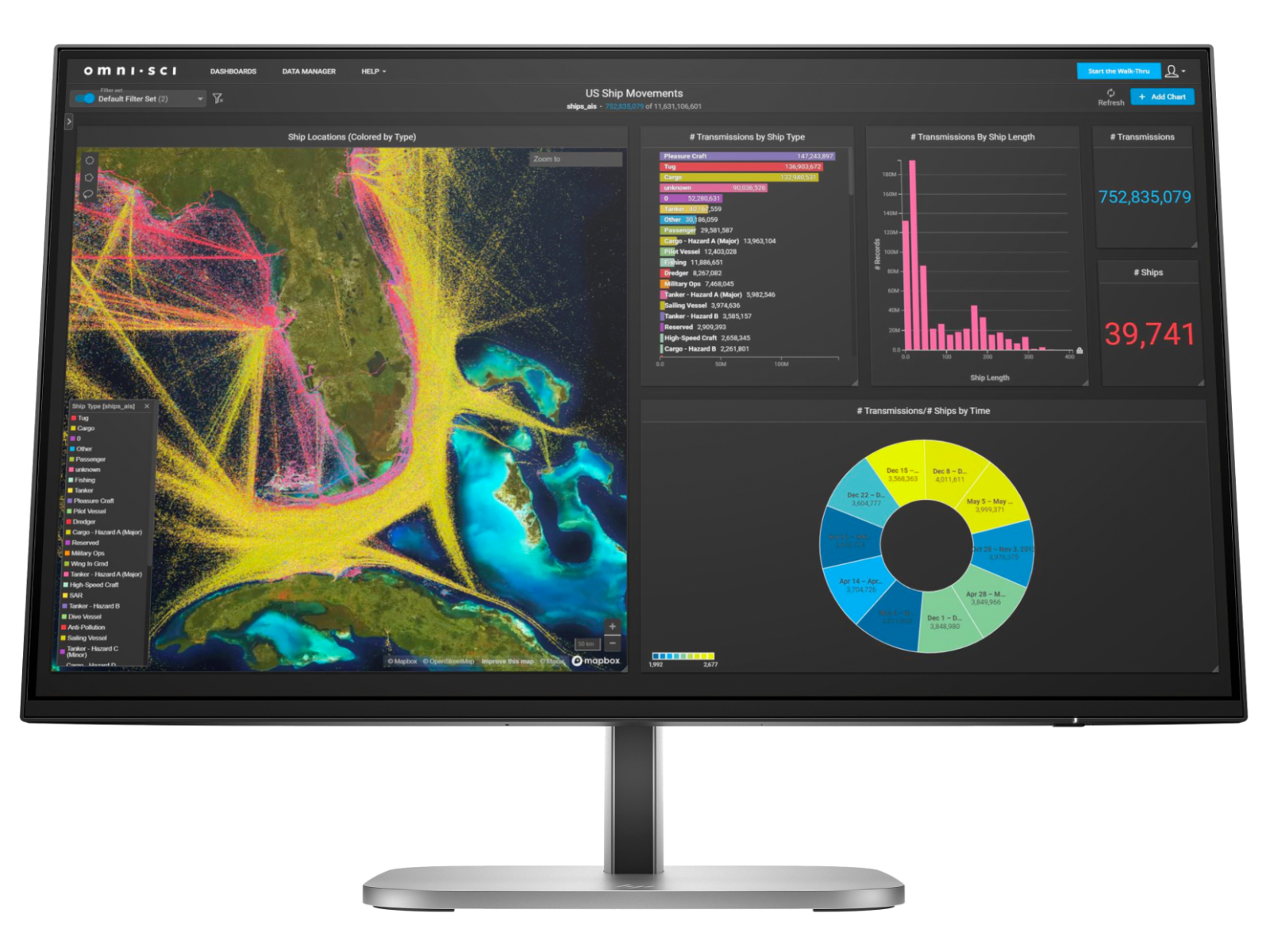
A computer is only one part of a seasonal setup. The store also lists the HP Series 5 Pro 23.8 inch monitor, the HP 235 wireless mouse and keyboard combo and the Poly Blackwire 3220 USB headset. These are useful reminders to budget for the parts that shape daily comfort, even when the main purchase is the headline decision.
A tower without a suitable display is not a finished work area. A laptop used for video meetings may benefit from a headset, and a compact keyboard and mouse can make a permanent station more comfortable. View the HP store Australia accessories range to check compatibility and current availability.
- Check whether a desktop configuration includes a monitor or is sold without one.
- Match the monitor connection and resolution to the computer you choose.
- Check keyboard layout, mouse connection and headset compatibility for your operating system.
- Leave room for practical extras such as a webcam, printer or backup storage if they are part of the routine.
How should you check the live listing?
Store pages are the right place to confirm the details that change or vary by configuration. We would check the selected model, availability, delivery information, included components and the current price immediately before making a decision. HP’s Australian store also offers support routes and product demonstrations, which may be useful if a specification is unfamiliar.
Use this quick sequence:
- Open the exact model page from the comparison table.
- Confirm processor, graphics, memory, storage and screen details.
- Check what is included and whether a monitor or other peripheral is separate.
- Compare the live total with the needs you wrote down before browsing.
- Save the product page if you need time to decide, since stock and configurations can move.
There is also a practical limitation to keep in mind: a store catalogue can show the range clearly, but it cannot decide how a machine will feel in your particular room, commute or workload. We would treat the product page as the source for current specifications and the starting point for a fit decision, not as proof that one model suits every reader. Check current HP store Australia availability before planning around a specific configuration.
Ready to choose your spring setup?
Our recommendation is to choose by routine: the HP EliteBook 6 G1i 14 inch for a mobile work pattern, the HP OmniDesk Desktop PC M02-0014 for a straightforward home tower, the HP 23.8 inch All-in-One for a compact shared desk, and the OMEN 16L when gaming is the main performance requirement.
The honest limitation is that specifications and stock are configuration-specific and can change. If you are close between two paths, check the live Australian pages for the exact components, included accessories and current price before you commit. See current HP store Australia options and make the seasonal refresh fit the work your desk actually needs to do.

Leave a Comment