


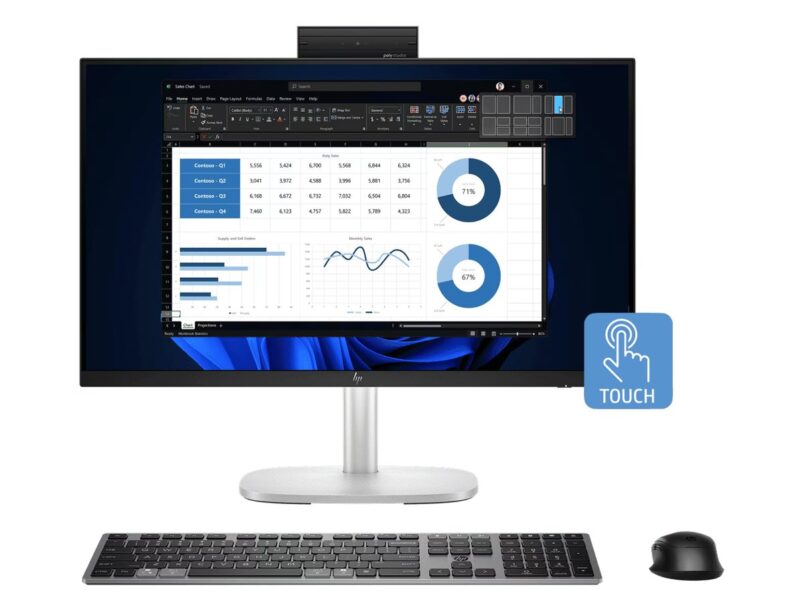
Choosing a desktop is often less about raw computing power than the space and equipment you already have. Are you deciding between an all-in-one screen setup and a conventional tower at the HP store Australia?
The Australian shop lists desktop formats for shared rooms, home work areas and gaming setups. We compared three current product pages by their intended setup and the practical questions a buyer should resolve before checkout.
This is a comparison of the store’s published product information, not a hands-on review. Listings and configurations can change, so treat the live Australian product page as the final source for what is included.
Some links in this article are affiliate links: if you make a purchase through them, we may receive a small commission.
Before you read on: choose the HP EliteStudio 8 All-in-One G1i 23.8-inch Desktop AI PC if you want the computer and screen combined, consider the HP OmniStudio X All-in-One 32-c1000a Desktop PC when a larger integrated display suits your room, and compare the OMEN 35L Gaming Desktop GT16-0132a if the priority is a gaming tower. Confirm the configuration, included peripherals, availability and current price on each listing.
What changes when the desktop includes its screen?
A tower leaves the monitor choice to you. An all-in-one brings the display and computer together, which can reduce the number of separate pieces on a desk. It also means your screen choice is tied to the computer purchase, so compare display size and placement before selecting the integrated route.
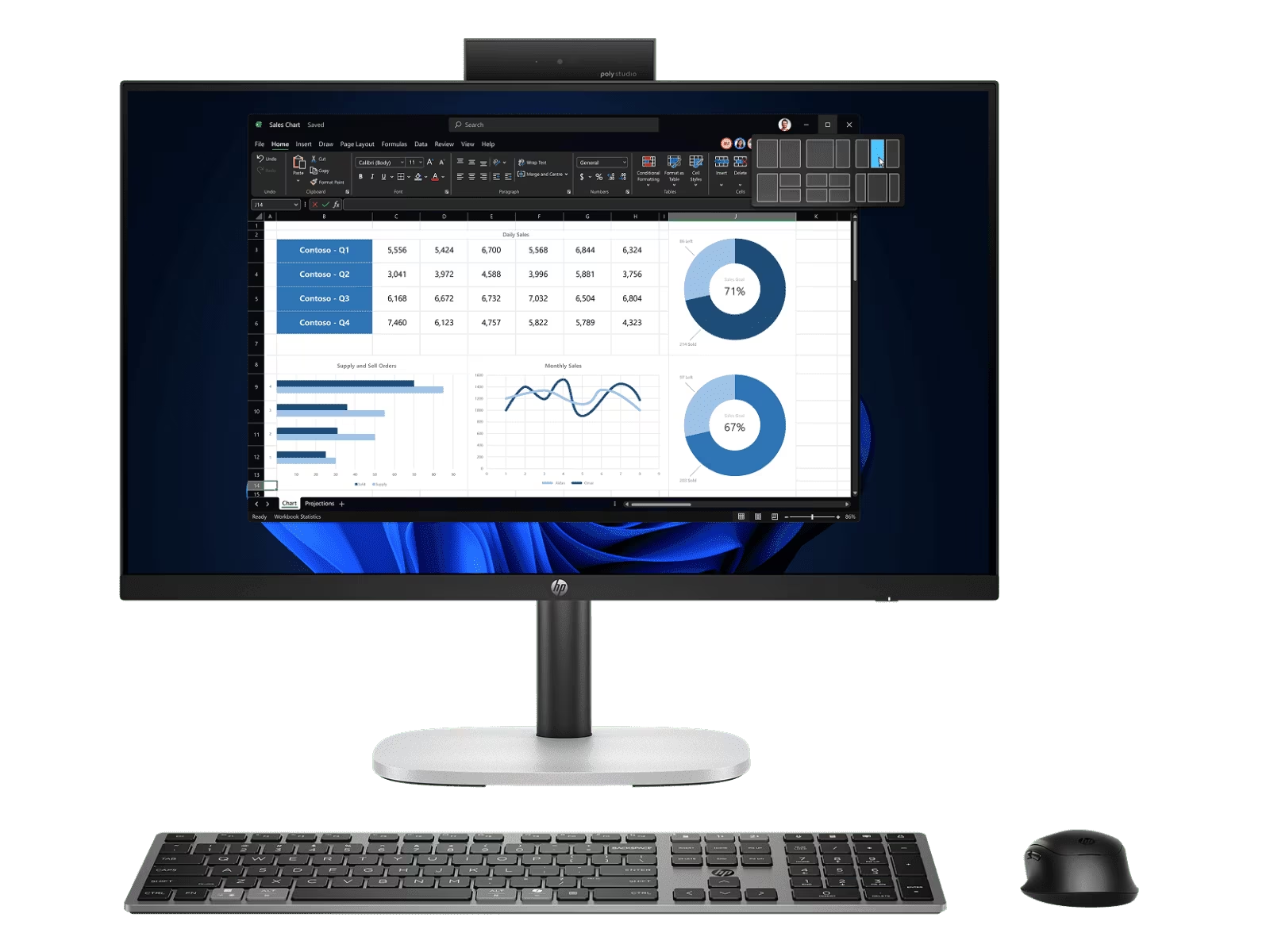
The HP EliteStudio 8 All-in-One G1i 23.8-inch Desktop AI PC is the smaller of the two integrated-display choices in this comparison. The product name identifies a 23.8-inch screen, which gives you a useful first check: measure the desk depth and viewing distance, then see whether this size feels appropriate for documents, video calls or a shared family computer.
Its all-in-one format may simplify a desk where separate monitor and tower placement would be awkward. On the other hand, anyone who already owns a suitable screen may be paying for a display they do not need. The listing should also clarify ports, included accessories and configuration details; the product name alone does not answer those questions.
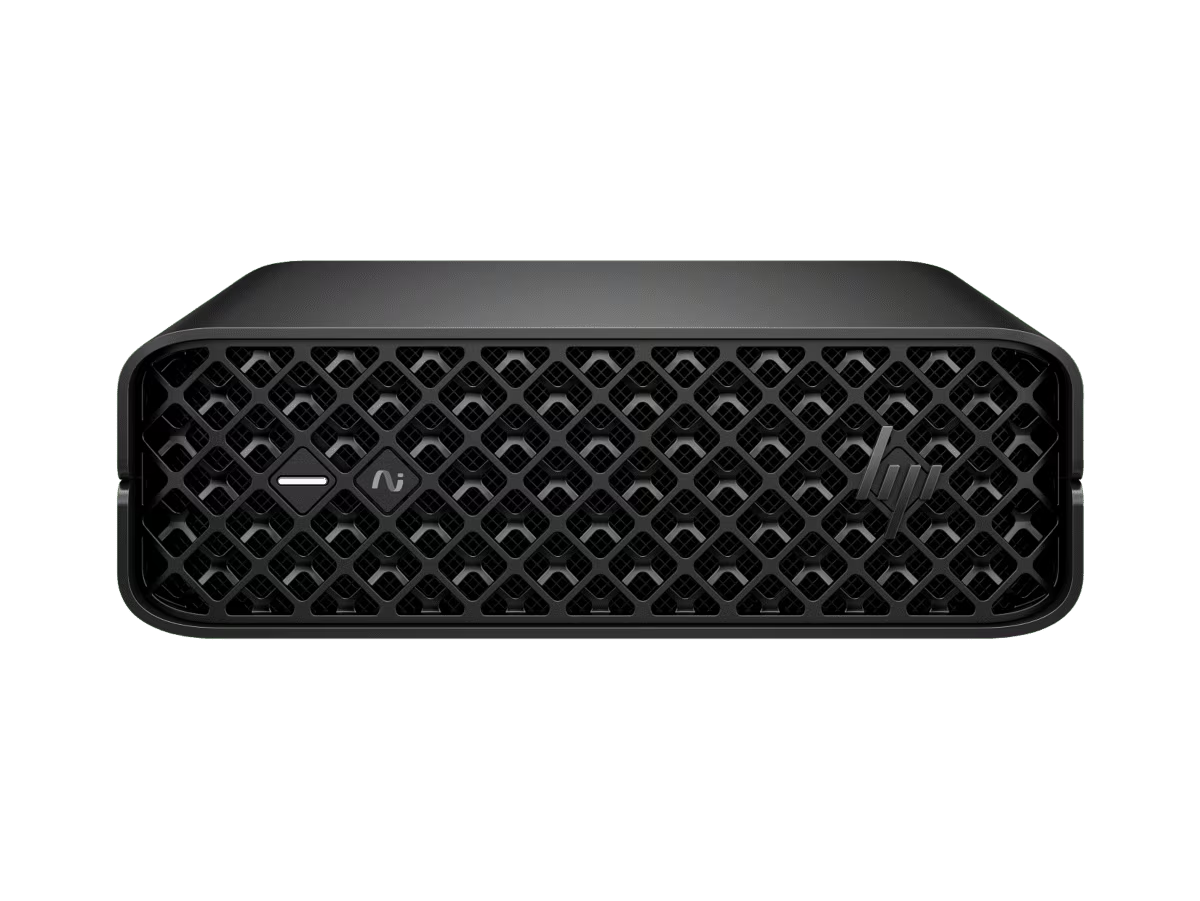
There is a practical way to narrow the choice before reading specifications. Start with the screen and furniture you already have, then decide whether a combined unit saves meaningful space. If a monitor is already in place, a second display may be unnecessary; in that case, look beyond the all-in-one shortlist and compare a compact system such as the HP EliteDesk 8 Mini G1i Desktop AI PC. Its mini format leaves monitor selection separate, but you need to verify what else is required for a complete desk setup.
Think about how often the computer will move, too. An all-in-one gives you fewer separate pieces to arrange, while a tower and separate display can be repositioned independently. The EliteStudio 8 and OmniStudio X both integrate their screens, but they represent noticeably different display sizes. The OMEN 35L separates the tower from the screen, which gives you more choice over the display but also adds another purchase decision.
- Measure the space where the computer will sit, not just the desk surface.
- Decide whether an existing monitor should stay part of the setup.
- List the peripherals and cables you need to add to each option.
- Compare the full configuration, not only the product family name.
This quick exercise can prevent a mismatch between an appealing product photo and the arrangement that works at home. It also helps you compare listings on an equal basis: the 23.8-inch EliteStudio 8, the 32-inch OmniStudio X and a tower that needs a separately chosen screen do not represent identical bundles. Use the product pages to establish what each option includes before comparing the final amount payable.
When is a larger all-in-one the better fit?
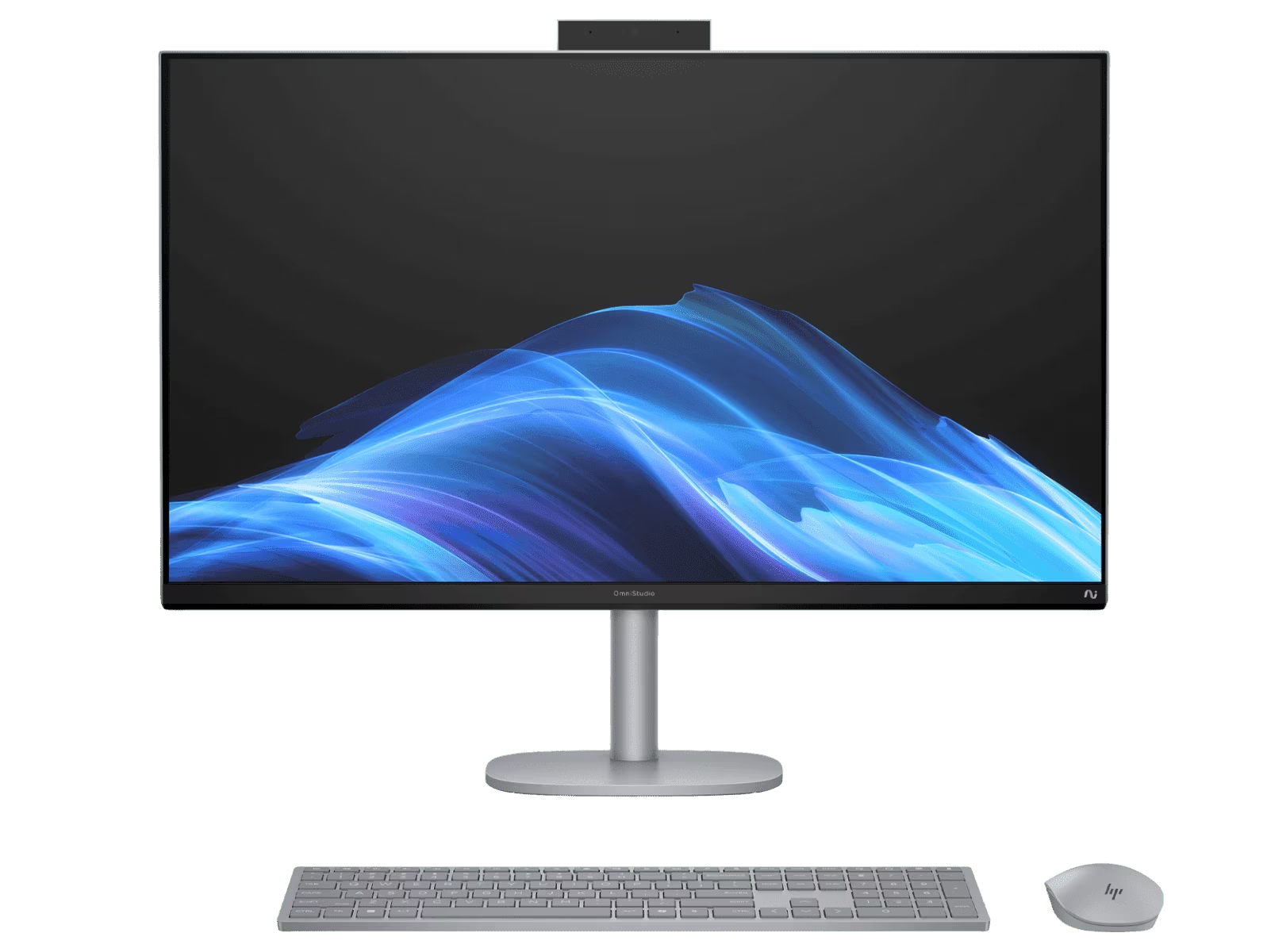
The HP OmniStudio X All-in-One 32-c1000a Desktop PC is the larger integrated option here, with a 32-inch display in its product name. That size may suit a desk used for visual work, entertainment or side-by-side windows, provided the room and viewing distance can accommodate it.
It is also the one to scrutinise carefully for fit. A larger screen needs more physical space, and the complete unit is less flexible to rearrange than a separate display and tower. Check the page for exact dimensions, stand adjustment, connection options and the precise computer configuration. If the page does not answer a question that matters to your setup, resolve it before buying.
There are smaller integrated options across the store as well. For example, the HP EliteStudio 4 All-in-One G1i is another 23.8-inch business all-in-one listing. It is worth comparing when you want an integrated screen but do not need the larger footprint of the 32-inch OmniStudio X. Configuration and feature differences belong to the live pages, not assumptions based on the family names.
- Measure available width and depth, including the space for keyboard, mouse and cables.
- Match screen size to viewing distance and the applications you use most.
- Check whether the model is intended for personal or business use and which support details apply.
- Confirm what arrives in the box instead of assuming a keyboard, mouse or other accessory is included.
What does a gaming tower change?
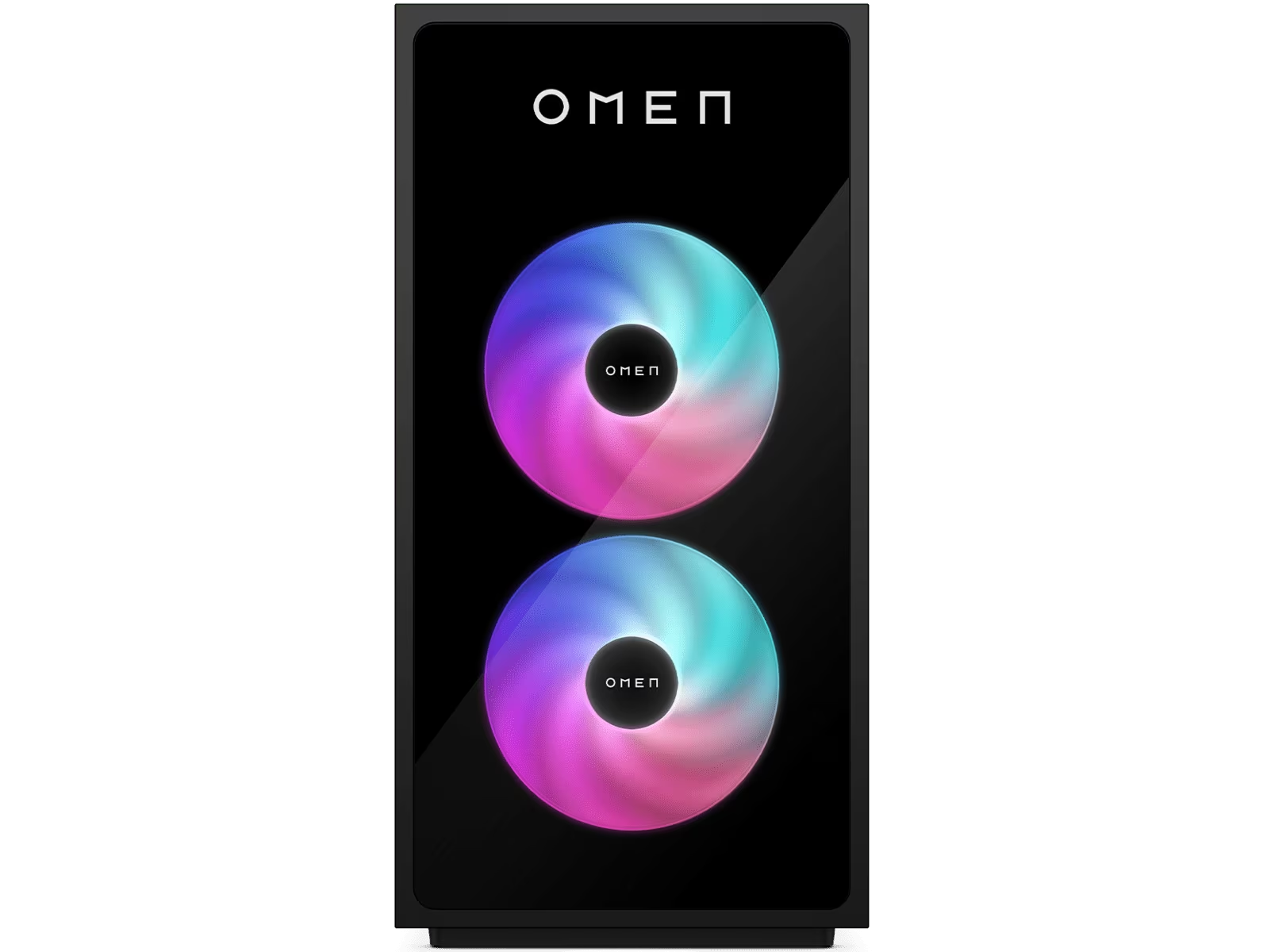
The OMEN 35L Gaming Desktop GT16-0132a is a tower rather than an all-in-one. Its product category and name make it the most directly relevant option for a gaming setup. A separate tower also lets you choose a monitor independently, but it takes up its own floor or desk space and needs a display, keyboard and mouse if those are not already available.
Do not infer performance from the OMEN label alone. The Australian listing is where to verify the processor, graphics, memory, storage, cooling, dimensions and included components for this specific configuration. Those details are especially important for games with demanding system requirements or for buyers who expect to change components later.
A tower can be a poor match for a compact shared desk, while an all-in-one may not offer the configuration flexibility a gaming buyer wants. Check both the computer itself and the monitor you plan to pair with it. A useful setup also depends on the games, resolution and accessories you actually use, not just the shape of the case.
- Write down the games and creative applications you need to run.
- Compare each required component with the exact configuration on the product page.
- Allow space for the tower, airflow, cables and the monitor you will use.
- Check the return, warranty and support terms shown for the Australian listing.
How do the three desktop choices compare?
This short comparison is about the role each product can play, not a ranking of performance. The purchase decision turns on your room, the screen you already own and the applications you need. Open the relevant Australian page to compare the current configuration and total setup requirements before you decide.
| Product | Best for | |
|---|---|---|
| HP EliteStudio 8 All-in-One G1i 23.8-inch Desktop AI PC | One combined desktop and display for a moderate desk footprint. | See price |
| HP OmniStudio X All-in-One 32-c1000a Desktop PC | A larger integrated display when desk space and viewing distance allow. | See price |
| OMEN 35L Gaming Desktop GT16-0132a | A gaming-focused tower with a separately selected screen. | See price |
Prices are not reproduced here because they can change with configuration and availability. On the Australian listings, compare the final configuration, delivery information and any displayed offer terms in the checkout path. A lower starting configuration may not match your needs once you select memory, storage, software or accessories.
What should you verify on the Australian product page?
Before settling on a desktop from HP store Australia, use the listing as a practical checklist. Product families can include different configurations, and the title is not a substitute for checking the details attached to the exact model code.
- Configuration: confirm processor, graphics, memory and storage against the way you plan to use the computer.
- Included items: check whether a display, stand, keyboard, mouse or other accessories are included in that listing.
- Fit: compare the product dimensions with your desk, room and preferred viewing distance.
- Availability: confirm that the selected model and configuration can be ordered for your location.
- Terms: read the store’s delivery, returns, warranty and any offer conditions before checkout.
If the store shows an offer on the selected configuration, confirm its applicable products and conditions on that page. Avoid assuming that a promotion applies to every model in the same family or that selected accessories are covered. The offer details, when present, are the authority for eligibility and timing.
Ready to choose an HP desktop format?
For a tidy workstation where you want the screen included, start with the EliteStudio 8 All-in-One. Choose the OmniStudio X only if its larger screen genuinely fits your workspace and routine. For gaming, the OMEN 35L is the relevant tower to inspect, with the specific graphics and other components checked against your games.
The main limitation is that product families do not settle the fit by themselves: dimensions, configurations and included items need a final check on the live Australian page. Once those details line up with your space and routine, compare the current listings before choosing.

Leave a Comment