


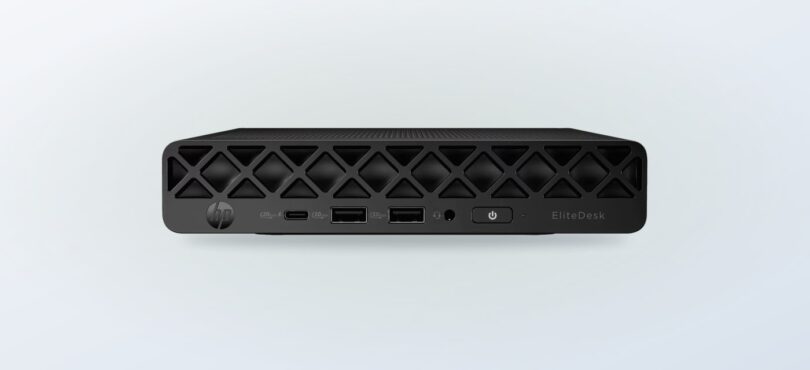
A desk can be short on space long before it runs out of work. For a business PC, the appeal of a mini desktop is straightforward: keep the screen you like and shrink the computer around it.
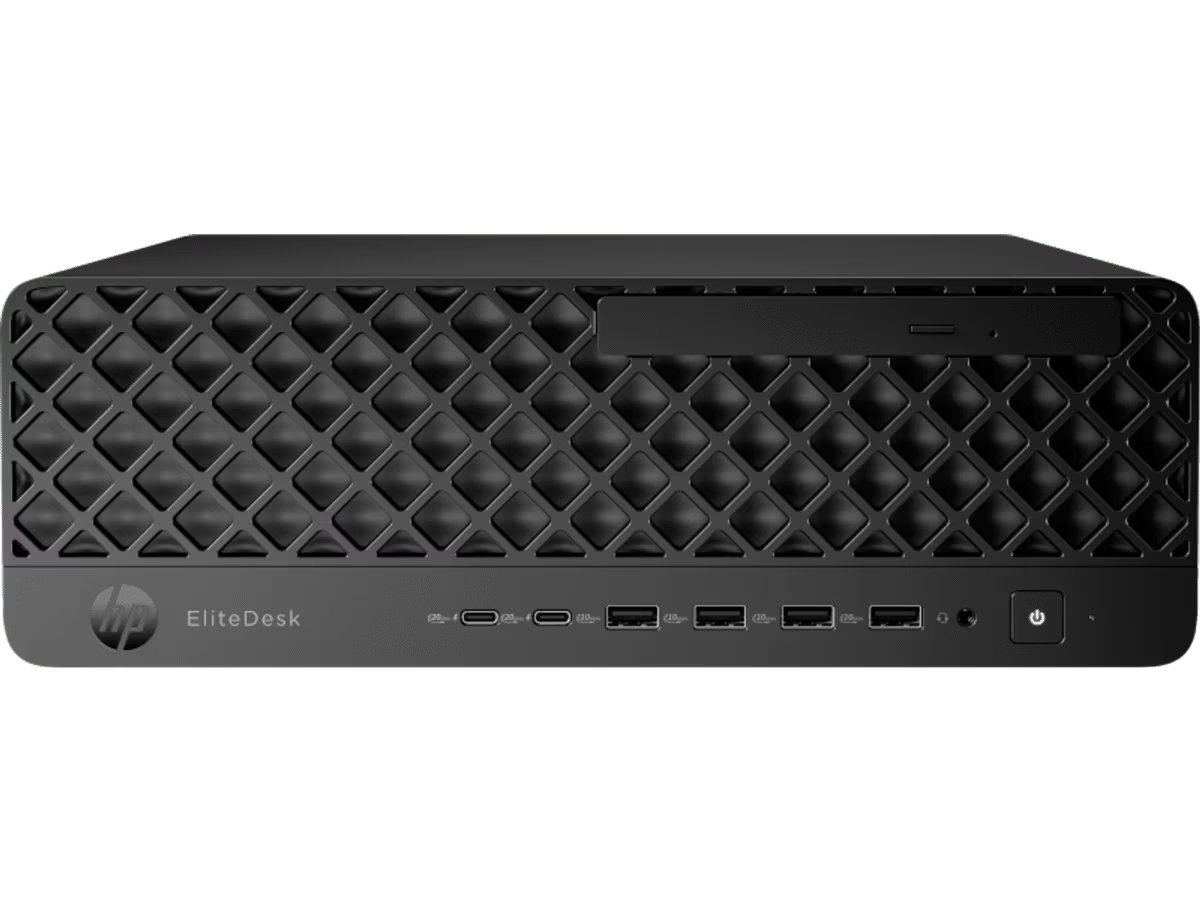
The HP EliteDesk 8 Mini G1i Desktop AI PC is a compact, screen-free option in the HP store Australia range. We reviewed the Australian product listing and store information; we did not test or purchase the computer.
This review focuses on its listed configuration, the desk setup it implies, and the trade-offs against a tower or all-in-one. Product configurations can change, so confirm the live listing before deciding.
Some links in this article are affiliate links: if you make a purchase through them, we may receive a small commission.
Before you read on: The EliteDesk 8 Mini G1i looks most suitable for a tidy office built around a separate monitor and peripherals. Its listed Intel Core Ultra 5 processor and Intel Graphics give a concrete business desktop starting point, while the compact format means you need to plan the screen, keyboard, mouse and cable layout yourself.
What is the HP EliteDesk 8 Mini G1i?
The Australian store identifies the HP EliteDesk 8 Mini G1i Desktop AI PC as a desktop sold without a screen. The listing names an Intel Core Ultra 5 processor and Intel Graphics. That tells us the basic direction: a compact desktop for ordinary office workflows where a separate monitor is already part of the plan. It is not an all-in-one package and should not be assessed as one.
HP’s store places the PC within a broader range that spans mini computers, towers and all-in-one desktops. That is useful context because the choice is less about picking a brand and more about choosing how much of the workstation should be integrated. The mini form makes the computer itself a smaller presence; it does not remove the need for a display, a way to connect accessories, or a suitable place for the unit.
- Form: a mini desktop, with no screen included in the product title.
- Listed processor: Intel Core Ultra 5.
- Listed graphics: Intel Graphics.
- Store context: an Australian HP listing with configuration and support information.
Does the compact format fit your desk?
The strongest case for the EliteDesk 8 Mini G1i is a desk that already has a monitor, or a buyer who wants to choose the screen separately. A small computer can make placement easier around a shared workstation, reception point or home office where desk area is valuable. For a team standardising desks, retaining the same monitor arrangement while replacing the computer can also be a practical setup pattern.
Before choosing, count the items that still need space. The display, stand, keyboard, mouse, headset, power supply and any adapters remain part of the setup. A compact case makes the computer less prominent, but the complete desk can still be crowded if the screen stand or accessory layout is bulky. Read the Australian product listing for the ports, included accessories, and exact configuration that applies to the selected SKU.
We would put the EliteDesk 8 Mini G1i on a shortlist if you value a separate display choice and can verify that the listing’s configuration covers your regular applications. Screen choice stays flexible, but the buyer also takes responsibility for matching components. If the user needs a PC ready to unpack with a display in the same box, this is the wrong product shape.
- List the programs and browser workloads the computer needs to handle.
- Check the specific listing for memory, storage, operating system and connection details.
- Confirm which keyboard, mouse and other accessories are included.
- Measure the monitor stand and decide where the mini PC and its cables will sit.
Those checks matter more than the word “AI” in the product name. The store’s listed processor family is useful identification, but it does not by itself establish how a particular application will perform. A buyer should compare the exact SKU details with the work expected of it, then use the listing’s support route if a specification is unclear.
What are the main strengths and limits?
The clearest strength of the EliteDesk 8 Mini G1i is the small desktop format paired with a named processor family. A buyer with an existing monitor can build around it rather than replacing a whole all-in-one system. HP also presents product specifications and support information on the regional store page, giving buyers a place to check configuration details before ordering.
There is also a useful distinction between a compact computer and a complete compact workstation. The case may take little room, but the full setup still needs a stable surface for the screen, a route for power and display cables, and enough access to connect the equipment people use each day. A mini PC can help make a crowded desk easier to arrange when the display is already chosen, though cable management and monitor placement remain part of the project. For a hot-desk environment, it is worth deciding whether the computer will stay attached to one screen or move with the user between work areas.
- Measure the usable desk depth, including the monitor stand.
- Choose a cable route that keeps ports reachable.
- Decide if the computer will stay at one desk or move between rooms.
Our reading of the product page also suggests a practical buying approach: compare the exact SKU rather than assuming every EliteDesk configuration is identical. Start from the Australian listing for the HP EliteDesk 8 Mini G1i, note the configuration shown there, then compare it with the applications and accessories in the intended workspace. If more than one configuration is available, confirm the details side by side before settling on one. That extra step is especially useful for a business purchase where several desks need a consistent setup.
The limit is equally concrete: the computer is sold without a screen. The listing’s headline detail does not answer every buying question, so the full configuration needs careful reading. Memory capacity, storage, operating system, ports, wireless features and bundled peripherals should be checked against the current page rather than assumed from the model family. A separate display and accessories can also change the total setup cost, which is why we recommend checking the current product price and what the package includes together.
We would not treat the compact design of the EliteDesk 8 Mini G1i as proof that it suits every business workflow. Demanding graphics work, specialist peripherals, upgrade needs or unusual connectivity requirements call for a closer specification check. The Australian listing is the authority for what is currently offered; the general model name alone is not enough to confirm a particular configuration.
- Strength: a compact computer can leave more of the workstation arranged around the user’s chosen screen.
- Strength: the listing names an Intel Core Ultra 5 processor and Intel Graphics.
- Limit: the screen is separate, so desk planning and accessory selection are on the buyer.
- Limit: verify every specification on the exact Australian SKU page.
How does it compare with HP desktop alternatives?
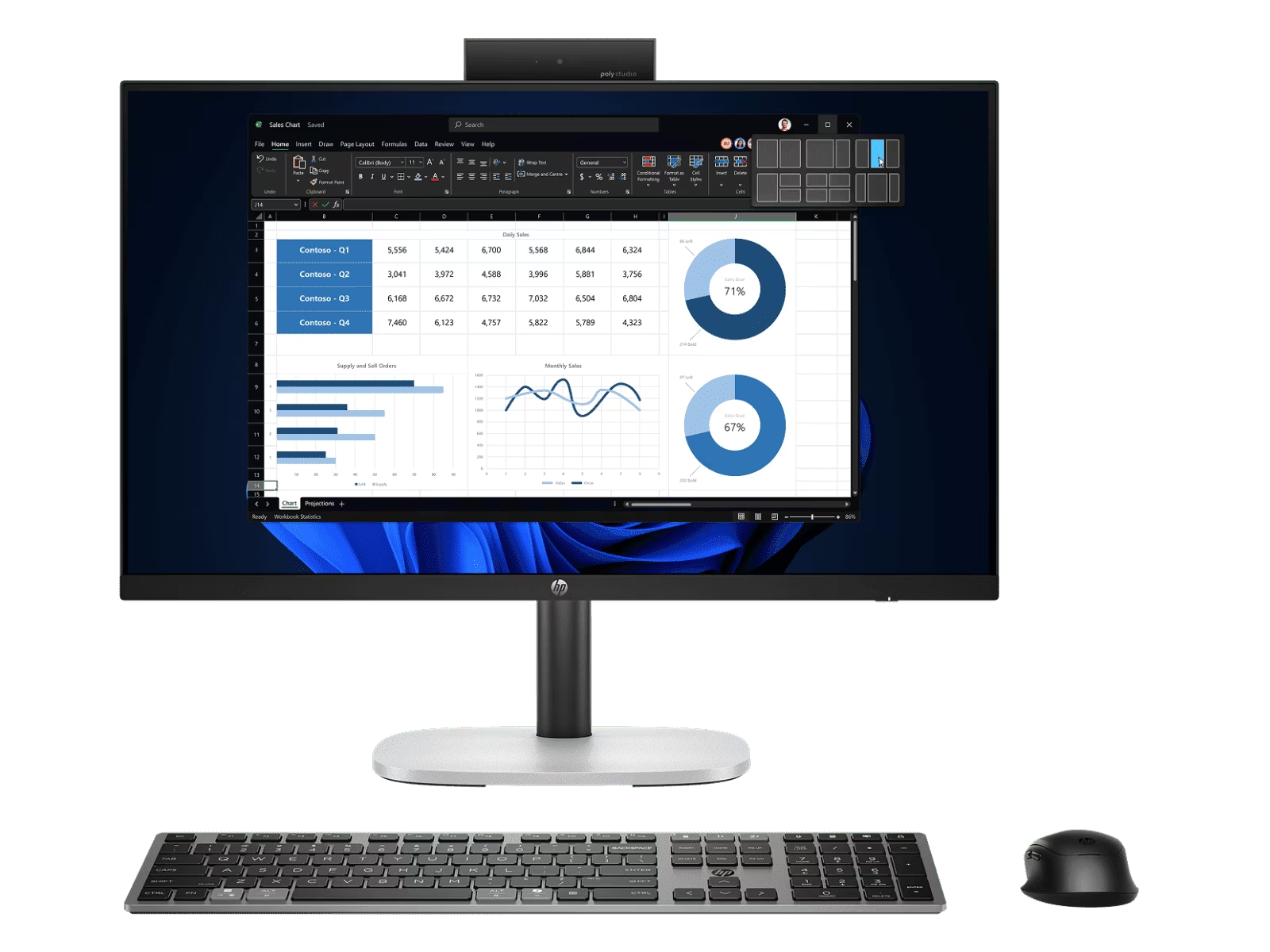
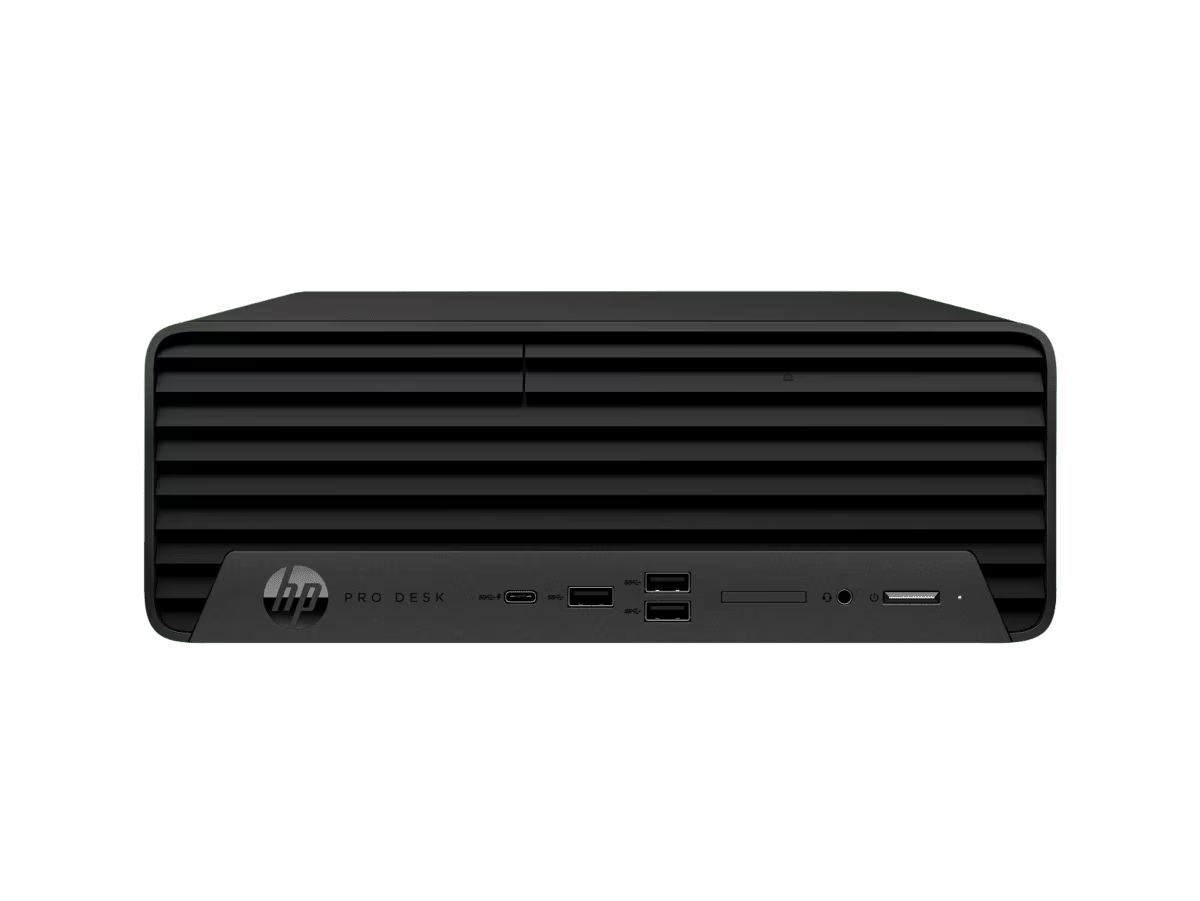
The HP All-in-One Desktop AI 24 CR2000A places the screen and computer together, which can simplify a shared desk or a first-time setup. The trade-off is less freedom to select a separate monitor. A tower such as the HP OmniDesk Desktop PC M02-0014 takes more physical space, but its product page lists AMD Ryzen 5 and AMD Radeon Graphics, and a conventional case may suit someone who prefers a larger desktop format. These alternatives are context, not equivalent configurations; check each page on the Australia store.
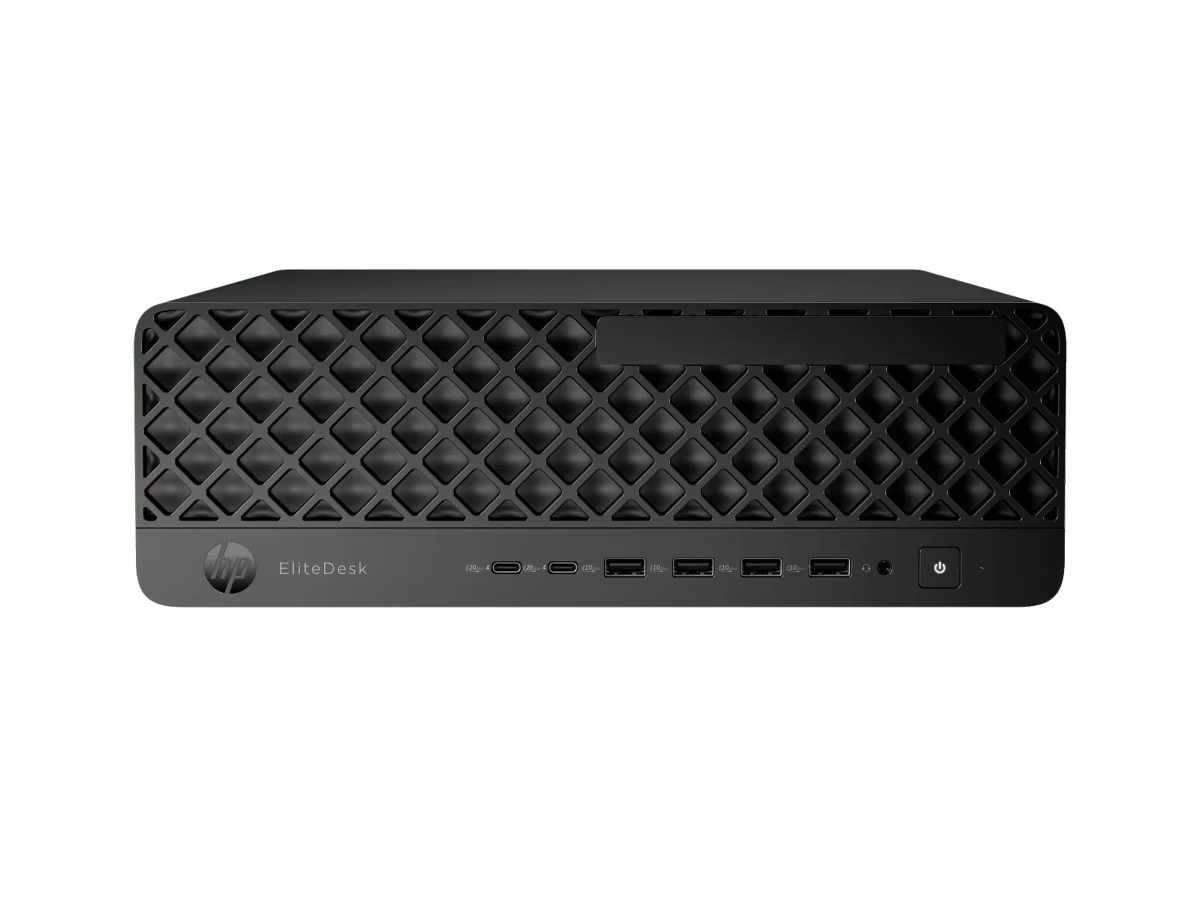
For compactness with a separately chosen display, the EliteDesk is the clearest candidate of the three. For a consolidated screen-and-computer arrangement, the all-in-one is easier to understand as a single workstation purchase. For a traditional tower shape, the OmniDesk is the natural comparison. Product labels and configurations differ, so the table is a format guide rather than a performance ranking.
| Product | Best for | |
|---|---|---|
| HP EliteDesk 8 Mini G1i | Small computer with a separate display | See price |
| HP All-in-One Desktop AI 24 CR2000A | One integrated screen-and-PC setup | See price |
| HP OmniDesk Desktop PC M02-0014 | Conventional tower desktop format | See price |
What should you check on the product page?
Use the exact product page to confirm the selected configuration. A product family can include different storage or memory combinations, and those differences affect whether a desktop suits a particular role. Check the system specifications against the applications you need, and confirm ports for monitors, external drives and any specialist equipment.
Also consider the user who will maintain the machine. A dedicated display can be reused if the computer is replaced later, and a chosen keyboard or mouse can remain familiar across workstations. That flexibility can matter to a small office managing different desk shapes or to a home worker who values a preferred monitor. Conversely, a first-time buyer who wants one purchase to cover the visible desktop hardware may find the all-in-one concept easier to plan. Neither layout is inherently better; it depends on whether screen choice or fewer separate components matters more.
Then review the practical purchase details on HP store Australia: availability, delivery information, warranty or support terms, included accessories and the current listed price. These details can change, so the live regional page is more useful than an old campaign tile or a generic model description. If the listing makes a feature sound relevant to your work, trace it to the specification section before relying on it.
Do not infer performance from the processor name alone. The application’s own requirements, the amount of multitasking, and whether the user connects multiple displays all affect what configuration is sensible. Ask the store support team about a detail that is not clear rather than extrapolating from a similarly named computer. The HP All-in-One Desktop AI 24 CR2000A provides a useful contrasting setup if fewer separate parts are a priority. The linked regional product page should be treated as the reference for the precise system on offer, while the retailer’s general category pages can help show the different form factors.
A useful pre-check can be short and specific:
- Match the processor and graphics listing to the intended software.
- Confirm memory and storage on the exact SKU.
- Check display connections and count the screens you intend to use.
- Verify what is in the box and what must be purchased separately.
- Read current delivery, warranty and support details for Australia.
Ready to choose a compact business desktop?
Our recommendation is conditional: HP EliteDesk 8 Mini G1i Desktop AI PC is a sensible shortlist choice when a small computer and a separately chosen monitor suit your workspace. The Australian EliteDesk listing is where the current package should be confirmed. Its listed Intel Core Ultra 5 processor and Intel Graphics provide a clear starting point, but the listing’s full configuration and connection details should settle the decision.
Choose the all-in-one if you want the display integrated, or compare the OmniDesk if a tower is a better match for your desk and workflow. The mini’s main limitation is that it does not complete the workstation on its own. Check the current configuration and package details on the Australia store before making the call.

Leave a Comment