


A power station can be a backup for a few essentials, a way to recharge devices away from an outlet, or part of a larger home system. The right BLUETTI setup depends on which job you need it to do.
We reviewed the Canadian store listings for three options: the BLUETTI Elite 100 V2, BLUETTI Elite 300 and BLUETTI Apex 300. The product pages describe portable power stations and home backup equipment, with solar charging and expansion available on selected configurations. This guide compares their roles using the store information, not hands-on testing.
There is no single promotion or redemption code specified for this article, so the useful offer is the range itself: match the system to your loads, then check the Canadian page for current configuration and availability. A lower capacity can suit a shorter list of devices; longer runtime and larger loads call for more careful planning.
Some links in this article are affiliate links: if you make a purchase through them, we may receive a small commission.
Before you read on: The Elite 100 V2 is the portable option to start with for a focused set of essentials, while the Elite 300 gives you another portable format to compare. The Apex 300 is positioned for home backup and is the natural page to review if expansion matters. Check output, runtime estimates, included accessories and compatibility before choosing.
What do the three BLUETTI options cover?
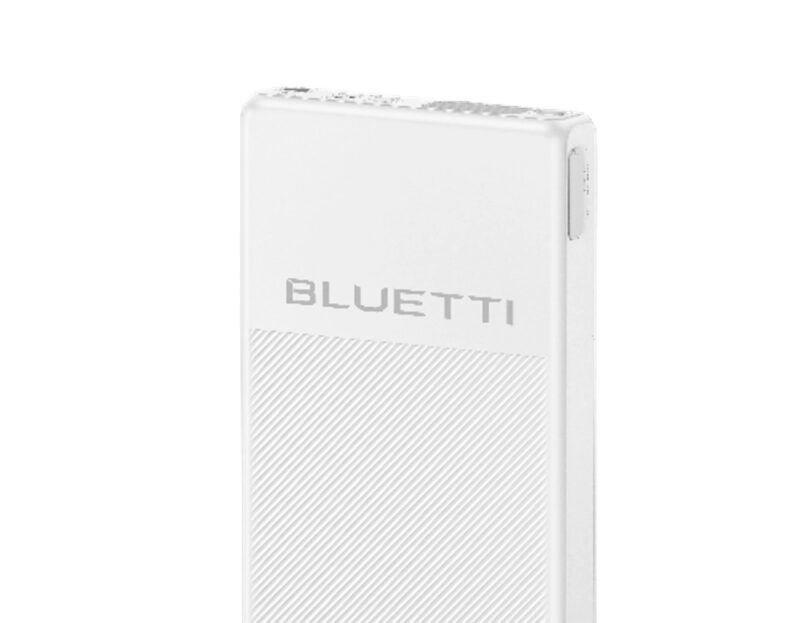
The BLUETTI Elite 100 V2 is the lower-capacity portable option among these three, with 1,024Wh of capacity and 1,800W of output listed by BLUETTI. Its product page presents it as a portable power station, making it a place to begin when mobility and keeping a defined group of devices powered are priorities. Review the Elite 100 V2 listing before deciding what you expect it to run. Compare the Elite 100 V2 specifications. The important comparison is not a broad “backup” label, but whether its output and stored energy match your intended load and runtime.
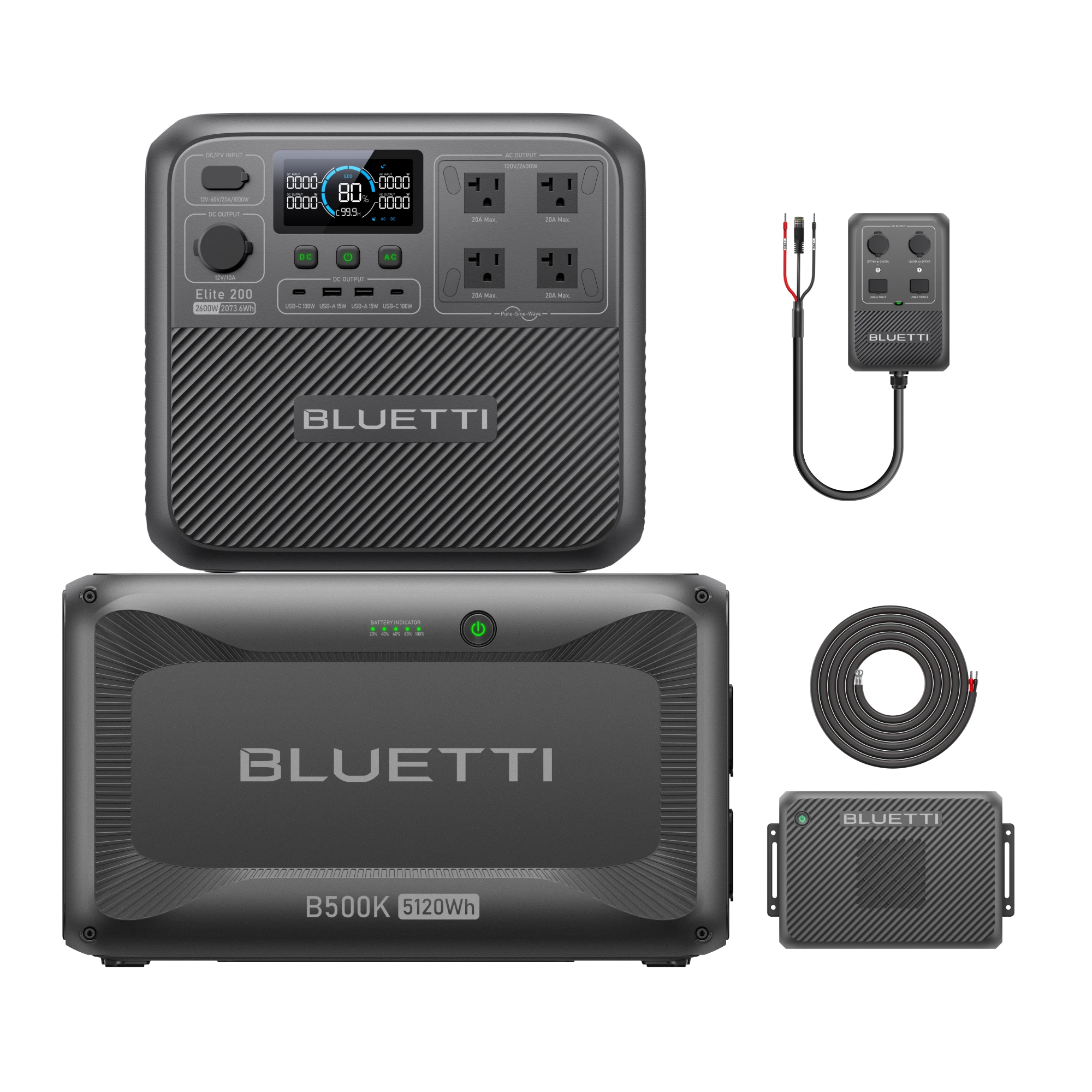
The BLUETTI Elite 300 is listed with 3,014.4Wh of capacity and 2,400W of output, compared with the Elite 100 V2’s 1,024Wh and 1,800W. It is useful to compare directly with the Elite 100 V2 if your needs sit between a light travel setup and a home-oriented system. Rather than assume a larger model always fits better, compare its listed output, battery capacity, ports, charging methods, size and weight against the devices you actually plan to connect. Those details determine practical fit. See the Elite 300 listing and compare it with the Elite 100 V2 listing.
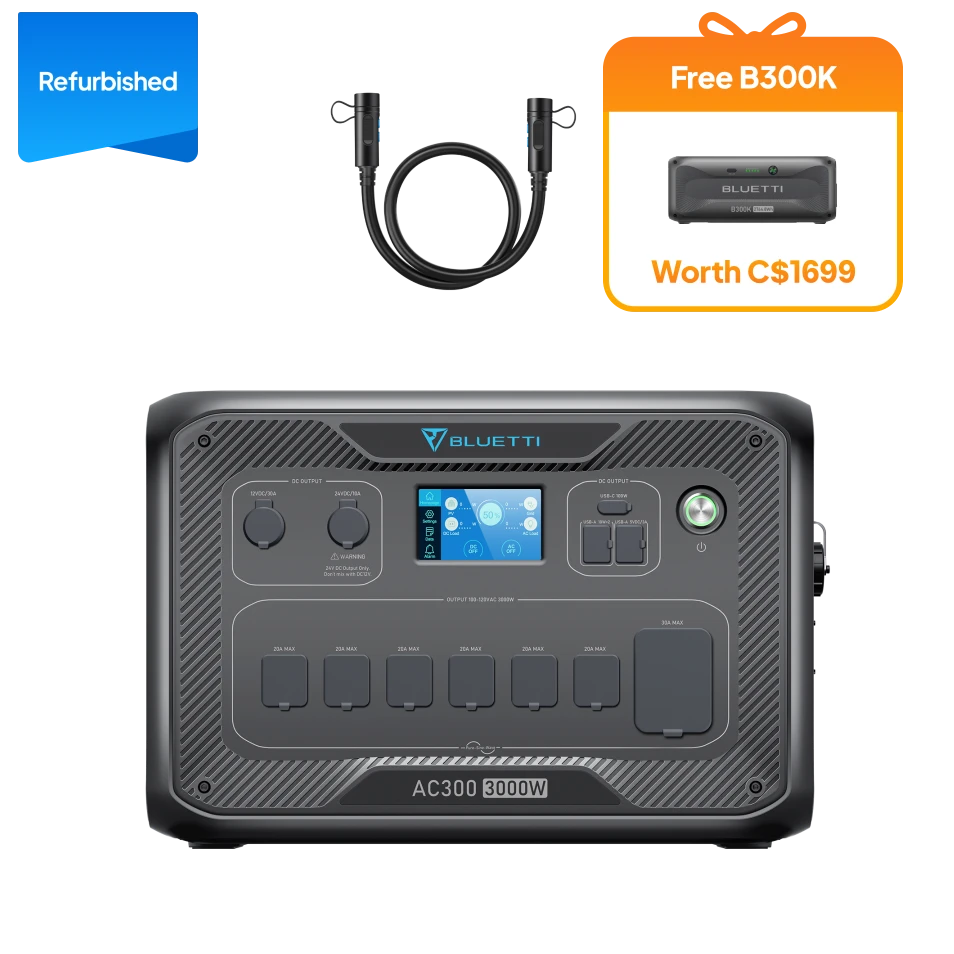
The BLUETTI Apex 300 sits in a different role: BLUETTI lists 2,764.8Wh of capacity and 3,840W of output, and positions it as a home battery backup. That makes it the relevant option to investigate for a more substantial home arrangement or a setup where expansion is important. BLUETTI says selected models support expansion battery configurations; confirm which batteries and accessories are compatible with the exact Apex configuration before planning a system. Review the Apex 300 page for its stated configuration.
Across the range, BLUETTI describes portable stations from small device power through larger household backup capacity. Selected models use LiFePO4 batteries and app monitoring. Treat those as range-level statements: check the individual listing to confirm the chemistry, monitoring tools and included hardware for the model you are considering.
- Start with the appliances or devices you need to support.
- Check output watts against the simultaneous load.
- Use watt-hours to estimate runtime, allowing for real-world conversion losses.
- Confirm ports, charging inputs and included cables on the exact product page.
This distinction between output and capacity is central. Output watts indicate which loads a station can run; watt-hours help estimate how long it may run them. A high-wattage appliance may exceed a station’s output even when its battery appears ample, while a modest device can still drain a smaller battery over a long outage. The product page is the source for its exact figures. Check the Elite 100 V2, Elite 300 and Apex 300 specifications.
How should you compare capacity with the devices you need?
Write down the devices you would power at the same time, then check each one’s running wattage and any higher startup demand. A refrigerator, for example, cycles rather than drawing its full rated load constantly, but compressor startup can matter. BLUETTI’s Canadian product listing can help you identify the correct model specifications; do not choose on battery capacity alone.
Next, estimate the hours each item needs to run. Add the energy demand, then leave a margin because conversion, temperature, battery condition and usage patterns affect delivered runtime. Treat online runtime examples as estimates with stated assumptions, not guarantees for your home. If the equipment supports expansion batteries, they can increase stored energy, but they do not necessarily raise the output limit of the base station.
A practical shortlist might look like this:
- Note the devices that must remain powered and those that are optional.
- Separate loads that run together from those you can use one at a time.
- Phone, router and lighting: prioritize portability, useful ports and enough stored energy for the planned duration.
- A refrigerator or other motor-driven appliance: verify continuous and surge output, then estimate runtime from realistic usage.
- Several household essentials: consider whether a home-oriented unit and compatible expansion are needed.
- Solar replenishment: check panel compatibility, input limits, connector requirements and expected sunlight conditions.
For a portable plan, compare the Elite 100 V2 with the Elite 300 around the actual loads. For a home plan, inspect the Apex 300 and its compatible expansion options. The store’s product details and manuals should settle the technical questions before purchase. Compare the portable option with the home backup option where relevant.
When does solar charging or expansion make sense?
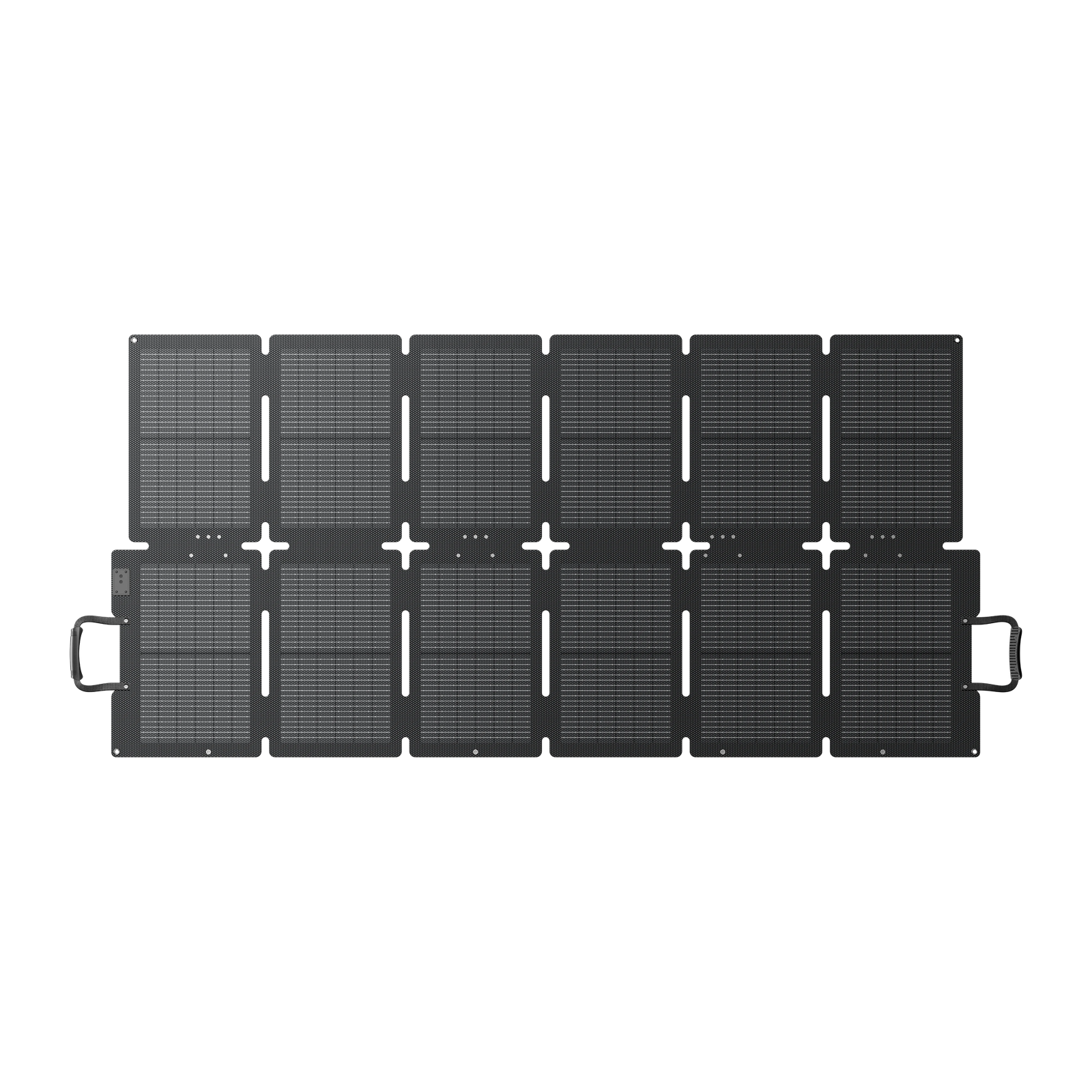
Solar charging may help when you expect access to suitable daylight and want another way to replenish a compatible station. It is not a fixed daily output: weather, season, shading, panel angle and input limits all affect what reaches the battery. The Canadian store’s solar panels include different models, so pair a panel to a station only after checking the relevant input specifications.
Expansion makes sense when the base system’s stored energy is the limiting factor and your chosen model supports additional batteries. BLUETTI lists expansion configurations across selected products, but accessory compatibility is model-specific. Confirm connector type, supported battery model and system limits on the Apex 300 product page and linked accessory details. A bundle can be convenient, but only if its parts match your planned use.
There are trade-offs. Panels require space and good exposure; additional batteries add weight and storage needs. If your priority is a short outage or charging small devices, buying a large expandable setup may add cost and complexity you will not use. If you need longer backup, expansion can be more practical than expecting a compact station to carry a whole home indefinitely.
What restrictions and details should you check before choosing?
A portable station is not automatically a whole-home backup system. Home integration may require compatible equipment, installation planning and a clear understanding of what circuits can be supported. Check the Apex listing and manuals for installation, wiring and transfer requirements; use a qualified electrician where required. Do not connect equipment in a way that conflicts with the manufacturer instructions or local electrical rules.
Also compare the exact configuration rather than just the model family. Product pages can offer different bundles, panel pairings or accessory combinations. Confirm what arrives in the box, the battery chemistry, warranty terms, charging accessories, app functions and delivery availability for Canada. These are the terms that define the offer in practice.
- Confirm the product page is the Canadian listing and that the configuration is available for your location.
- Check battery capacity, continuous output and surge rating against your load list.
- Verify solar-panel and expansion-battery compatibility for the specific model.
- Read the warranty, shipping, return and installation information before checkout.
There is no general voucher or code to apply in this comparison. If BLUETTI presents a promotion on its Canadian store, read its displayed conditions and dates on the offer page before relying on it; terms may apply to selected models or configurations. We have not assumed a discount, deadline or included accessory that is not specified in the product listing.
Which BLUETTI setup fits each use?
These products cover different needs, so the most useful winner depends on where and how you plan to use power. The table is a starting point; follow each product link to check the live Canadian specifications and options.
| Product | Listed capacity and output | Best fit to investigate | |
|---|---|---|---|
| BLUETTI Elite 100 V2 | 1,024Wh; 1,800W | A defined set of lower-demand loads | See price |
| BLUETTI Elite 300 | 3,014.4Wh; 2,400W | More stored energy in a portable station | See price |
| BLUETTI Apex 300 | 2,764.8Wh; 3,840W | Higher output and home-backup planning | See price |
Use the Elite 100 V2 as the compact starting point when portability and a smaller planned load matter most. Consider the Elite 300 when comparing portable configurations for a broader device mix. The Apex 300 is the stronger page to investigate for home backup and a possible expandable arrangement. We cannot call one the best for every reader without knowing the devices, runtime and installation constraints involved.
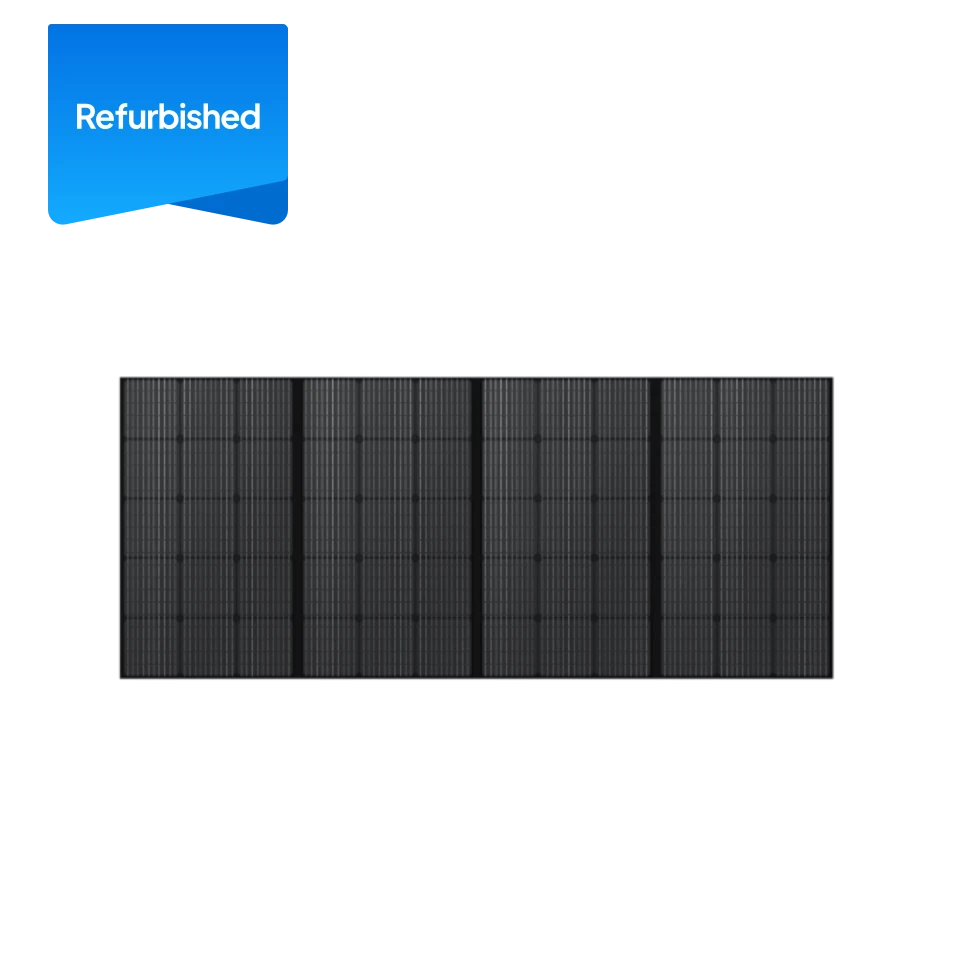
For the solar side of the decision, check whether a compatible panel suits your charging window and storage space. The pictured Sora 220W solar panel and PV350 solar panel illustrate different offerings in the brand’s solar range, but they should not be assumed compatible with every station. Pair model numbers through BLUETTI’s Canadian specifications before selecting a kit. Check the Elite 100 V2 and Elite 300 pages for their listed charging options.
Ready to compare BLUETTI configurations?
We recommend starting with a written load list, then comparing the Elite 100 V2 and Elite 300 for portable needs or the Apex 300 for home backup planning. That process keeps the choice tied to output, runtime and expansion rather than headline capacity alone.
The honest limitation is that no general product summary can predict runtime in your home or confirm electrical suitability. Verify the exact Canadian configuration, compatibility, installation guidance and current terms on the product pages before deciding. When those details match your plan, BLUETTI’s range offers a clear path from portable power to a more expandable backup setup.





Leave a Comment