


Choosing a baby monitor often means deciding how much of the nursery you want connected to one app. Nanit’s Smart Baby Monitor System combines a camera with app-based viewing and alerts, but the right fit depends on your room, preferred setup and appetite for optional features.
We reviewed Nanit’s US product information to map what the system includes, how its camera and app are positioned, and where accessories or membership features enter the picture. This is a product-page review rather than a hands-on assessment, so installation and day-to-day performance should be confirmed against your own needs.
The main question is whether the camera-led system earns a place as your nursery hub, or whether a simpler monitor and separate accessories would be easier to manage.
Some links in this article are affiliate links: if you make a purchase through them, we may receive a small commission.
Before you read on: Nanit’s Smart Baby Monitor System is most compelling for families who want camera viewing, sound and motion notifications, and room readings in the Nanit app. Its flexibility is useful, though optional Breathing Wear, stands, display choices and membership features mean you should check the exact configuration before ordering.
What does the Smart Baby Monitor System put in one place?
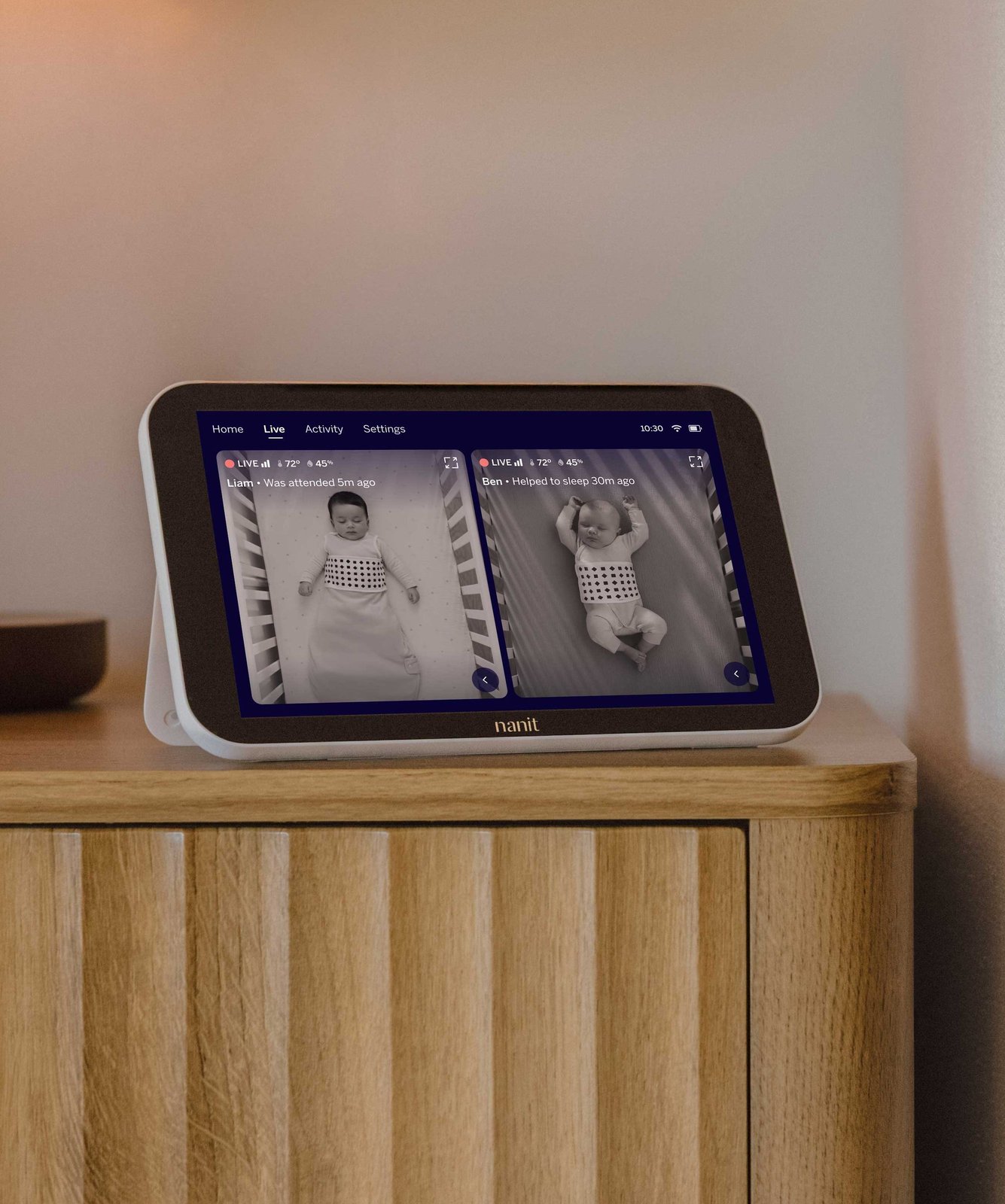
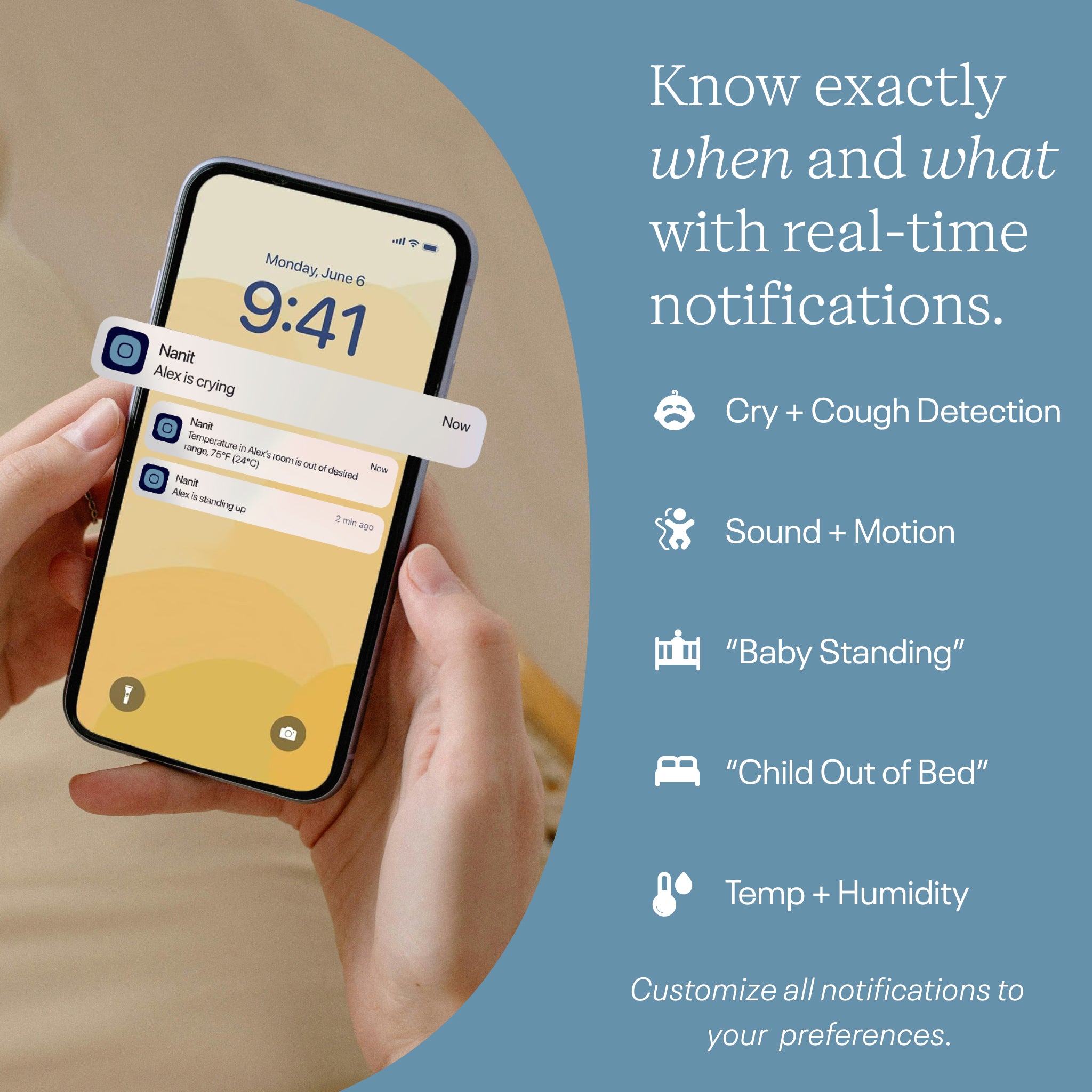
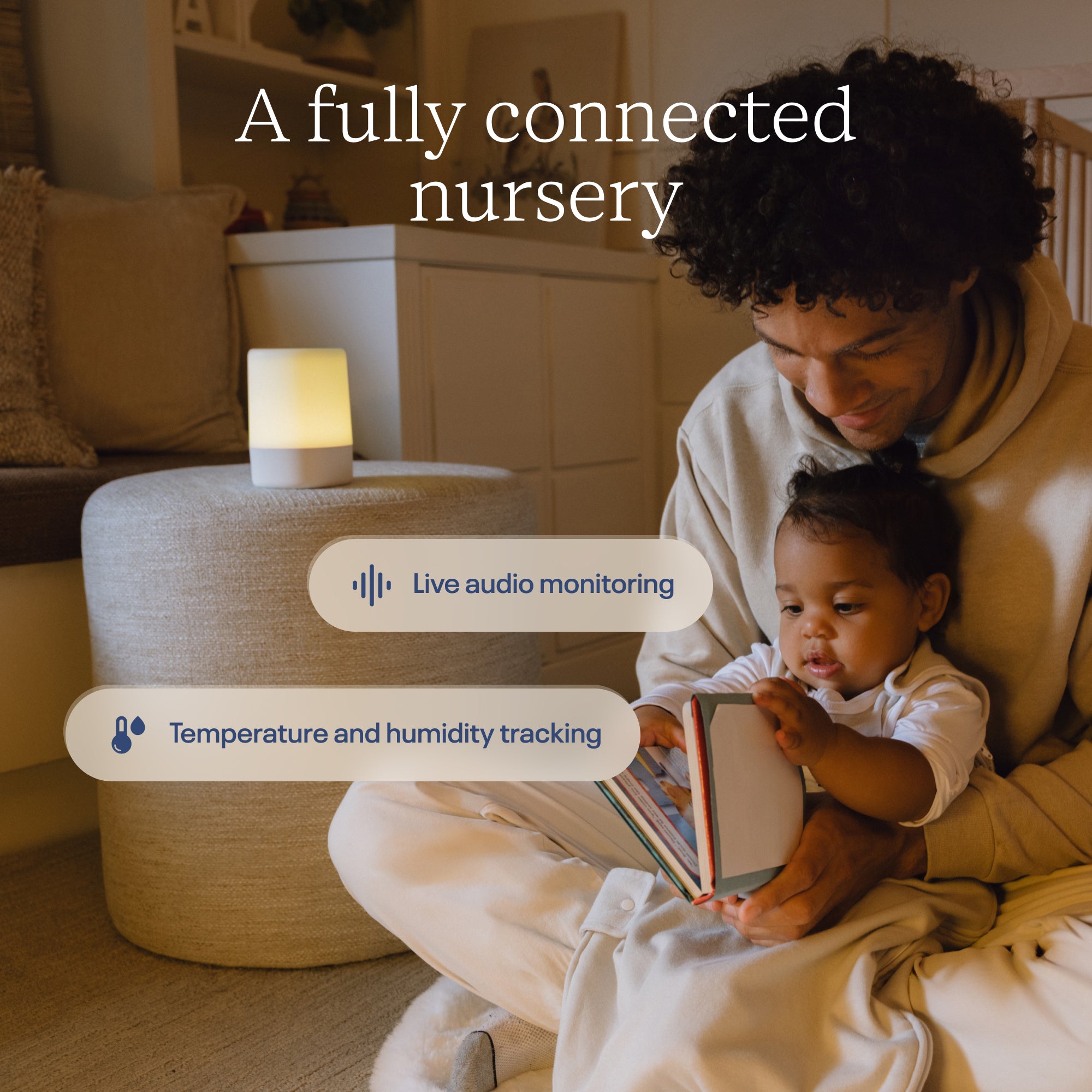
The Nanit Smart Baby Monitor System is built around a camera and companion app. Nanit lists 1080p HD live video, real-time sound and motion notifications, plus temperature and humidity tracking among the system’s functions. That makes it more than a camera feed: the pitch is one view into the crib and room conditions. See the Smart Baby Monitor System listing for the current configuration and included components.
A connected setup is useful when caregivers already rely on a phone and want alerts to arrive alongside the live view. The listed functions can help answer practical questions: is there movement, can you see the sleep space, and is the room getting warmer or cooler? Nanit also says its core live view and several notifications can be used without an Insights plan. That distinction matters if your priority is basic monitoring rather than a large library of sleep information.
- Live video: a view of the sleep space through the Nanit app.
- Sound and motion notifications: alerts designed to surface activity without keeping the app open.
- Room readings: temperature and humidity information alongside the camera view.
- Optional insights: sleep-related history and analysis depend on membership terms.
The main trade-off is added complexity. A phone-based system offers remote access and additional information, yet it also puts setup, notifications and account access into the equation. Caregivers who prefer a dedicated screen should check whether their preferred package includes a display or whether a separate option is needed. Nanit’s product page is the source to compare current bundle contents, camera mounting choices and compatibility.
How does the camera fit different nursery layouts?
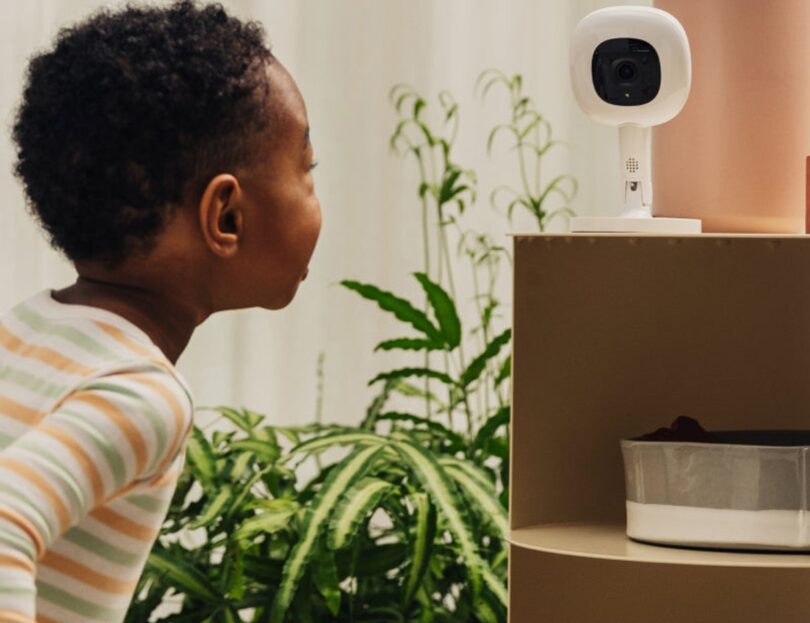
Camera placement is part of the buying decision because a useful view depends on the room, crib position and mounting method. Nanit’s range includes stand options, and the store presents its monitor with configurations that can change how the camera is positioned. Check the included hardware in the specific Smart Baby Monitor System configuration before assuming a stand is part of the package.
For a nursery with limited floor space, a wall or furniture-based position may be preferable if the selected mount supports it. A floor stand can be easier to reposition, though it takes up room and needs a stable location. In either case, plan cable routing and the view angle before settling on a camera location. Nanit’s pages explain the product combinations, but your room dimensions and furniture determine what is practical.
- Map the crib and likely camera position before choosing a bundle.
- Check which stand or mount is included in the exact listing.
- Consider cable routing and whether the camera view will stay useful as the nursery changes.
- Decide whether every caregiver will use the app or whether a dedicated display matters.
Bundles can simplify a multi-item purchase, but they are only a value if the included pieces match your plans. Nanit’s The Best Sellers Bundle is a separate package to compare with the core system; inspect its current list of inclusions and avoid paying for accessories you already own or do not expect to use. Product configurations may change, so the store is the reference for what ships with a given option.
Are breathing features essential to the system?
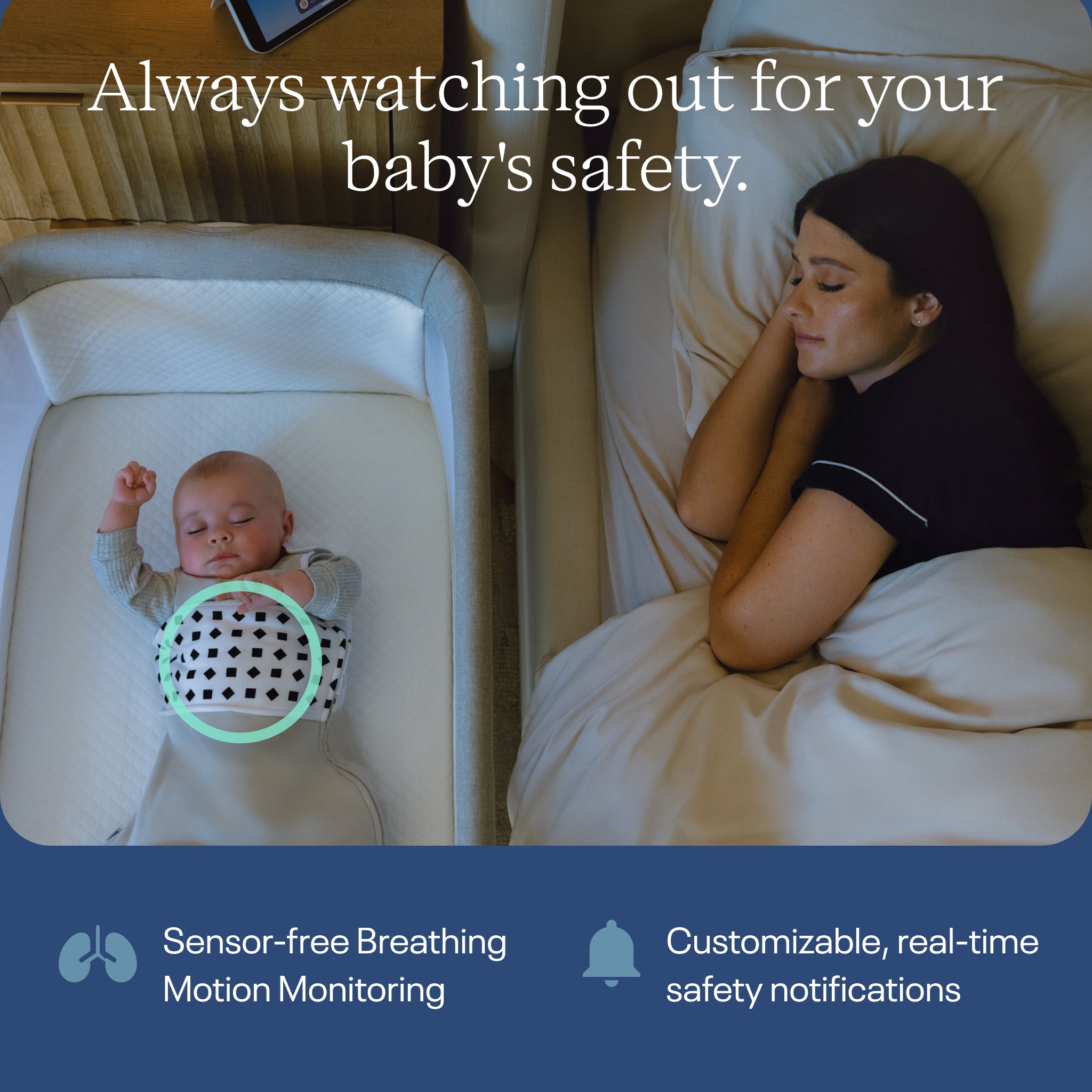
Breathing monitoring is a distinctive part of Nanit’s wider offering, but it is not the same as the camera’s basic live view. Nanit describes Breathing Wear as fabric with a custom pattern that the camera can read for breathing motion monitoring, without electronics embedded in the garment. The optional wearable makes most sense for parents who specifically want that function and understand the setup it requires.
The Breathing Band is one wearable option in the range. Nanit describes it as a soft band used with compatible camera functionality; it is an accessory rather than a replacement for the camera system. Check sizing, care guidance, age or fit guidance, and compatible membership requirements on the Breathing Band page before choosing it. The system’s app features and wearable component should be considered together, rather than treating a band alone as a monitor.
This is also the point where clear expectations matter. A camera-based feature depends on camera placement, garment pattern visibility and the stated compatibility of the setup. It is best understood as a monitoring feature described by the brand, not as a medical device or substitute for safe-sleep guidance and caregiver judgment. Families who do not want a wearable can still assess the core camera and app on their own terms.
What changes when you add membership or accessories?
Nanit separates core monitoring from optional Insights features. Its cached US store information says live view and several notifications are available without an Insights plan, while sleep insights and video history are tied to membership options. That means recurring terms can shape the long-term experience: review which functions need a plan, what duration or tier is available, and what continues if you do not subscribe.
Accessories make the system more modular. The Sound + Light Machine is a separate bedside product for sound and light at bedtime, rather than a requirement for the monitor. See the Sound + Light Machine listing if you want that job handled by a Nanit device; if your existing routine already uses another sound source, it may not add enough to justify another app-connected object.
- Confirm which camera functions are included without membership.
- Read the current membership description for history, insights and renewal terms.
- Compare package contents before adding stands, wearables or sound devices.
- Check compatibility across the camera, app, wearable and chosen configuration.
A bundle such as The Best Sellers Bundle may make sense when several of its items are already on your list. On the other hand, buying the camera system first and adding a separate Sound + Light Machine or Breathing Band later can keep the initial setup closer to your actual priorities. The core system page is the anchor for this comparison. For a bundled setup, revisit the bundle contents and check whether the separate sound and light device suits your routine.
Where are the system’s strengths and limits?
The clearest strength is a connected set of everyday tools. Video, alerts and room readings share an app, and Nanit offers optional ways to add sleep information or breathing-motion monitoring. That breadth can be appealing to caregivers who want one account and one camera platform to build around. The system also has multiple configurations, so buyers can explore camera and display combinations instead of assuming there is one fixed box.
The limits follow from that breadth. A phone app, Wi-Fi and account setup add dependencies that a basic local monitor may not have. Optional features can make the real cost depend on more than the camera itself, while accessories require checking fit and compatibility. We would treat notifications as useful signals, not as a promise that every moment will be captured or that a caregiver can stop checking the sleep environment.
There is also a decision burden: which stand, wearable, display or membership tier is right? For some households, that choice is valuable flexibility. For others, it is more setup than they want. Compare the core Smart Baby Monitor System against the accessory-led Best Sellers Bundle and decide which features you would use from the first week.
Which Nanit product is the right comparison point?
These products solve different problems, so the comparison is about role rather than a single winner. The camera system is the central purchase; the other pages are useful checks if you are considering a fuller nursery setup. Store listings should confirm availability, included items and current terms.
| Product | Best for | |
|---|---|---|
| Smart Baby Monitor System | Camera and app as the nursery hub | See price |
| The Best Sellers Bundle | Considering a camera with selected accessories | See price |
| Sound + Light Machine | A separate bedtime sound and light device | See price |
| Breathing Band | Wearable breathing-motion pattern for camera use | See price |
The table gives a short route through the store, but the package details are decisive. A bundle may combine multiple products, while accessories such as the breathing band or sound machine serve narrower purposes. Open the linked product page to compare what’s included with your room, existing equipment and intended use.
Ready to choose a connected nursery monitor?
We recommend considering the Smart Baby Monitor System if app-based video and alerts, room readings and optional expansion are all useful to your household. Its value rests on those functions fitting your routine; buyers who want a simple screen-only monitor or have little interest in app features may prefer a less connected approach.
Before deciding, verify the exact camera and stand configuration, membership terms, wearable compatibility and package contents on Nanit’s US store. That is the honest limitation of a feature-rich system: the best setup depends on what you will actually use. Review the current Smart Baby Monitor System listing and compare it with the related options above.





Leave a Comment