


Choosing a computer from a large manufacturer can leave you with a longer shortlist than you started with. The useful question is not whether HP sells enough options, but which path through the HP store Australia range actually fits your desk, workload and tolerance for compromise.
We reviewed the Australia regional store as a catalogue and product-information source, focusing on the way it separates home, student, gaming and business needs. The result is a practical look at what the store makes easy, where the detail is genuinely useful and where readers still need to slow down before choosing.
The three concrete products below are not presented as universal winners. They are evidence-led examples of how different the store’s recommendations become once you move from a general shopping page to an exact configuration.
Some links in this article are affiliate links: if you make a purchase through them, we may receive a small commission.
Before you read on: HP store Australia is a credible starting point for readers who want a broad catalogue and detailed specifications in one regional store. Its strongest fit is for shoppers willing to compare configurations; readers who want one obvious recommendation may find the range more involved than expected.
Is HP store Australia easy to narrow down?
The store’s first useful decision is not a model number. It is the job the computer needs to do. The navigation separates home laptops, student computers, gaming systems, workstations and business machines. That structure is more practical than asking every visitor to compare processor generations across one giant list.
It also gives HP room to serve very different buyers. A family looking for a compact shared computer can follow the all-in-one desktop range, while a small business can move toward business laptops and desktop lines. Readers can open the home computer section or the student store path before comparing models. The advantage is choice. The cost is that the reader must understand which specification matters before the catalogue becomes helpful.
- Choose the work pattern: fixed desk, mobile work, study or gaming.
- Decide on the screen: laptop display, separate monitor or integrated all-in-one panel.
- Check the operating system: the reviewed products do not all target the same audience.
- Then compare the processor, memory, storage and ports.
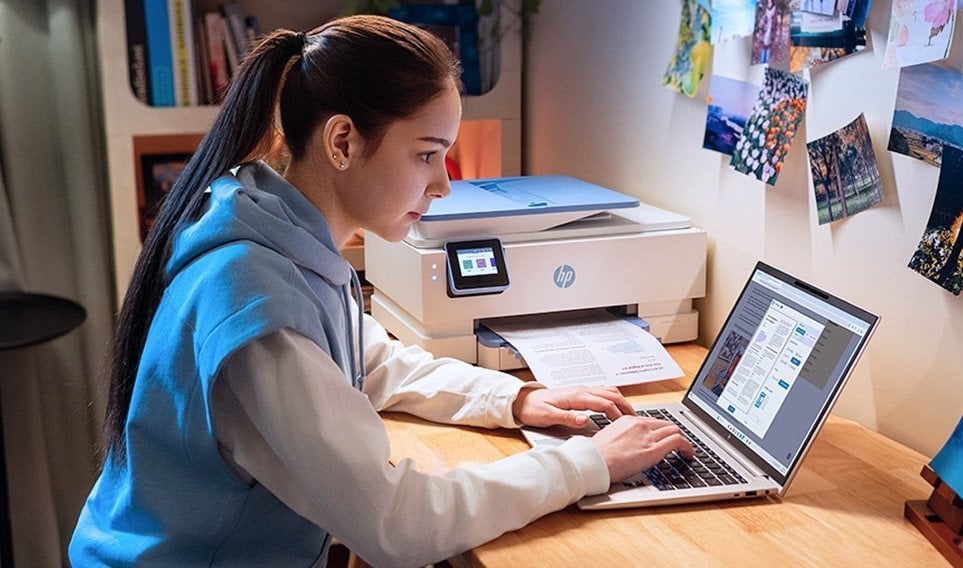
This is where the store’s design shows a real strength: it lets readers begin with use rather than jargon. It is less helpful if you expect the site to decide whether a desktop, laptop or all-in-one is best without supplying your own priorities.
What evidence supports the range?
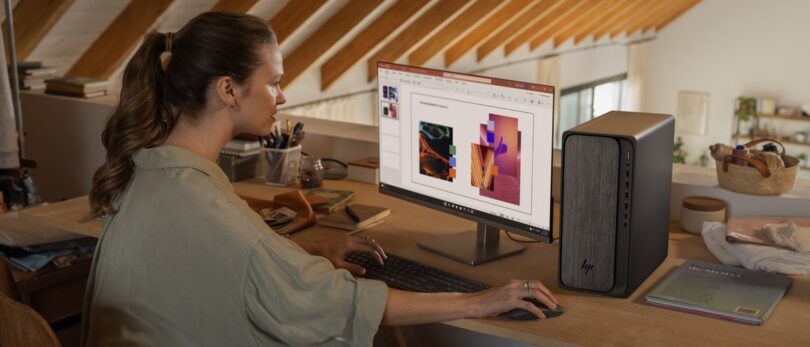
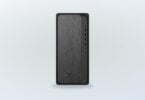
The product pages provide more than a marketing name. The HP OmniDesk Desktop PC M02-0014 page identifies a tower form factor, AMD Ryzen 5 8500G processor, 16 GB DDR5 memory, a 256 GB PCIe Gen4 NVMe SSD and Windows 11 Home. It also states that the system is sold without a screen, with DisplayPort and HDMI connections for a separate display.
That level of detail matters because it reveals the tradeoff. You get a conventional upgradeable desktop shape and the freedom to choose a monitor, but the initial shopping decision includes more than the computer itself. Readers who already have a display or want a multi-screen desk can see the logic; readers seeking a ready-to-use package should examine the all-in-one route instead.
The store also puts practical ownership information near the configuration. HP says the OmniDesk uses recycled metals and post-consumer recycled plastic, and the page describes front USB-C, Wi-Fi 6 and support for connecting multiple displays. Those are useful signals, although they do not replace checking the full port layout and storage needs for your own setup.
- Best evidence: product pages list the core hardware rather than only a family name.
- Useful distinction: a desktop, laptop and all-in-one imply different desk and upgrade decisions.
- Important limit: configurations and availability can change, so the live page remains the final reference.
1. HP OmniDesk Desktop PC M02-0014 for a flexible desk
For home and student users who already have a display, the HP OmniDesk Desktop PC M02-0014 is the clearest example of HP’s traditional desktop proposition. Its AMD Ryzen 5 8500G processor, 16 GB DDR5 memory and SSD storage point to everyday productivity, browsing, study and general multitasking rather than a specialist workstation claim.
The design also leaves more room for a deliberate desk setup than an all-in-one. The store lists DisplayPort and HDMI, Wi-Fi 6, a front USB-C connection and a wired keyboard and mouse. Those details make the separate-screen approach easy to understand, especially if you already own a suitable monitor or want to select one around colour, size or ergonomics. The monitor catalogue is the natural companion page.
The limitation is equally clear. A tower takes more planning, and the listed 256 GB storage capacity may feel restrictive for large media libraries or games. We would treat it as a sensible everyday base, not a finished answer for every heavy-storage or graphics-intensive workload. Check the live configuration, ports and support options on the current OmniDesk product page before deciding.
2. HP EliteBook 6 G1i for mobile business work
The HP EliteBook 6 G1i 14 inch Laptop AI PC sits in a different part of the store. This is a business-oriented laptop with Windows 11 Pro, an Intel Core Ultra 7 255U processor, 32 GB DDR5 memory and a 1 TB PCIe Gen4 NVMe SSD. Its 14-inch WUXGA IPS display is anti-glare and rated at 300 nits in the listing.
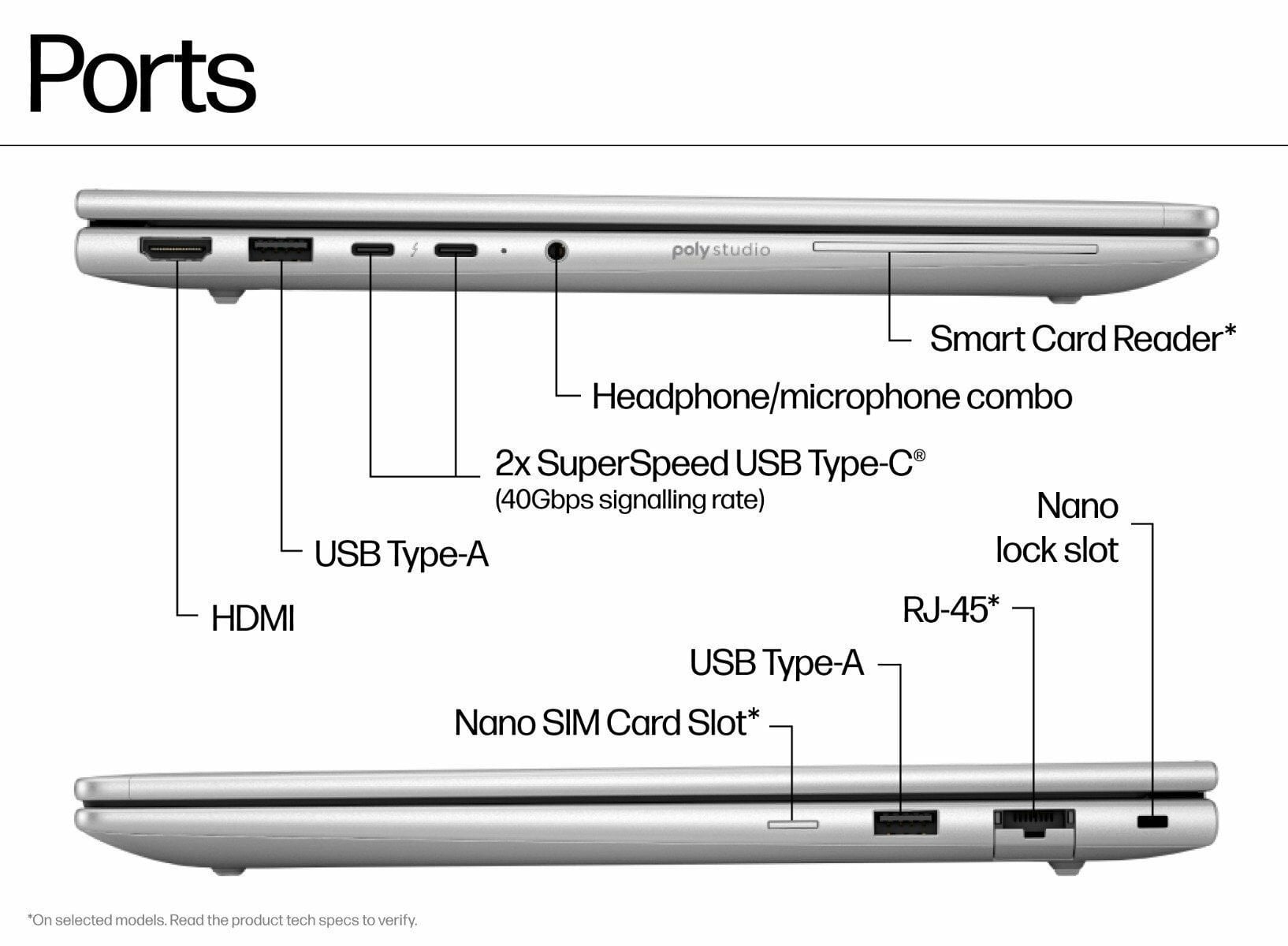
Those specifications make the EliteBook’s audience unusually clear. It is aimed at readers who value local mobility, a professional operating system and substantial memory more than a large fixed display. The store also lists Intel AI Boost, but we would not treat the presence of an NPU as a reason to buy by itself. Software support, workload and battery expectations still matter. HP’s business computing pages help place that specification in context.
The limit is that business suitability is not the same as universal value. A 14-inch panel is portable but less spacious for long spreadsheet sessions, and the page’s display colour coverage is not positioned as a creative reference monitor. Readers who need a fixed home workstation may get more from an OmniDesk and monitor combination; readers who move between meetings and locations have a stronger case for this model. The EliteBook listing is the place to check current configuration details.
- Choose it for: business travel, Windows 11 Pro and high memory capacity.
- Think twice if: you need a large screen, gaming graphics or a low-complexity family PC.
- Check next: ports, battery expectations, warranty and the exact regional configuration.
3. HP 23.8 inch All-in-One for a tidy shared space
The HP 23.8 inch All-in-One Desktop PC 24-cr0033a answers the opposite problem. Instead of choosing a tower and display separately, it combines the computer and a 23.8-inch Full HD IPS screen in one shell. The listing specifies a 13th Generation Intel Core i5 processor, 16 GB DDR4 memory and a 512 GB PCIe NVMe SSD.
For a shared home office, study corner or family desk, the attraction is fewer separate decisions. The screen has a three-sided micro-edge design, anti-glare treatment and 99% sRGB coverage in the store’s specification. The page also describes HDMI output, USB-C and several USB-A ports, so the compact format does not mean the computer is isolated from other devices. See the home desktop options if a different screen size would suit the room better.
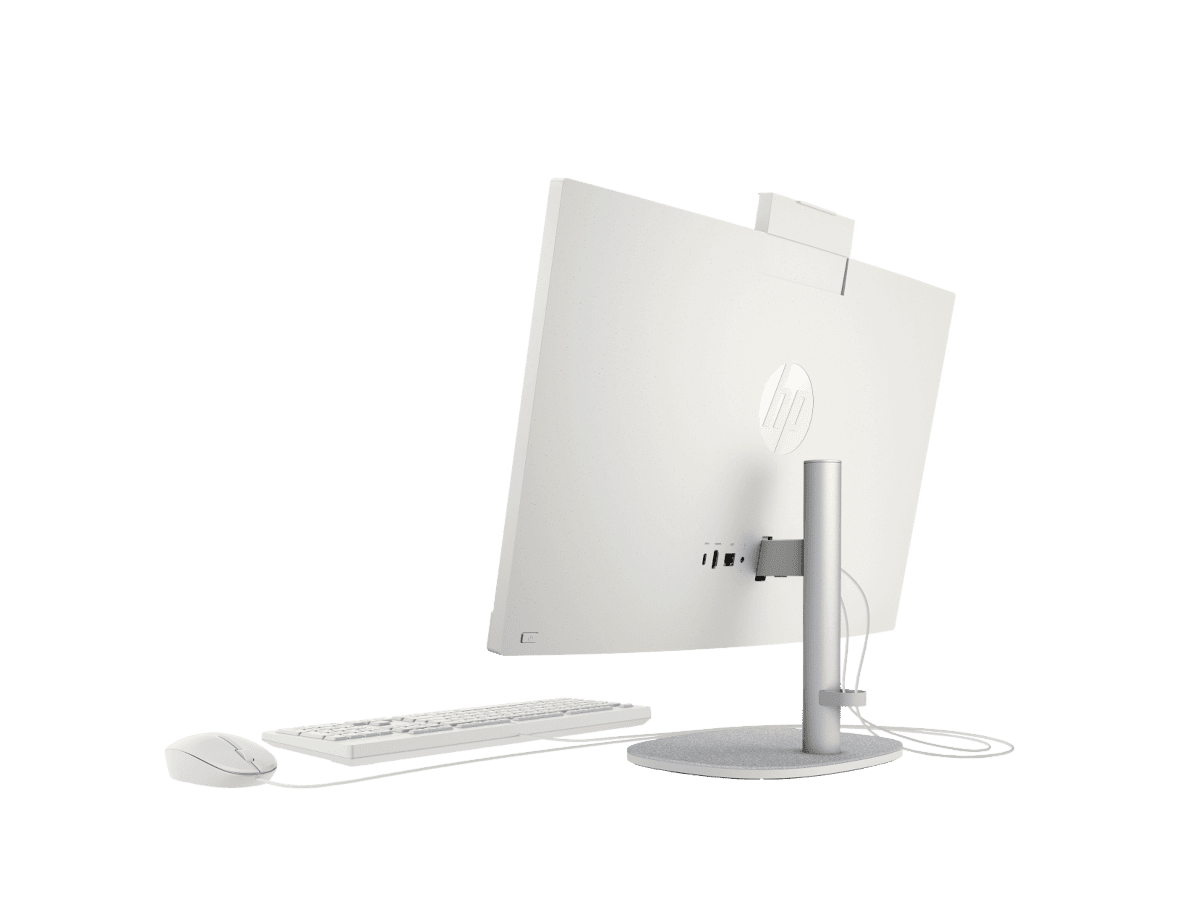
The compromise is the one built into every all-in-one: the display and computer are closely tied together. If one part becomes the limiting factor later, upgrading is less modular than with a tower and separate monitor. We would recommend this route to readers who value a clean, contained workstation and do not expect to rebuild the setup component by component. Review the live All-in-One details for the current keyboard, mouse and configuration information.
Which limits should a buyer take seriously?
The store’s breadth is useful, but breadth creates work. HP’s naming spans several families, and products with similar screen sizes can differ in processor generation, memory type, operating system, ports and included peripherals. The correct choice is therefore less about finding the most impressive specification and more about avoiding a mismatch.
- Do not compare screen size alone: resolution, panel type and anti-glare treatment change the experience.
- Do not assume AI branding settles performance: check the processor, memory and software you actually use.
- Do not overlook storage: a smaller SSD may suit documents but not a growing media or game library.
- Do not treat an offer banner as permanent: confirm the live configuration and terms on the Australia store.
There is also a practical price limitation. The store’s listings are a moving reference, and cost varies with configuration, display inclusion, operating system, support and stock. Rather than repeat an amount that may age badly, we recommend comparing the current product pages and asking whether the extra hardware solves a real need. Use the current store listings and the support pages alongside the full HP store Australia catalogue so the decision reflects the live offer.
Which HP computer fits each reader?
Our recommendation is conditional, which is the honest result of the research. The OmniDesk is the practical starting point for a fixed desk with an existing screen. The EliteBook makes more sense for mobile business work where memory, Windows 11 Pro and a portable format carry more weight. The All-in-One is the simplest fit for a shared room where a single contained unit matters more than future modular upgrades.

Use the compact table as a decision shortcut, then open the exact model page. It is not a substitute for checking stock, included accessories, warranty terms or the latest configuration.
| Product | Best for | |
|---|---|---|
| HP OmniDesk Desktop PC M02-0014 | Fixed home or student desk with a separate monitor | See price |
| HP EliteBook 6 G1i 14 inch Laptop AI PC | Mobile business work and high-memory multitasking | See price |
| HP 23.8 inch All-in-One Desktop PC 24-cr0033a | Tidy shared home office or study space | See price |
Ready to choose your HP computer?
HP store Australia is worth considering if you want a wide official catalogue, clear configuration pages and the option to match a machine to a real use case. Our strongest recommendation is to start with the format, then verify memory, storage, screen and ports on the exact product page. That approach makes the store’s breadth useful instead of overwhelming.
The honest limitation is that the range rewards careful comparison. Stock, configurations and prices can change, and no single HP computer suits every desk. If you are ready to compare the current regional listings, the store is a reasonable next step.

Leave a Comment