


Choosing a computer is easier when the shape of the device matches the work. The HP store Australia range includes a convertible laptop, a conventional notebook and printers for very different home routines.
We compared the listed product details and store categories to identify where each option makes sense. The choice comes down to whether you value a flexible screen, a familiar laptop format, or the ability to put paper output on the household task list.
This is a comparison of current product information, not hands-on testing. Product configurations, stock and included features can vary across listings.
Some links in this article are affiliate links: if you make a purchase through them, we may receive a small commission.
Before you read on: The HP OmniBook 5 Flip is the flexible pick for touch and convertible use; the HP OmniBook 5 is the straightforward clamshell for mobile work; the HP Envy Photo 7930 is relevant when printing, scanning and copying matter more than portability. Compare the live AU listing before deciding.
What changes the decision between these HP options?
These products solve separate jobs, so a useful comparison starts with the main task. A laptop handles documents, calls and browser work wherever you sit. A convertible adds screen positions for touch interaction, while an all-in-one printer complements a computer rather than replacing it.
On the Australia store, product pages and category listings let buyers narrow by device family and configuration. That helps when matching memory, storage, screen size and processor tier, though the listing can change and a family name may cover several variants. Review the configuration on the precise product page before treating a specification as guaranteed. Start with the HP store Australia listings and compare the details shown.
- Screen flexibility: choose a convertible only if touch or alternate viewing positions are useful.
- Daily portability: compare the laptop’s screen size and weight with the space in your bag.
- Paper workflow: decide whether you need colour output, scanning or copying at home.
- Running costs: for a printer, consider ink type and how often you print, not just the device.
Is the HP OmniBook 5 Flip worth choosing over a regular laptop?
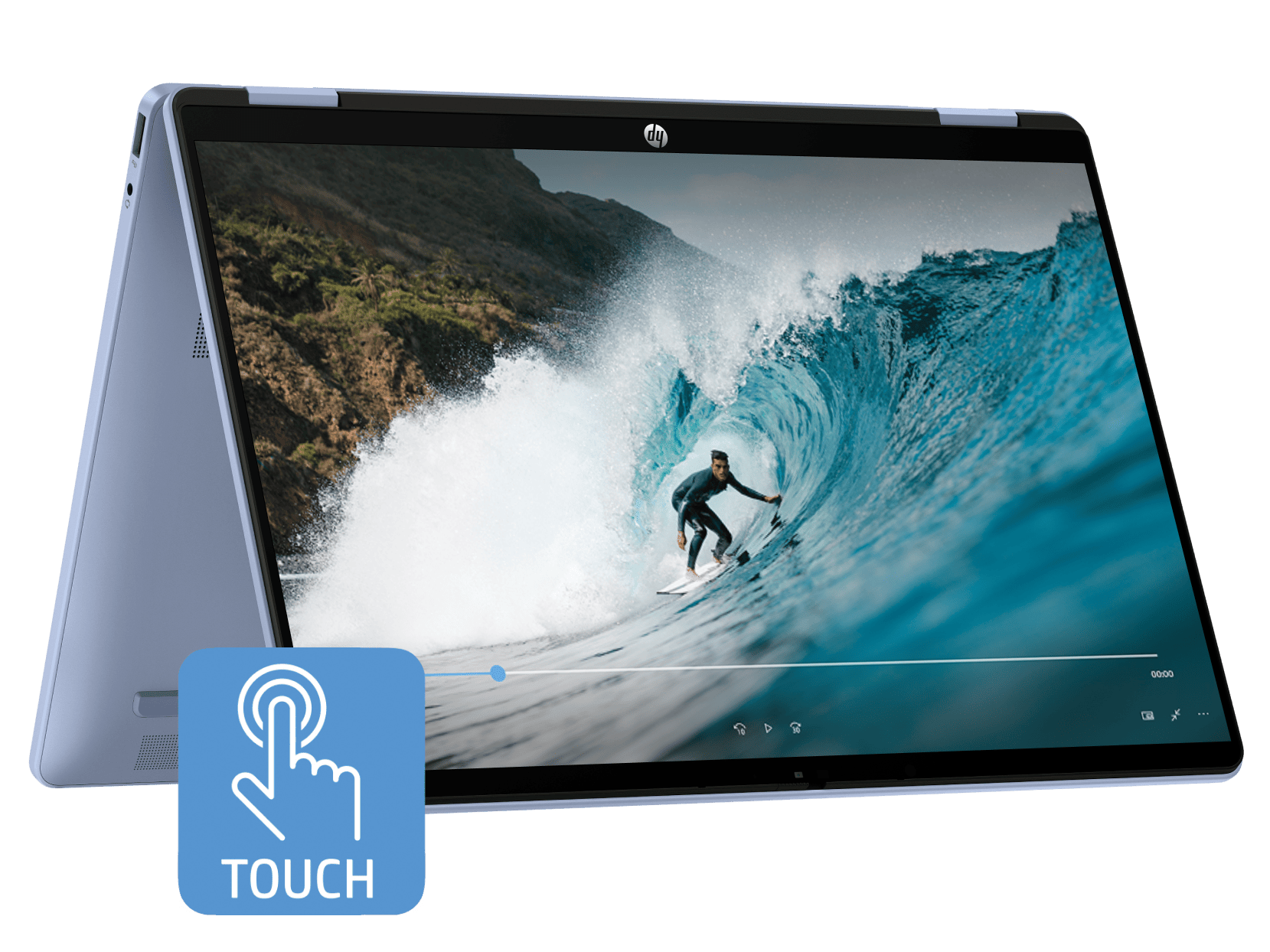
The HP OmniBook 5 Flip 14 inch 2-in-1 Laptop PC FP0023TU is the more adaptable shape in this comparison. HP lists it as a convertible 2-in-1, which makes it the natural candidate for readers who want a touchscreen device that can change orientation for reading, presenting or a shared view. Its flexibility has value only if those modes fit the routine.
Compared with a standard clamshell, the Flip adds a hinge and touch use to the decision. That can be handy for annotating, browsing recipes at a counter or showing material across a desk, but it also means checking the actual configuration, port selection and weight. If the laptop will stay open on a desk for spreadsheets and video meetings, a conventional notebook may be the cleaner fit.
- Convertible mode is useful for touch tasks.
- Keyboard-first work may favour a clamshell.
- Check model configuration and carrying weight.
HP’s AU listing identifies the FP0023TU model. See the listing for current specifications and availability through the HP OmniBook 5 Flip product information; details can vary between nearby model codes. Compare OmniBook 5 configurations against the Flip before settling on a size. It earns the lead for flexibility and touch, not because every buyer needs a convertible. For a fuller comparison, also consult the live HP Australia range and verify the variant shown. The AU product listing is the place to compare available configurations.
When is the standard HP OmniBook 5 the better fit?
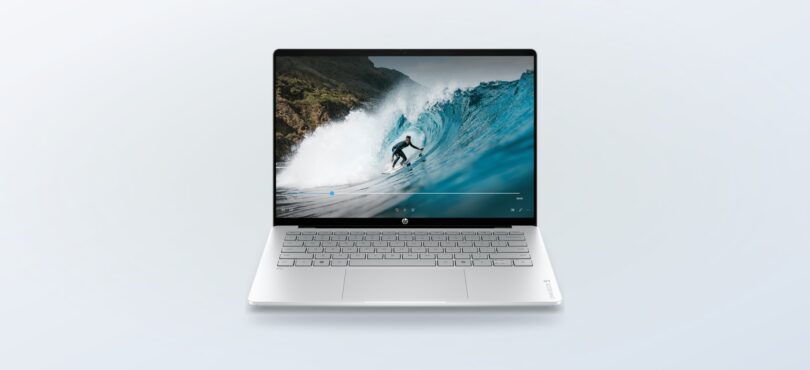
The HP OmniBook 5 Laptop 14 inch AI PC HE1012QU suits people who want a familiar notebook outline. For writing, research, video calls and general work, the conventional clamshell keeps the interaction simple: open the lid, work on the screen, close it and carry it away. Buyers who rarely use touch or tablet-style positioning may prefer spending attention on screen and performance configuration instead.
HP labels this listing as a next-generation AI PC. Treat that as a product positioning and check the detailed page for the processor and software features attached to the exact configuration. The term alone does not tell you whether the machine fits your workload. The relevant questions are which applications you run, what memory they need, and whether the screen size suits long sessions.
For many students and hybrid workers, this model is the practical middle ground: the portability of a notebook without paying for an extra mode of use in the decision. Explore the HP OmniBook 5 HE1012QU details and compare its live configuration with the Flip. The regular model is our pick for straightforward everyday computing. Check its live product information at HP’s Australia store alongside the related model.
- Choose the standard OmniBook if typing and pointing are your main interactions.
- Choose the Flip if touch and multiple viewing positions will be used often.
- Check ports and display details against the monitor or accessories you already own.
Does a home printer belong in the same shortlist?
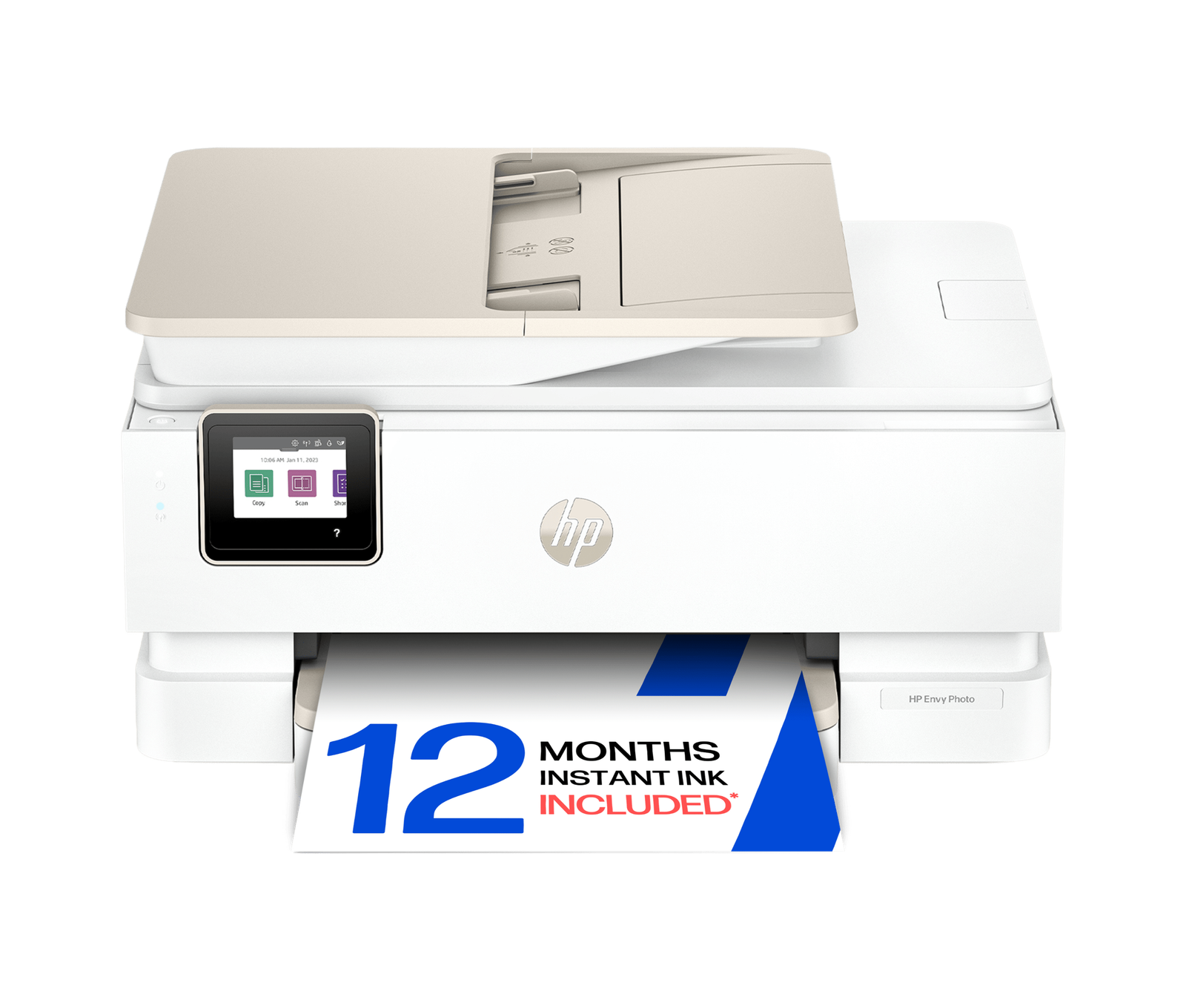
A printer is an alternative purchase priority, not an alternative laptop. The HP Envy Photo 7930 All-in-One Printer is worth comparing if your home workflow includes printing photographs or documents and you also need scan and copy functions. It is a different kind of value: it supports a shared household workflow while your computer remains the device for creating and managing the files.
HP’s store groups printers by type, with ink tank, cartridge and laser families among the choices. The Envy Photo line points toward colour and photo use, while a high-volume document routine may call for a different printer category. The Envy Photo information can be compared with the broader printer family. Before choosing, check paper sizes, duplex support, wireless setup, included supplies and whether the model’s functions match how many pages you expect to handle.
For the Envy Photo 7930, use HP’s Australia printer listing to confirm the exact model and availability: see HP Envy Photo printer information. A category page can include several printer configurations, so follow the product name carefully. The printer is the best fit for home output and scanning, but it cannot replace a computer or eliminate recurring supply costs. Compare it against HP’s AU printer range before choosing a device.
How do the three choices compare for common routines?
The table separates the strongest use case for each product. “Best for” is a recommendation from the listed form and category, not a claim that one device wins every task. The links point to HP’s Australia product information so you can check the configuration that is available to you.
| Product | Best for | Strength | |
|---|---|---|---|
| HP OmniBook 5 Flip FP0023TU | Touch and flexible use | Convertible 2-in-1 format | See price |
| HP OmniBook 5 HE1012QU | Study and mobile work | Traditional laptop workflow | See price |
| HP Envy Photo 7930 | Home printing and scanning | All-in-one printer role | See price |
The table is a shortlist, not an endorsement of an unverified configuration. Product-family listings can offer screen, processor and storage variations. We would compare the details shown on the exact page, then consider what else the setup requires. Browse HP Australia options for current availability, then consider: a monitor for a fixed desk, a suitable sleeve for commuting, or paper and ink for the printer.
What should you compare with typical alternatives?
Against a basic laptop, a 2-in-1 asks you to pay attention to the hinge and touchscreen value. It makes sense when you will use it; otherwise, a regular clamshell often keeps the purchase decision more focused. Against a desktop, either OmniBook wins for portability, while a desktop can be preferable when a larger monitor and a permanent workspace matter more.
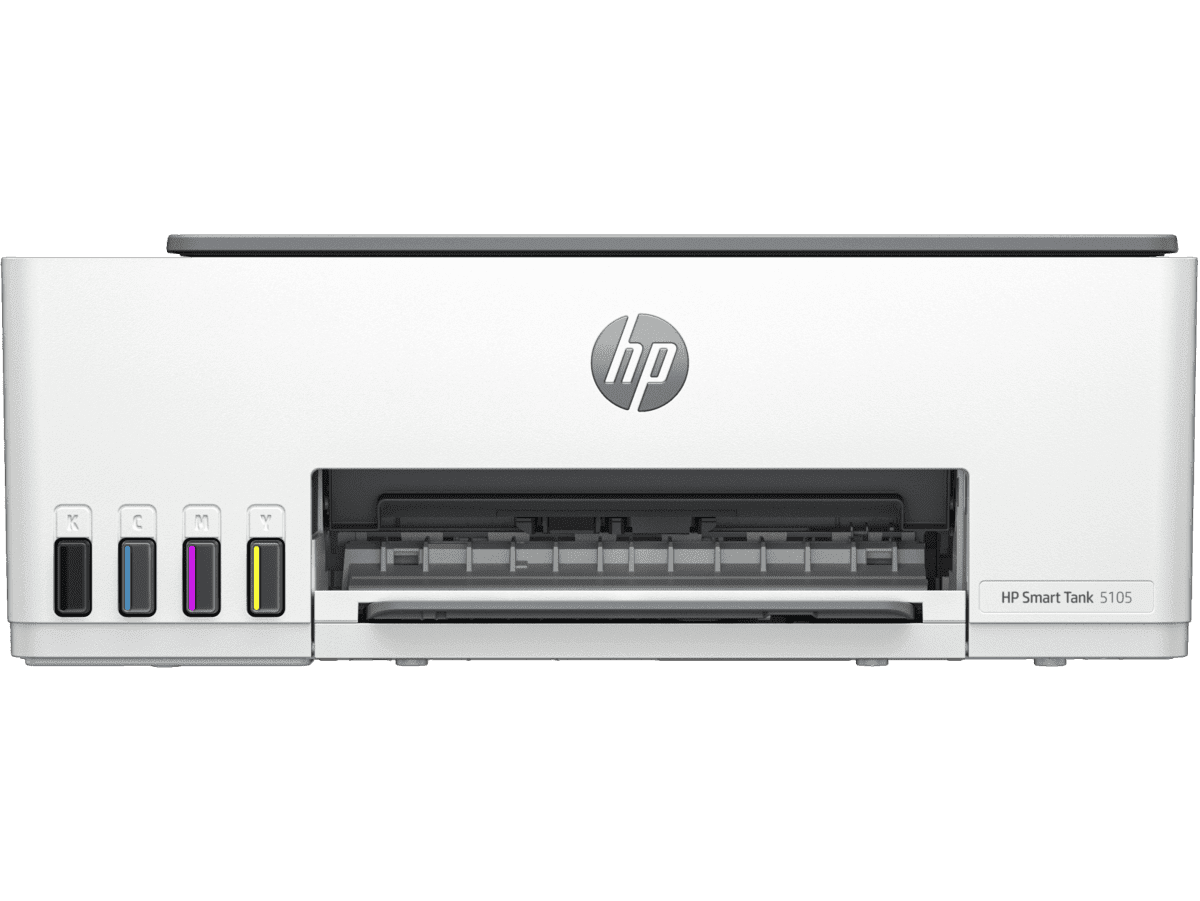
For printing, the alternatives are not simply different brands. They include using a local print service for occasional pages, a cartridge printer for modest intermittent colour output, or an ink tank model when regular volume makes refill capacity relevant. HP’s own printer categories include multiple approaches, but consumable costs and actual yield depend on what and how much you print. Check those facts on the listing and supply pages.
As you compare, work through a few practical questions rather than treating a marketing label as a verdict:
- Will the device travel daily or stay in one room?
- Do you need touchscreen input, or is a keyboard-first setup enough?
- Which applications or print jobs place the greatest demand on the device?
- What is included, and what accessories or supplies are separate?
- Does the current AU page show the ports, warranty and support you need?
Which option wins by use case?
For flexibility, the OmniBook 5 Flip wins. It is the most suitable of these three when touch and convertible positioning solve a regular task. The limitation is clear: if you will use it like a normal laptop every day, the extra format may not matter.
For study and general mobile work, the OmniBook 5 wins. It is the more straightforward laptop choice, with its exact performance and configuration details to be confirmed on HP’s current AU listing. For family printing and scanning, the Envy Photo 7930 wins by being a printer designed for that shared paper workflow. The honest drawback for both is that they answer different needs, and printer supplies add an ongoing consideration.
- Best convertible: HP OmniBook 5 Flip FP0023TU.
- Best everyday notebook: HP OmniBook 5 HE1012QU.
- Best household printing option here: HP Envy Photo 7930.
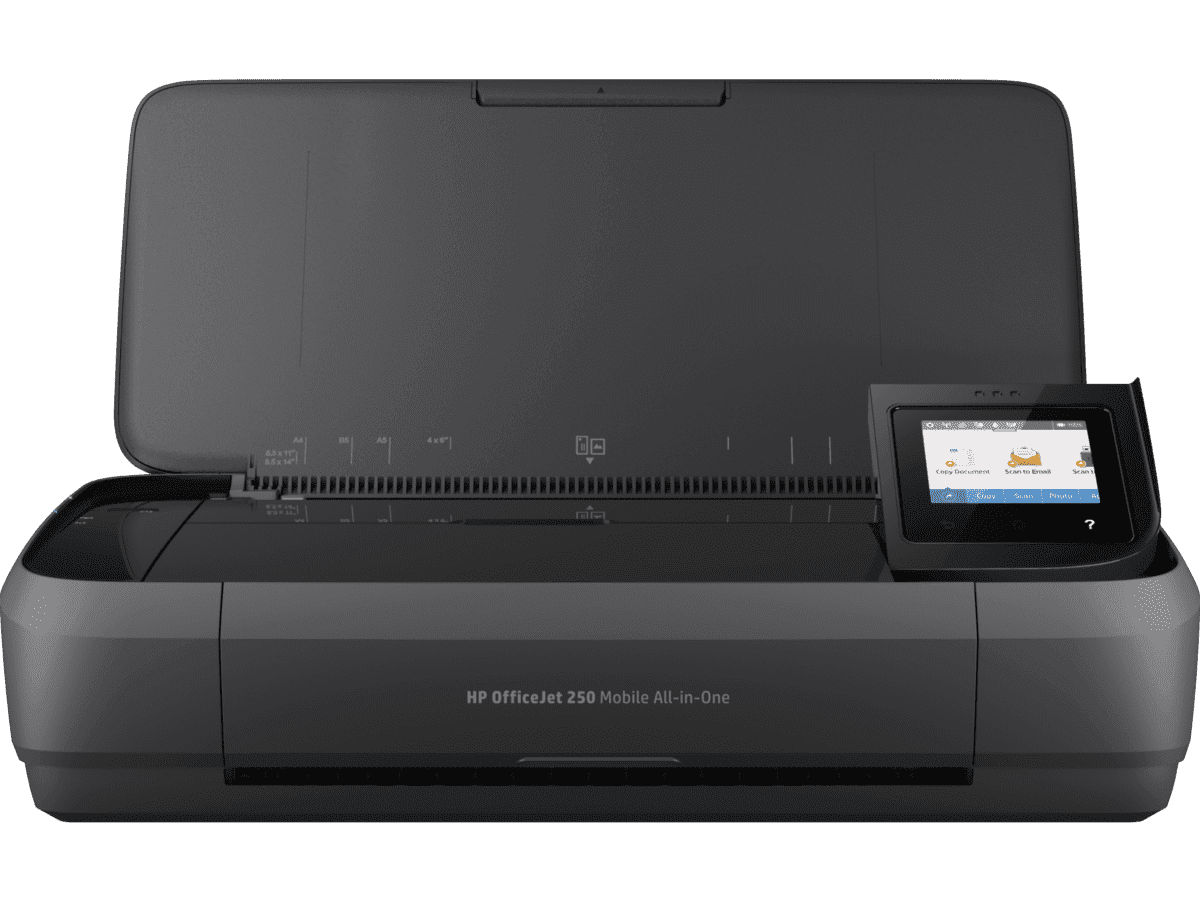
Ready to compare the HP store Australia options?
Start with the task that happens most often, then inspect the exact listing for configuration, availability, delivery, returns and support details. Our recommendation is the regular OmniBook for keyboard-first mobile computing, the Flip when its touchscreen modes will earn their place, and an all-in-one printer only when printing or scanning is a genuine part of the household routine.
One limitation applies across the comparison: HP’s store changes stock and configurations, and product-family names can cover distinct models. Confirm the model code and included features before choosing.




Leave a Comment